
What a restaurant website needs in 2026: menus, booking and local search
A guest deciding where to eat tonight needs three answers quickly: what you serve, whether you are open and how to get a table or an order. A restaurant website that gives those answers in a few seconds on a phone fills tables. One that hides them behind a slow slideshow or a PDF menu sends the guest back to Google. This guide covers what a restaurant website needs in 2026, page by page, so you can check your own site or brief whoever builds it. If you want the site built for you, see our restaurant website design service.
What a restaurant website needs: the short list
Every restaurant is different, but almost every good restaurant website shares these essentials:
| Essential | Why it matters |
|---|---|
| A text menu that reads on a phone | The menu is the most visited page; text loads fast, zooms and can be read by search engines |
| Hours, address and a map link on every page | Guests check whether you are open and how to get there before anything else |
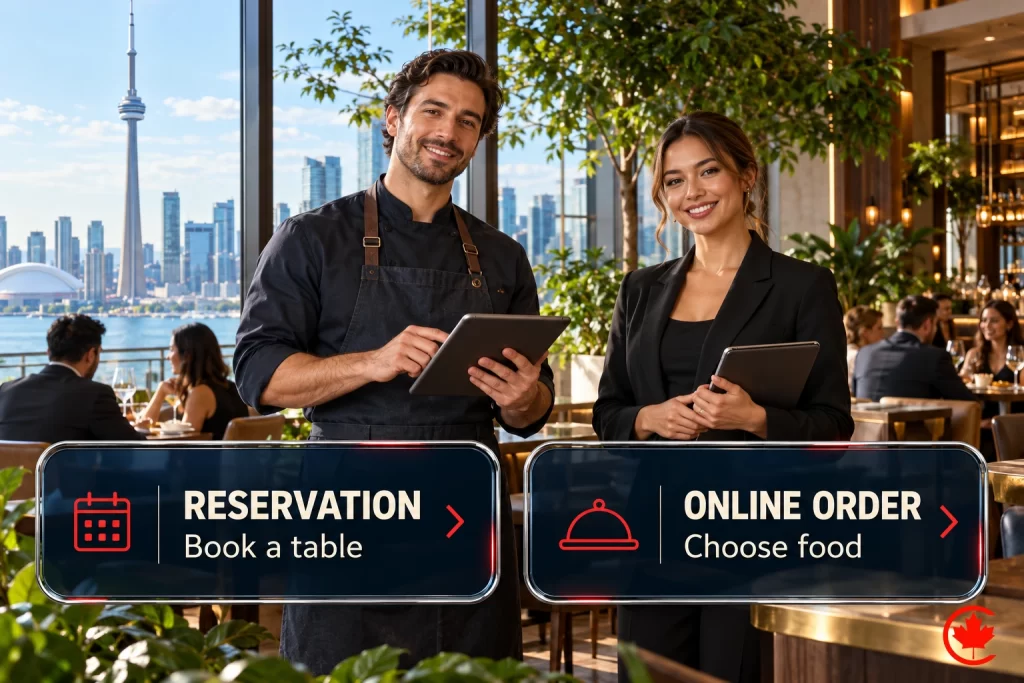
| A reservation or order button in the header | One tap from any page removes a step and a phone call |
| Real photos of the food and the room | Guests decide with their eyes; stock photos erase what makes you different |
| A tap-to-call phone number | Some guests still want to ask a question before they come |
| Private dining or catering details, if you offer them | Group and event enquiries can be valuable; assess their fit, revenue and delivery costs |
| A short story about the restaurant | Gives guests and journalists a reason to choose you |
| Fast loading and accessible design | Slow or hard-to-read pages lose guests, especially on mobile data |
We design restaurant websites in Toronto with mobile menus, reservations, online ordering and local search built in.
The pages every restaurant site should have
- Home. A clear photo, one line about the food and the room, and buttons for menu, reservations or ordering, and directions.
- Menu. Separate sections for lunch, dinner, brunch, drinks and any prix fixe or seasonal menu.
- Reservations or ordering. Either a page with an embedded widget or a direct link to your booking or ordering system.
- Location and hours. Address, map, regular and holiday hours, parking, transit and accessibility details.
- Private dining and catering. Capacity, sample menus, photos of the space and a short enquiry form.
- About. The people behind the food, the story of the place and what guests can expect.
- Contact. Phone, email, social links and a simple form for questions that are not bookings.
- Privacy policy. Needed when you collect names, emails or payment details for reservations, orders or a newsletter.
Groups with several locations need one page per location, each with its own address, hours, menu and booking link, matching that location’s Google Business Profile.
Menus: text first, PDF second
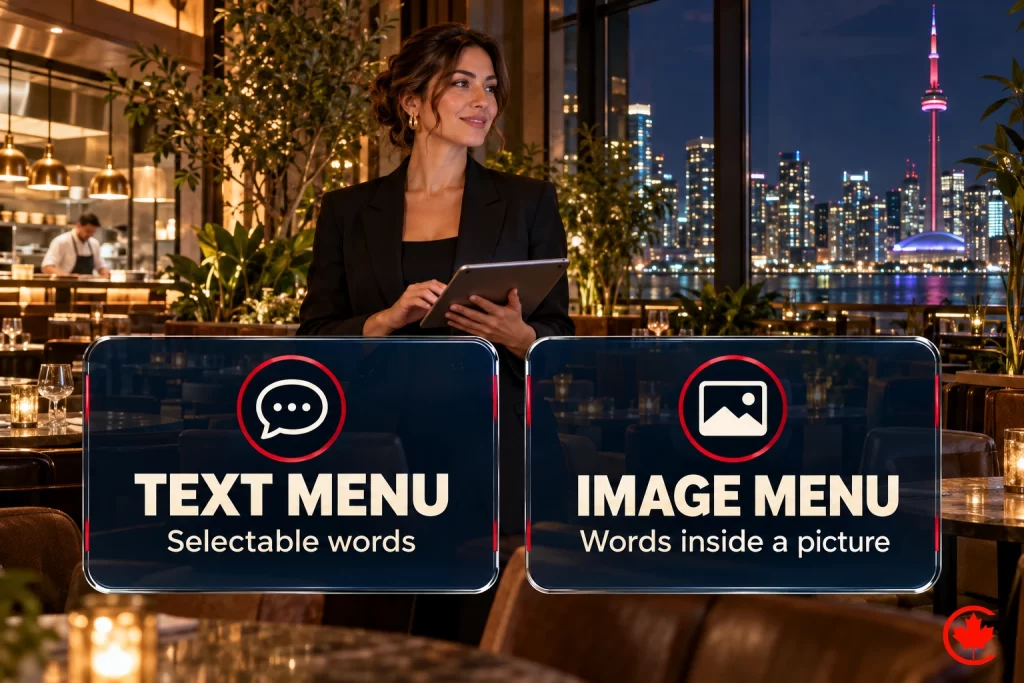
A PDF menu is easy to upload and hard to use. It loads slowly, needs pinching and zooming on a phone, is hard for screen readers and is often out of date because nobody wants to redesign it for one price change. A menu written as text on the page solves all of that. Keep a PDF only as an optional printable copy.
Make the menu easy to update
Whoever updates prices and dishes should be able to do it in a minute without a designer. If changing one dish means editing a graphic, the menu will drift out of date.
Dietary and allergen labels
Guests look for vegetarian, vegan, gluten-free, halal and nut-free options before booking. Labels help, but they must be accurate. If the kitchen cannot promise an allergen-free dish, the menu should say so plainly. In Ontario, food service chains with 20 or more locations must also show calories on their menus under the Healthy Menu Choices Act; check the current rules with the province if that applies to you.
Prices that include mandatory charges
If a service charge or delivery fee is mandatory, show it as part of the price guests see online. Revealing mandatory fees only at checkout is treated as misleading pricing under Canadian competition law.
Reservations, ordering and delivery
If you take reservations, the booking button belongs in the header of every page, not only on the contact page. Most restaurants already use a booking platform such as OpenTable, Resy or Tock, or the reservation feature of their point-of-sale system; the website should link to it or embed it, and the same link should appear on your Google Business Profile.
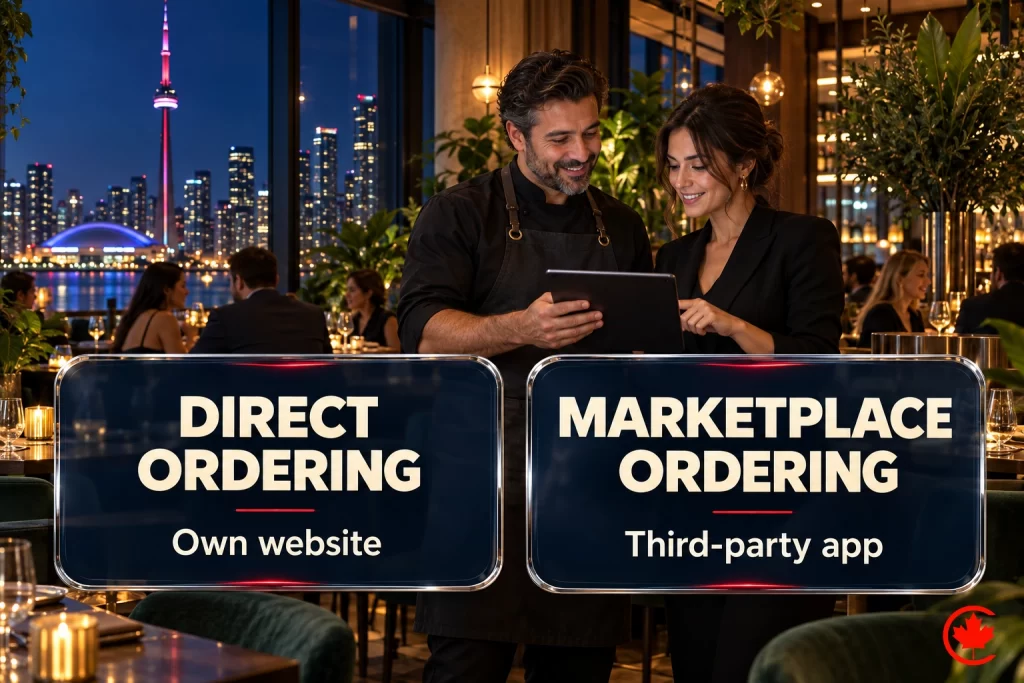
Online ordering works the same way. Delivery apps bring reach but charge commissions and keep much of the customer relationship. Many restaurants keep the apps and add direct pickup and delivery ordering on their own website, often through their point-of-sale system’s ordering module. Make the direct option easy to find without hiding the apps from guests who prefer them. Our guide on how restaurants get more customers in Canada compares the two in more depth.
Photos and design that match the room
Photography does most of the selling on a restaurant website. Plan photos for the pages you actually need: a strong opening image, the dishes guests order most, the dining room, the bar, any private room and the exterior so guests recognize the door. Natural light and real plates beat heavy filters.
The design should feel like the restaurant. A neighbourhood taqueria and a tasting-menu room should not look alike online. Keep type readable on a small screen, keep contrast high enough to read on a sunny patio, and use video sparingly: a heavy autoplay video that loads before the menu costs more guests than it wins.
Local search basics for restaurants
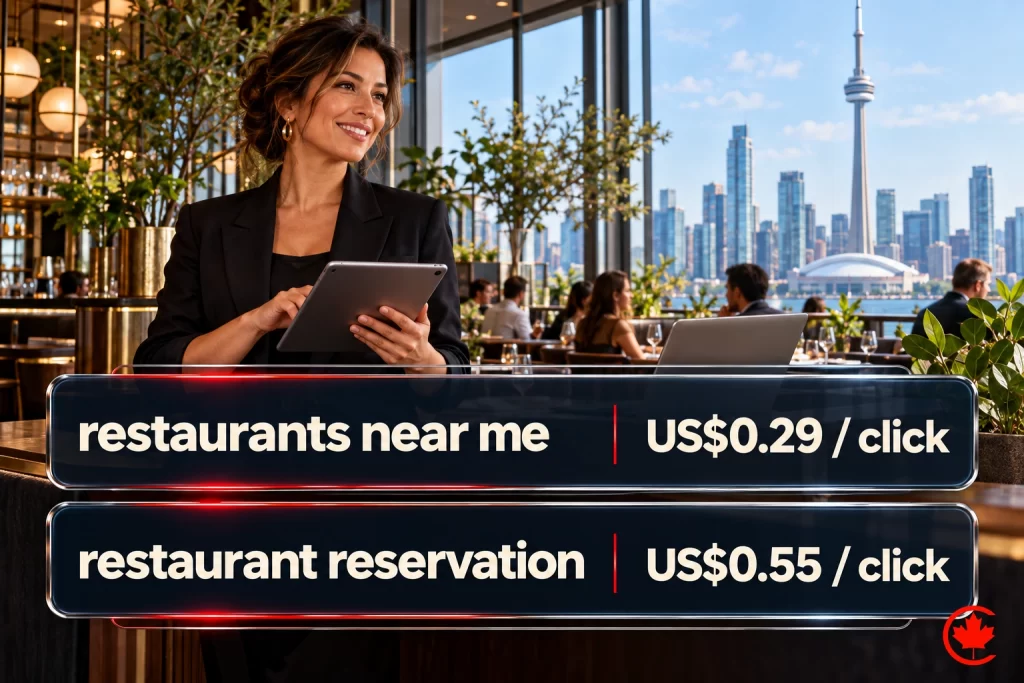
Many guests meet your restaurant on Google Maps before they see your website. Google ranks local results by relevance, distance and prominence, and your website supports all three:
- Use the same restaurant name, address, phone number and hours on the website, your Google Business Profile and every directory.
- Describe your cuisine, signature dishes and neighbourhood in plain words on the home and menu pages.
- Add restaurant schema markup with cuisine, hours, price range, menu link and reservation link. Our guide to schema markup for Toronto businesses explains how.
- Update holiday hours on the website and the profile at the same time.
- Ask happy guests for Google reviews, never with incentives, and reply to reviews politely.
The profile side is covered step by step in our Google Business Profile optimization guide.
Choosing a platform
Several kinds of platforms are common for restaurant websites:
- WordPress gives full control of design, menus, location pages and search, with an editor staff can learn. It needs hosting and regular updates.
- Website builders such as Squarespace and Wix are quick to start and handle hosting for you, with less flexibility as needs grow.
- Restaurant platforms such as BentoBox combine a website with reservations, ordering and gift cards in one system.
- Point-of-sale websites from systems such as Square or Toast can publish a simple site with ordering connected to the kitchen.
The right choice depends on how many locations you run, how often the menu changes, which booking and ordering systems you already use and how much control you want over design and search. Whichever you choose, make sure you own the domain and can move the site later.
Content ideas that bring guests back
- Seasonal menus and specials, updated when they change.
- Events such as tasting nights, live music, holiday menus and city-wide promotions.
- The story of a signature dish, a supplier or the chef.
- A newsletter sign-up with clear consent and an unsubscribe link, as Canada’s anti-spam law requires.
- Gift cards, promoted before holidays and Mother’s Day.
- Guest photos shared with permission.
- QR codes on tables and takeout bags that point to the menu or ordering page.
Licensed restaurants promoting drinks or happy hour in Ontario should keep those pages within the Alcohol and Gaming Commission of Ontario’s advertising rules.
Examples from food businesses
Looking at real food websites helps you decide what to copy and what to skip. From our own portfolio, the Meat Zone website is a restaurant site built around the menu and the brand, while BOOF, DELPASAND and Mezositi show product photography and ecommerce for food brands. When you review any example, check it on your phone: how fast does the menu open, and how many taps does it take to book?
Common restaurant website mistakes
- A PDF or image menu as the only menu.
- The booking button only on the contact page.
- Holiday hours that never reach the website or Google.
- Different phone numbers or menus on the website, Google and delivery apps.
- Autoplay video or sliders that load before the menu.
- Private dining enquiries sent to a general contact form with no details.
- A redesign that changes the menu address and breaks every printed QR code.
If you are replacing an old site, our website migration checklist covers redirects, testing and what to watch after launch.
Frequently asked questions
What are some good ideas for a restaurant website?
Seasonal menus and specials, updated when they change, give guests a reason to come back. Event pages for tasting nights, live music or holiday menus work well, and so does the story of a signature dish, a supplier or the chef. Gift cards promoted before holidays, guest photos shared with permission and QR codes on tables and takeout bags that open the menu are other easy wins. A newsletter sign-up needs clear consent and an unsubscribe link under Canada's anti-spam law.
Do restaurants still need their own website if they are on delivery apps?
Yes, because delivery apps charge commissions and keep much of the customer relationship. Your own website can offer direct pickup and delivery ordering, often through your point-of-sale system's ordering module, alongside the apps. It is also where the full menu, hours and reservation button live. Keep the apps visible for guests who prefer them, and make the direct option easy to find.
How much does it cost to set up a restaurant website?
Price follows the platform you pick, the number of locations that need their own pages, how often the menu changes and which booking and ordering systems must connect. A website builder or a point-of-sale website is quicker to start, while a WordPress site gives more control over design, menus and search. Food and dining room photography is often the largest content cost. Ask for quotes on the same list of pages and features so they compare fairly.
Can ChatGPT build a restaurant website for me?
An AI chat tool can draft page text or code, but it cannot check your prices, allergen information or holiday hours. Someone at the restaurant still has to confirm every dish, label and mandatory charge before it goes live. You also need hosting, a domain you own and working links to your booking and ordering systems. Treat any AI draft as a starting point that staff review.
Can I build my restaurant website myself?
Many owners do, using builders such as Squarespace or Wix, which handle hosting and are quick to start. Point-of-sale systems such as Square or Toast can also publish a simple site with ordering connected to the kitchen. These options give less flexibility as you add locations or want more control over design and search. Whichever you choose, make sure you own the domain and can move the site later.
Are restaurant websites still relevant in 2026 when guests find places on Google Maps?
They are, since Google ranks local results by relevance, distance and prominence, and the website supports all three. Plain descriptions of your cuisine, signature dishes and neighbourhood help Google match you to searches. Restaurant schema markup and a name, address, phone number and hours that match your Google Business Profile add to that. Guests who tap through from Maps then land on your menu and booking button.
What should a restaurant website have on every page?
Hours, address and a map link belong on every page, since guests check whether you are open and how to get there first. A reservation or order button in the header saves a tap and a phone call. A tap-to-call number helps guests who want to ask something before they come. Fast loading and readable type matter most for visitors on mobile data.
How does a restaurant website help the restaurant make money?
It turns visits into bookings and direct orders, which avoid the commission a delivery app takes. Gift card sales, catering and private dining enquiries also come through the site when those pages give capacity, sample menus and a proper enquiry form. Showing prices that already include any mandatory service charge or delivery fee keeps the menu within Canadian competition law. Group bookings are worth weighing for fit, revenue and delivery costs.