
Website Migration Checklist 2026: Plan, Move and Verify
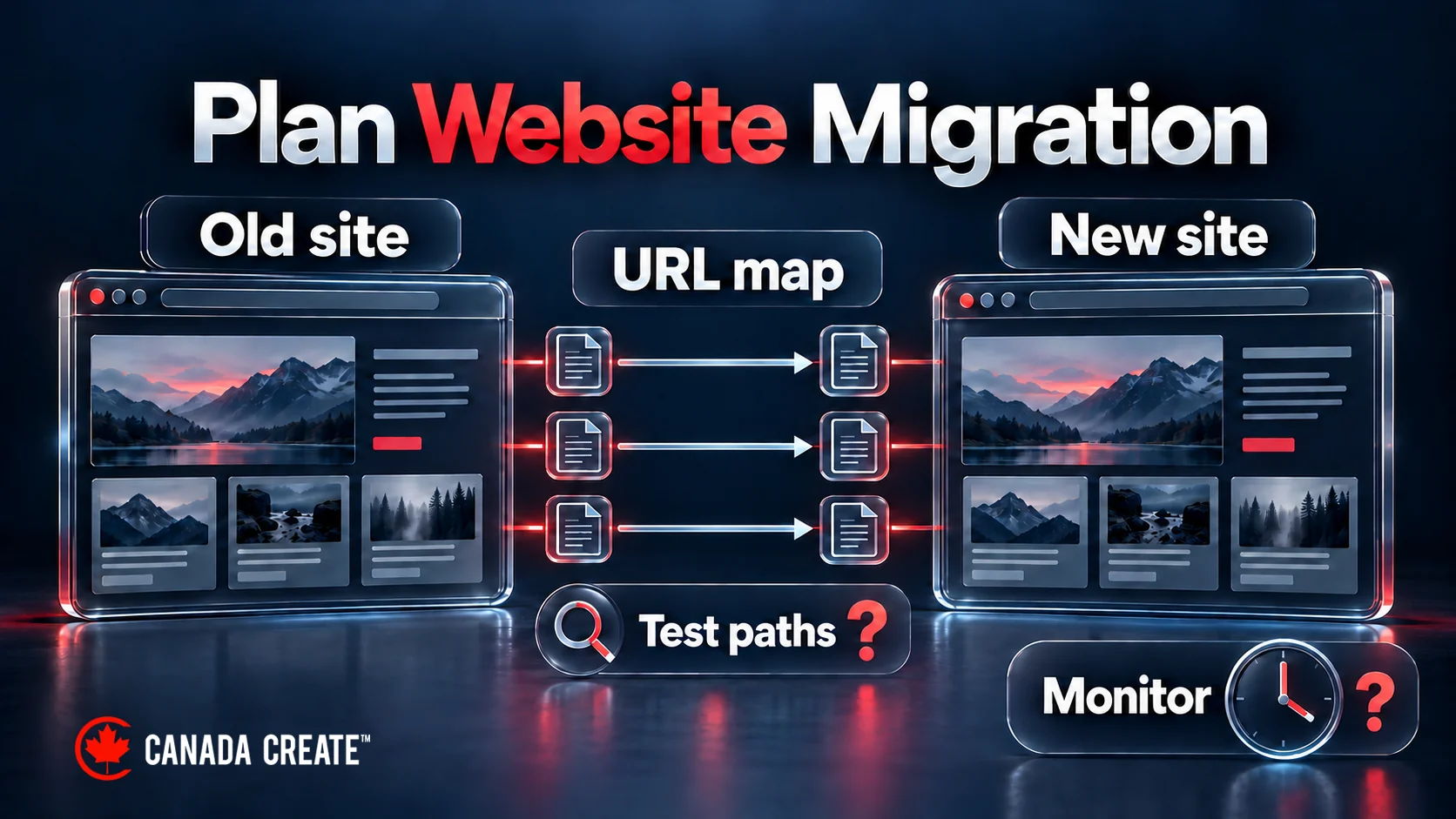
A website migration is any large change to where or how your site lives: a new domain, a new platform, a new host, a move to HTTPS, or a redesign that changes your URLs. Careful migration planning reduces avoidable risks to search visibility, traffic and enquiries, but it cannot guarantee unchanged results. A rushed launch can cause serious losses in visibility that take time to diagnose and repair. This checklist walks through every step in order, from planning and URL mapping to launch day and the first 90 days after, so nothing gets missed.
Types of website migration
| Migration type | What changes | SEO risk |
|---|---|---|
| Hosting move | Server or hosting company; URLs stay the same | Low, if speed and uptime hold |
| HTTP to HTTPS | Protocol for every URL | Low to medium |
| Platform change | CMS, for example Wix or Squarespace to WordPress | Medium to high; URLs and templates often change |
| Redesign with new structure | Navigation, page templates and URLs | Medium to high |
| Domain change | Every URL on the site | High |
| Site merge | Two or more sites combined into one | High |
We plan and deliver website maintenance and security for businesses in Toronto and across Canada, scoped in writing after a free review.
The more of these you combine in one launch, the harder it is to find the cause if traffic drops. Where you can, separate a domain change from a redesign.

Phase 1: Plan and benchmark
- Define the scope: write down exactly what is changing (domain, platform, host, design, URLs) and what is staying the same.
- Pick a quiet launch window: avoid your busiest season and launch early in the week so your team is around to fix issues.
- Benchmark performance: export traffic, conversions and top landing pages from analytics, and clicks, impressions and positions from Google Search Console, for at least the last 12 months.
- Record rankings: note positions for your most valuable keywords.
- Measure speed: record Core Web Vitals and page speed for key templates.
- Back up everything: files, database, email settings and DNS records.
Phase 2: Crawl and inventory the old site
- Crawl the full site and export every URL, including pages, posts, images and PDFs.
- Add URLs from your XML sitemap, analytics landing pages and Search Console that a crawl might miss.
- Export the pages with the most backlinks; these must keep their value.
- Record title tags, meta descriptions, headings, canonical tags, structured data and hreflang for each important page.
- List all forms, tracking codes, integrations and third-party scripts.
Phase 3: Map every old URL to a new one
The URL map is the heart of a safe migration. Every old URL that has traffic, rankings or links needs a matching new URL.
- Map one to one wherever a page keeps the same purpose.
- When pages merge, redirect each old URL to the closest matching new page, not the homepage.
- Only let a URL return 404 or 410 when the content is gone for good and has no useful equivalent.
- Use permanent server-side redirects, typically 301 or 308, for a permanent move.
- Avoid redirect chains: each old URL should point directly to its final destination.
- Include images, PDFs and old redirects that already point to the site.

Phase 4: Build and test on staging
- Block search engines on staging: prefer authenticated access for private staging. If you use noindex on a public test site, crawlers must be allowed to read it; robots.txt blocking alone does not prevent indexing.
- Content parity: check that important pages keep their main content, headings and internal links.
- On-page SEO: carry over titles, meta descriptions, canonicals and structured data.
- Internal links: update links to point straight at new URLs instead of relying on redirects.
- Mobile and speed: test templates on phones and compare speed with your benchmark.
- Forms and conversions: submit every form and test calls to action, booking tools and checkout.
- Tracking: install analytics, tag manager and conversion tracking on the new site.
- Test the redirect map: run your list of old URLs against staging to confirm each lands on the right page.
Phase 5: Launch day
- Lower the DNS time to live a day or two before launch so changes spread quickly.
- Take a final backup of the old site.
- Remove the staging noindex or password, and confirm robots.txt is not blocking the site.
- Switch DNS or deploy the new site.
- Have the SSL certificate installed and verified before switching traffic, then confirm every live page loads over HTTPS. If you see warnings, our guide to fixing the Not Secure warning covers the common causes.
- Turn on the 301 redirects and spot-check your top 50 old URLs.
- Submit the new XML sitemap in Google Search Console and Bing Webmaster Tools.
- For a domain change, use the Change of Address tool in Google Search Console and keep both properties verified.
- Test forms, phone links, checkout and tracking on the live site.

Phase 6: The first 90 days after launch
- Daily for the first week: watch Search Console for crawl errors and 404s, and fix missing redirects quickly.
- Weekly: compare traffic, rankings and conversions against your benchmark.
- Update external links: change your Google Business Profile website link, social profiles, directory listings and ad destination URLs.
- Ask for key backlink updates: contact the sites behind your most valuable links and request the new URL.
- Keep redirects in place: leave 301 redirects active for at least a year, and ideally for good.
- Keep the old domain: after a domain change, renew the old domain so its redirects keep working.
Some ranking movement in the first few weeks is normal while search engines recrawl the site. If a decline persists, investigate redirects, content changes, crawl access and indexing alongside demand, seasonality and other search changes; there is no fixed recovery deadline.

Platform and hosting specifics
Moving to WordPress
Set the permalink structure before importing content so URLs match your map, and recreate redirects with a redirect manager or server rules. Check that image file names, alt text and media URLs carry over.
Changing hosts
Copy files and the database, test the site on the new server using a temporary URL or hosts file, and only switch DNS once everything works. Keep the old hosting active for a few days in case of DNS delays. If you are also changing a CDN or DNS provider, our comparison of Cloudflare alternatives covers the main options.
Changing domains
Redirect every URL on the old domain to its equivalent on the new domain, page by page, and use Search Console’s Change of Address tool. Tell customers by email and on social channels so direct traffic follows.
Common migration mistakes
- Redirecting everything to the homepage: search engines treat this like a missing page, and the old page’s value is lost.
- Leaving noindex on after launch: one setting can remove the whole site from search results.
- Dropping content: shorter pages with fewer details often lose the keywords the old pages ranked for.
- Forgetting tracking: without analytics on day one, you cannot measure the impact.
- Launching on a Friday: problems found over a weekend cost more traffic and enquiries.
- Changing everything at once: combining a new domain, platform and design makes problems hard to trace.
Printable website migration checklist
| Stage | Task |
|---|---|
| Plan | Scope written, launch window chosen, 12 months of data exported, backups taken |
| Inventory | All URLs crawled and combined with sitemap, analytics and Search Console lists |
| Map | Every valuable old URL mapped to a relevant new URL with a 301 |
| Staging | Staging access controlled, content parity, metadata, internal links, forms and tracking tested |
| Launch | DNS TTL lowered, noindex removed, SSL live, redirects on, sitemap submitted |
| After launch | 404s fixed, rankings and conversions compared weekly, listings and backlinks updated |
Bottom line
A successful website migration comes down to preparation: benchmark first, map every URL, test on staging, launch at a quiet time and watch closely for 90 days. If you would rather not run it yourself, our website maintenance and security team handles migrations, and our SEO and web design teams plan redesigns with URL mapping, technical checks and post-launch monitoring to reduce avoidable search disruption.
Frequently asked questions
What is a website migration?
A website migration is a major change to a site's domain, platform, hosting, protocol or URL structure that can affect how search engines find and rank it.
Will I lose rankings when I migrate my website?
Rankings can fluctuate while search engines recrawl and reassess the site. URL mapping, permanent redirects and content checks reduce avoidable problems, but cannot guarantee unchanged rankings or a fixed recovery date.
How long does a website migration take?
A hosting move can take a day or two. A platform change or redesign usually takes several weeks of planning, building and testing before launch.
What is a redirect map?
A spreadsheet listing every old URL and the new URL it should 301 redirect to. It is the most important document in any migration.
Should I use 301 or 302 redirects for a migration?
Use permanent server-side redirects, normally 301 or 308, for a permanent move. Map each old URL to a relevant destination; redirects do not guarantee that rankings remain unchanged.
How long should I keep redirects after a migration?
At least a year, and ideally for good. Links and bookmarks to old URLs keep arriving for years.
Do I need to tell Google about a domain change?
Yes. Verify both domains in Google Search Console and use the Change of Address tool, along with page-by-page 301 redirects.
Can I change my domain and redesign at the same time?
You can, but it makes problems harder to trace. Where possible, change the domain first and redesign later, or the other way around.
What should I check after launching a migrated site?
Crawl errors and 404s, redirects, indexing, analytics and conversion tracking, forms, page speed and rankings against your benchmark.
Can you migrate my website for me?
Yes. Our website maintenance and security team can scope hosting, platform or domain migrations after discovery, including the required URL mapping, tests and monitoring.