
Drupal Vs. WordPress: Which is Better?
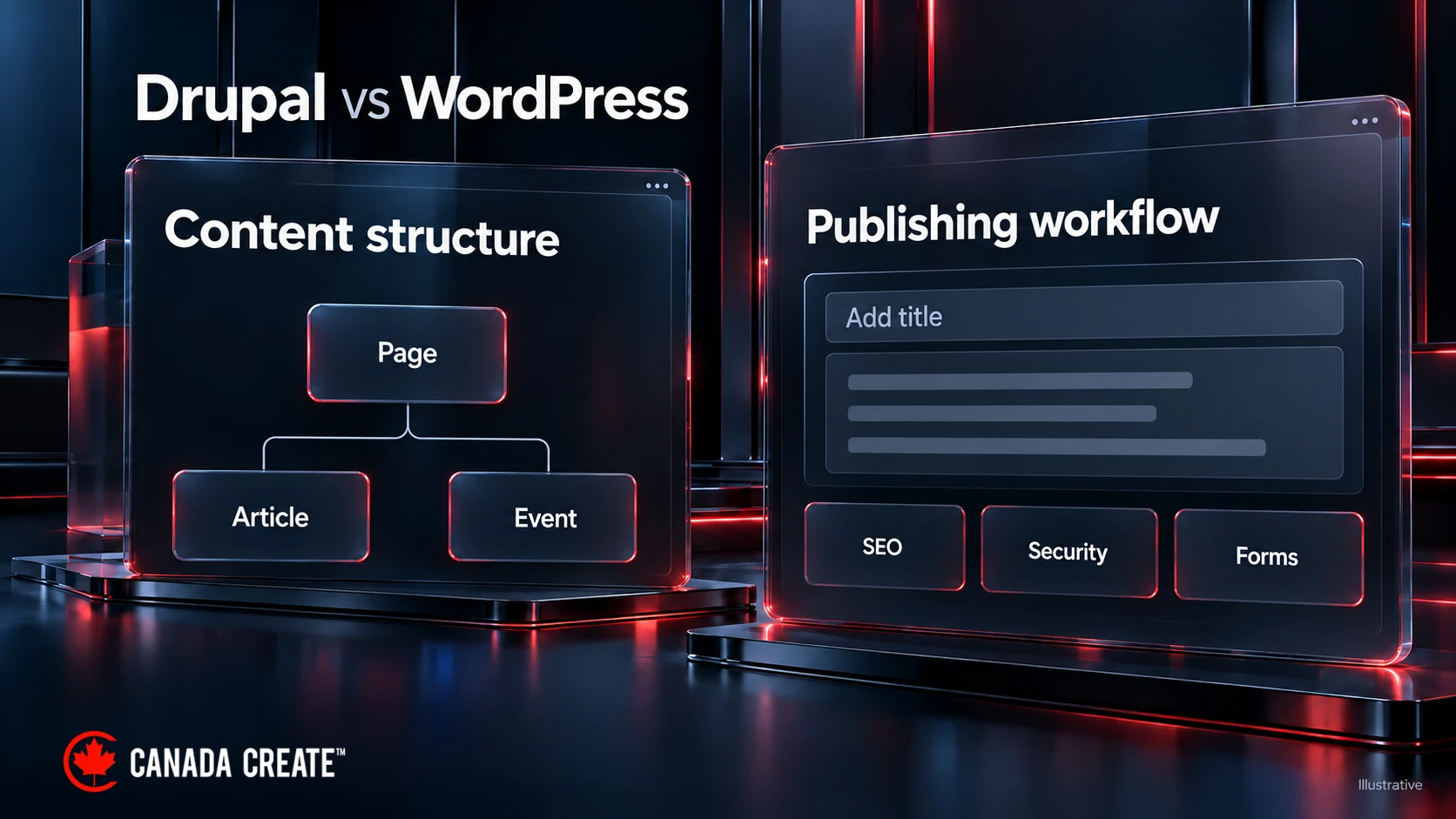
Do you need help choosing between Drupal Vs. WordPress for your website or blog? Choosing the right content management system (CMS) is crucial for the success of your online presence. In this comparison, we will discuss the differences and pros and cons of Drupal and WordPress. Both platforms have their strengths and cater to different needs. By exploring factors such as flexibility, ease of use, customization options, and community support, you will gain insights to help you decide which CMS is better suited for your specific requirements.
This post compares Drupal and WordPress as content management systems. For the case for WordPress on its own, read why businesses choose WordPress as their CMS, and for online stores, see our comparison of WooCommerce and Shopify.
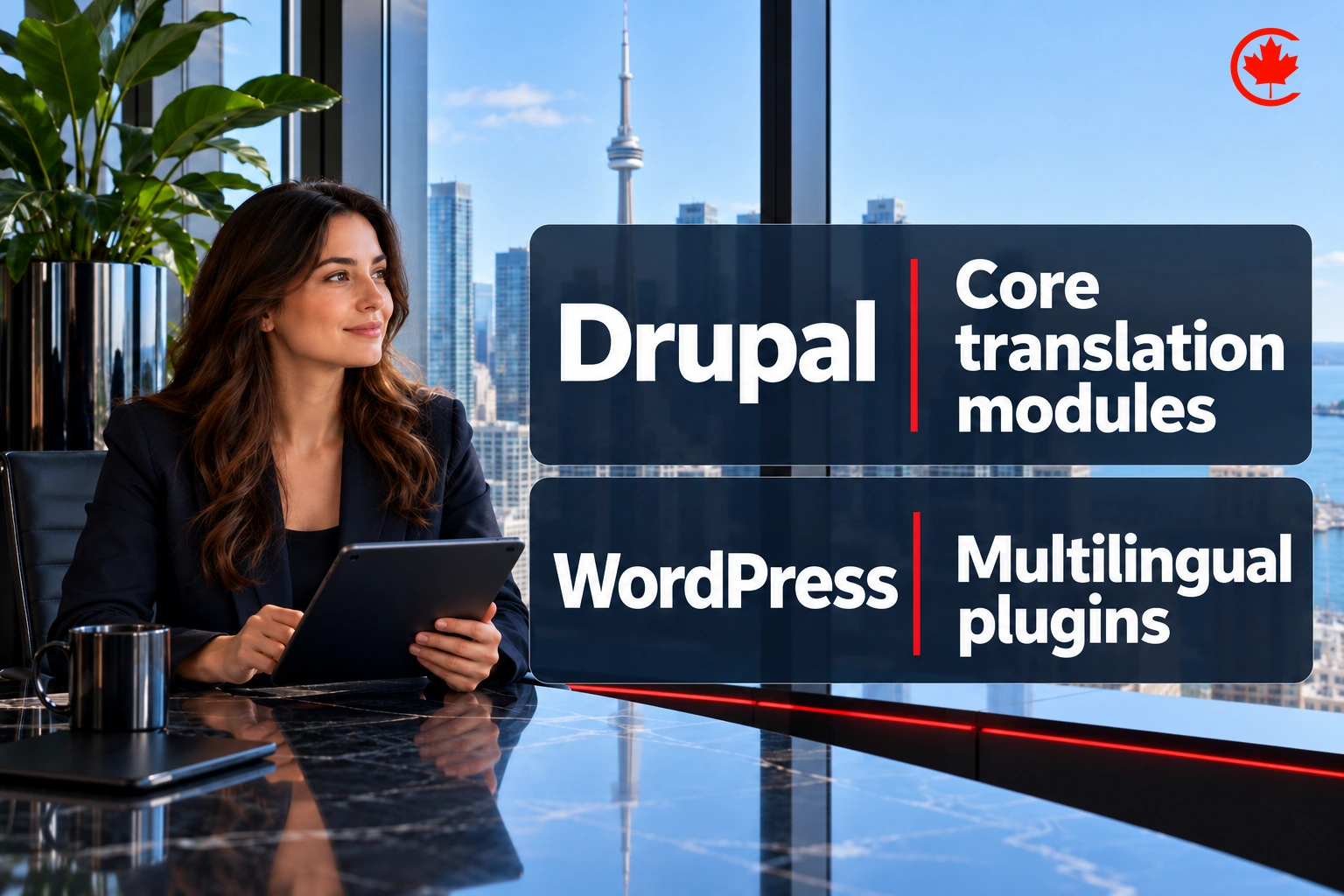
WordPress Vs. Drupal At a Glance
Feature | Drupal | WordPress |
| Ease of Use | Steeper learning curve | Beginner-friendly |
| Customization | Highly customizable | Extensive customization |
| Scalability | Excellent for complex sites | Supports small and large sites with suitable architecture |
| Community Support | Active and knowledgeable | Large and supportive |
| Security | Mature security features | Strong security measures |
| Plugin/Module | Extensive module library | Vast plugin ecosystem |
| SEO Capabilities | Core foundations plus contributed SEO modules | SEO-friendly architecture |
| Multilingual | Excellent multilingual support | Multilingual publishing usually needs plugins or a multisite approach |
| Cost | Budget for content modelling, custom development and developer support | Budget for hosting, paid themes or plugins, customization and maintenance |
Our developers build, repair and maintain WordPress sites for Canadian businesses, built to grow with you.
Drupal Vs. WordPress: Ease of Use
WordPress
WordPress is known for its beginner-friendly interface, offering a user-friendly dashboard and intuitive navigation. It requires minimal technical knowledge, making it accessible to users of all skill levels.
Drupal
Drupal has a steeper learning curve and is generally considered more complex. It offers greater flexibility and customization options but requires more technical expertise to fully utilize its capabilities.
While Drupal may be more suitable for experienced developers, WordPress is the preferred choice for those seeking a user-friendly CMS that allows for quick and easy website setup and management.
Looking for web design in Toronto? Tell us what your site needs to do. After discovery, we provide a written proposal with scope and fees.
Themes and Templates
WordPress
WordPress boasts a vast library of free and premium themes, catering to various industries and design preferences. These themes are easily customizable, allowing users to create visually appealing websites without much effort. Additionally, WordPress has a thriving third-party theme marketplace, offering even more choices.
Drupal
Drupal also provides a selection of themes, but it is generally considered more focused on functionality rather than design. Drupal’s themes are highly customizable, offering more control over the website’s layout and structure. However, the availability of Drupal themes is relatively limited compared to WordPress.
If you prioritize design and ease of customization, WordPress is the go-to option, while Drupal is more suitable for those seeking extensive control over the website’s functionality and structure.

Drupal Vs. WordPress: Speed and Performance
WordPress performance depends on hosting, theme and plugin choices, caching, and the work each page performs. It has a large community of developers continually working on performance enhancements. Additionally, WordPress offers a wide range of caching plugins and optimization tools to further enhance speed.
Drupal also needs appropriate hosting and configuration; its resource use depends on the application and traffic. Drupal’s caching system and configuration options can help improve speed.
Both platforms can perform well. Compare representative pages, cache behaviour and peak-load requirements rather than assuming either CMS will be faster.
SEO Tools
WordPress
WordPress has a reputation for being SEO-friendly, with built-in customizable permalinks and XML sitemaps. SEO plugins commonly add page-specific meta descriptions. Additionally, WordPress has a vast ecosystem of SEO plugins, such as Yoast SEO, which offer advanced SEO functionality and guidance. These plugins provide features like keyword analysis, content optimization, and XML sitemap generation.
Drupal
Drupal also provides solid SEO capabilities, with clean URLs and contributed modules such as Metatag and Simple XML sitemap for metadata and sitemap management. Drupal’s flexibility allows for more control over SEO implementation, making it suitable for advanced SEO practitioners. However, Drupal may require more technical knowledge to make full use of its SEO capabilities.
Ultimately, both platforms offer strong SEO foundations, but WordPress’s extensive plugin ecosystem and user-friendly interface make it more accessible for users of all skill levels.
Drupal Vs. WordPress: Security
WordPress
WordPress has an active security team that regularly releases updates to address vulnerabilities and ensure the platform’s security. It also benefits from a large community of developers who actively contribute to identifying and fixing security issues. Additionally, WordPress has a vast library of security plugins that provide features like firewall protection, malware scanning, and login protection.
Drupal
Drupal has a strong security framework and follows strict coding standards to minimize potential vulnerabilities. It has a dedicated security team that promptly addresses security concerns. Drupal’s access control system and granular permission settings provide an added layer of security. However, Drupal’s advanced features and flexibility may require more technical expertise to properly configure and maintain security measures.
Overall, both platforms can be secure when properly managed, but WordPress’s extensive plugin ecosystem and user-friendly interface make it more accessible for users seeking a balance between security and ease of use.
Drupal Vs. WordPress: Flexibility
WordPress is flexible and adaptable, with a vast library of themes, plugins, and extensions that cater to various needs. It excels in quickly setting up and managing websites, making it ideal for smaller to medium-sized projects and content-focused sites. WordPress’s user-friendly interface allows non-technical users to easily customize design and functionality.
Drupal is also renowned for its flexibility, providing a highly customizable framework that can handle complex and large-scale websites. It offers granular control over content types, taxonomies, and user permissions, making it suitable for projects that require extensive customization and unique data structures. Drupal’s modular architecture allows developers to build custom functionality and integrate third-party systems smoothly.
E-Commerce Options
Drupal
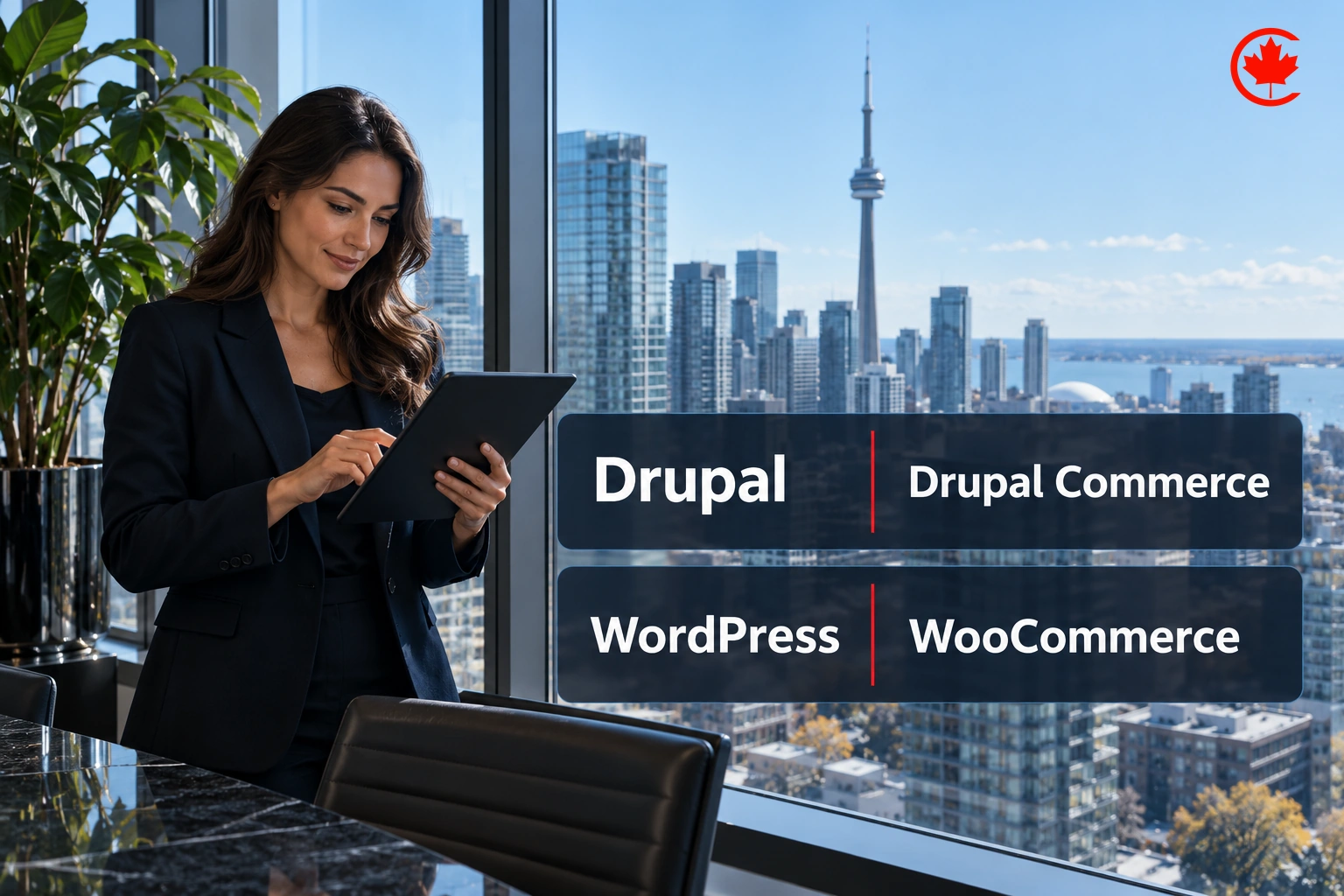
Drupal provides the Drupal Commerce module, which is a highly flexible and customizable e-commerce platform. It allows businesses to create complex and scalable online stores suited to their specific needs. Drupal Commerce offers features such as product management, order fulfillment, payment gateways, and customizable pricing rules. However, setting up and managing a Drupal Commerce store may require more technical expertise and development resources.
WordPress
WordPress offers the WooCommerce plugin, which is a popular and user-friendly e-commerce solution. WooCommerce integrates closely with WordPress, offering features like product management, payment gateways, shipping options, and a range of extensions for additional functionality. It is suitable for businesses of all sizes, from small boutiques to large online retailers. WooCommerce’s intuitive interface and extensive documentation make it easier for non-technical users to set up and manage their online store.
Want to know more about the elements of a successful e-commerce website? This article provides you with full information about the main elements of E-commerce websites.
Drupal Vs. WordPress: Pros and Cons
WordPress Pros and Cons
| Pros | Cons |
| User-friendly interface | Vulnerable to security risks if not updated regularly |
| Vast selection of themes and plugins | Customization may require coding knowledge |
| Active community support | Can be resource-intensive for larger websites |
| Built-in blogging functionality | Complex sites require suitable architecture and hosting |
| SEO-friendly architecture | Can be slower compared to leaner CMS options |
| Easy content management | Plugin combinations require compatibility testing |
| Regular updates and improvements | Custom core changes increase upgrade and maintenance work |
Drupal Pros and Cons
Pros | Cons |
| Highly flexible and customizable | The steeper learning curve for beginners |
| Strong security features | Requires more technical expertise |
| Scalable and suitable for complex sites | Limited selection of themes compared to WordPress |
| Excellent multilingual support | Hosting needs depend on configuration and workload |
| Active community support | Customization may require more time and effort |
| Powerful content management capabilities | Limited availability of pre-built integrations |
| Granular user permissions | Upgrades can be challenging for complex sites |
Conclusion
In conclusion, both WordPress and Drupal are powerful content management systems with their own strengths and considerations. WordPress excels in its user-friendly interface, extensive theme and plugin ecosystem, and ease of use for beginners. It is an excellent choice for smaller to medium-sized websites, blogs, and businesses seeking simplicity and a quick setup. On the other hand, Drupal offers flexible content modelling, granular permissions, and multilingual tools, making it ideal for complex and highly customized projects.

FAQs
- Do professionals use WordPress?
Yes, professionals widely use WordPress for website development and content management.
- What is Drupal best for?
Drupal is best for complex and highly customized websites or projects.
- Is WordPress better for SEO?
WordPress is known for its SEO-friendly features and has a strong ecosystem of plugins dedicated to optimizing websites for search engines.
Frequently asked questions
Should a business choose Drupal or WordPress for its website?
Choose by the kind of site and the people who will run it. WordPress suits small to medium sites, blogs and content-focused businesses that want simple setup and staff who can edit pages without technical help. Drupal fits complex, heavily customized projects with unusual data structures, detailed user permissions or serious multilingual needs, as long as developers are on hand to manage it.
What are the disadvantages of Drupal for a business website?
Drupal has a steeper learning curve and usually needs more technical expertise to set up, secure and maintain. Its theme selection is smaller than WordPress's, and there are fewer pre-built integrations, so custom work takes more time. Upgrades can also be demanding on complex sites.
Is Drupal still a sensible choice for a new website?
For the right project, yes. Drupal remains strong where a site needs flexible content modelling, granular permissions and multilingual publishing out of the box. For a typical small business site that mainly needs pages, a blog and easy editing, those strengths may never be used, and the extra development work adds cost.
How do Drupal and WordPress compare for SEO?
Both give you solid foundations. WordPress includes customizable permalinks and XML sitemaps, and plugins such as Yoast SEO add page-level meta descriptions and content guidance. Drupal offers clean URLs plus contributed modules such as Metatag and Simple XML sitemap, with finer control for people who know how to configure them.
Which is more secure, Drupal or WordPress?
Both can be secure when they are properly managed. Drupal follows strict coding standards, has a dedicated security team and offers granular permission settings, though configuring them well takes expertise. WordPress also has an active security team and a large range of security plugins, but sites left without regular updates become vulnerable.
What drives the cost of a Drupal site compared with a WordPress site?
A Drupal budget usually goes on content modelling, custom development and ongoing developer support. A WordPress budget tends to cover hosting, paid themes or plugins, customization and maintenance. Either can get expensive when a project needs heavy custom code, so compare quotes for the same features rather than the platforms in general.
Is Drupal faster than WordPress?
Neither is automatically faster. WordPress speed depends on hosting, theme and plugin choices, caching and how much work each page does, and many caching plugins help. Drupal also relies on suitable hosting and configuration, with its own caching system. Test representative pages, cache behaviour and peak-load needs before assuming one will outrun the other.
Which handles online stores better, Drupal Commerce or WooCommerce?
WooCommerce is the more approachable option, with product management, payment gateways, shipping options and many extensions that non-technical owners can manage. Drupal Commerce is highly flexible and can support complex, scalable stores with custom pricing rules. It typically needs more technical expertise and development resources to set up and run.
Is Drupal a CMS, and what programming language is it built in?
Drupal is a content management system, the same category as WordPress, rather than a CRM. Both are written in PHP. Drupal stands out for granular control over content types, taxonomies and user permissions, which suits projects with structured data.