
WooCommerce Vs. Shopify: Which eCommerce platform is best for your business

Are you in doubt about WooCommerce Vs. Shopify for your eCommerce business? Choosing the right platform is crucial for the success of your online store. In this extensive comparison, we will explore the key differences and advantages of WooCommerce and Shopify. By examining factors such as ease of use, customization options, pricing, and scalability, you will gain insights to help you make an informed decision. Whether you prioritize flexibility and control or seek simplicity and convenience, this guide will assist you in determining which eCommerce platform is best suited for your business needs.
This comparison covers choosing an ecommerce platform for an online store. If you are choosing a content management system for a content-led website instead, see our comparison of Drupal and WordPress for business websites.
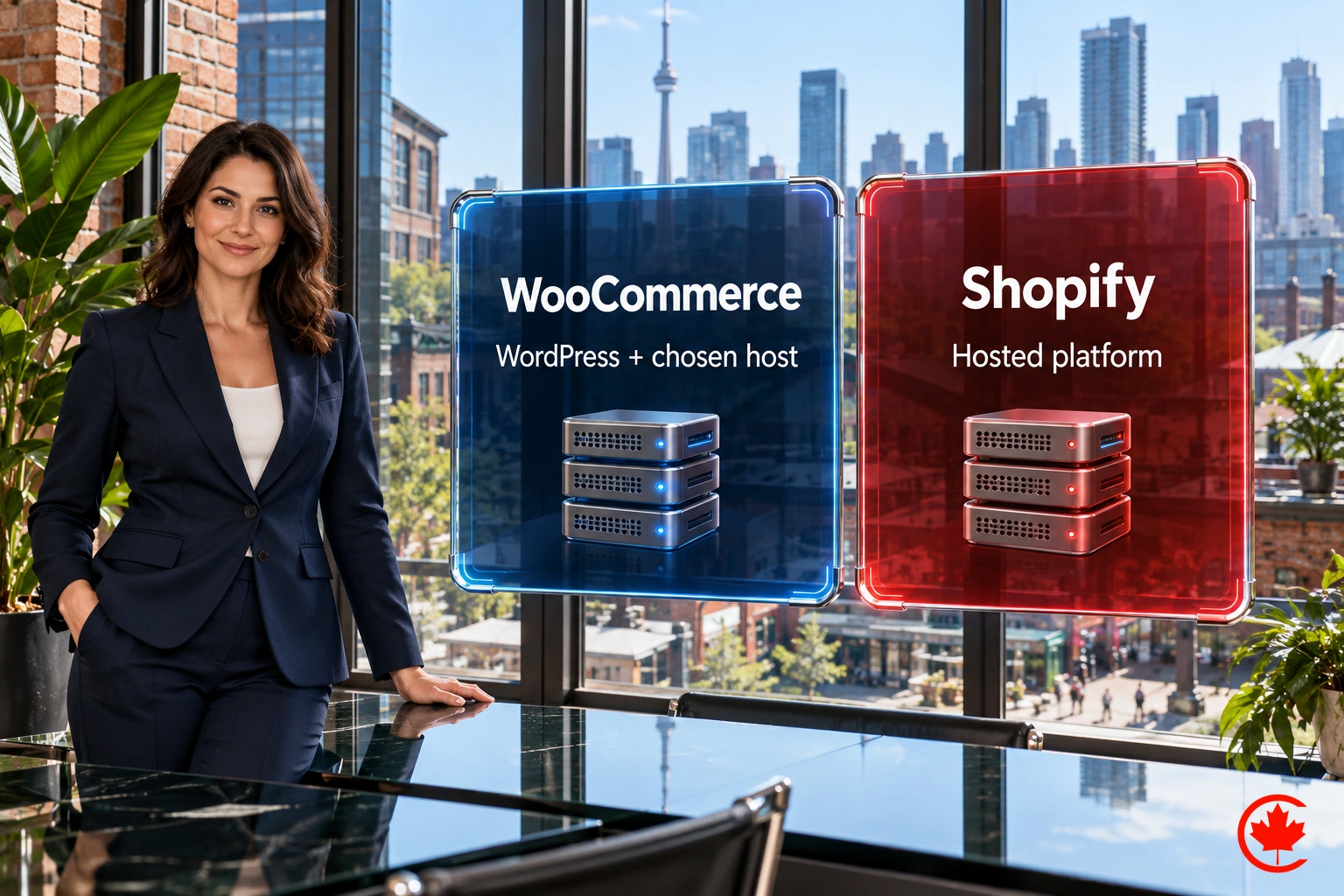
WooCommerce vs. Shopify: At a Glance
Aspect | WooCommerce | Shopify |
| Platform Type | WordPress plugin | Hosted Platform |
| Ease of Use | May require more technical knowledge | Beginner-friendly |
| Setup | Requires hosting, domain, and WordPress | Fully hosted solution |
| Customization | Highly customizable with themes and plugins | Limited customization compared to WooCommerce |
| Themes | Plenty of WordPress themes are available | Extensive theme selection |
| Transaction Fees | No core platform transaction surcharge; payment processing and extension costs may apply | Additional third-party transaction fees may apply; payment processing is separate |
| Payment Gateways | Supports various gateways, flexible options | A wide range of payment gateways supported |
| Security | Depends on hosting and WordPress security | Hosted on Shopify’s secure servers |
| Scalability | Scales well with the appropriate hosting | Built for scalability, suitable for large stores |
| Extensions and Apps | Extensive WordPress plugins are available | Shopify App Store offers many apps and integrations |
| SEO Friendliness | Good SEO capabilities with WordPress SEO plugins | Built-in SEO features |
| Costs | Variable depends on hosting and plugins | Monthly subscription fees, transaction fees |
| Hosting | Self-hosted (additional cost) or managed hosting | Hosted by Shopify, included in subscription |
| Support | Community support and documentation | 24/7 customer support |
| Updates and Maintenance | Requires regular updates for WordPress, plugins | Shopify maintains hosted infrastructure; merchants still manage content, apps and access |
| Ownership | Control of store data and code, subject to software, asset and provider licences | Some restrictions on data and customization |
| Popularity | Widely used, especially with WordPress websites | Popular and widely used eCommerce platform |
We plan, build and optimize e-commerce stores on WooCommerce and Shopify for Canadian sellers.
Set Up and User Experience (UX)
WooCommerce
When it comes to Set Up and User Experience (UX), WooCommerce and Shopify offer different approaches. WooCommerce requires a self-hosted WordPress installation, which may require some technical knowledge to set up and configure. Additionally, it offers more flexibility and customization options, allowing users to tailor their online store to specific needs. However, regular updates and maintenance are necessary for optimal performance.
Shopify
On the other hand, Shopify is a hosted solution, eliminating the need for separate hosting. Its setup process is user-friendly, with guided instructions to help users get started quickly. While customization options may be more limited compared to WooCommerce, Shopify provides an intuitive and visually appealing interface. It also offers simple updates and maintenance.
Ultimately, the choice between WooCommerce Vs. Shopify depends on the user’s technical expertise and preference for flexibility or simplicity in their online store setup and user experience.
Looking for web design in Toronto? Review our services and request a written proposal before you decide!
WooCommerce Vs. Shopify: Designs and Themes
WooCommerce
When it comes to Designs and Themes, both WooCommerce and Shopify offer a range of options to create an aesthetically pleasing online store. WooCommerce, being built on WordPress, provides access to a vast library of themes and plugins, giving you the freedom to customize your store’s design to your heart’s content. This flexibility allows you to create a unique and tailored look that aligns with your brand identity.
Shopify
It offers a curated selection of themes that are designed to be visually appealing and user-friendly. While the number of themes may be more limited compared to WooCommerce, Shopify ensures that each option is optimized for a seamless user experience.
Whether you prioritize extensive customization options or prefer a curated and visually appealing design, both platforms have their strengths in providing a visually stunning and user-friendly storefront for your online business.
Costs
WooCommerce
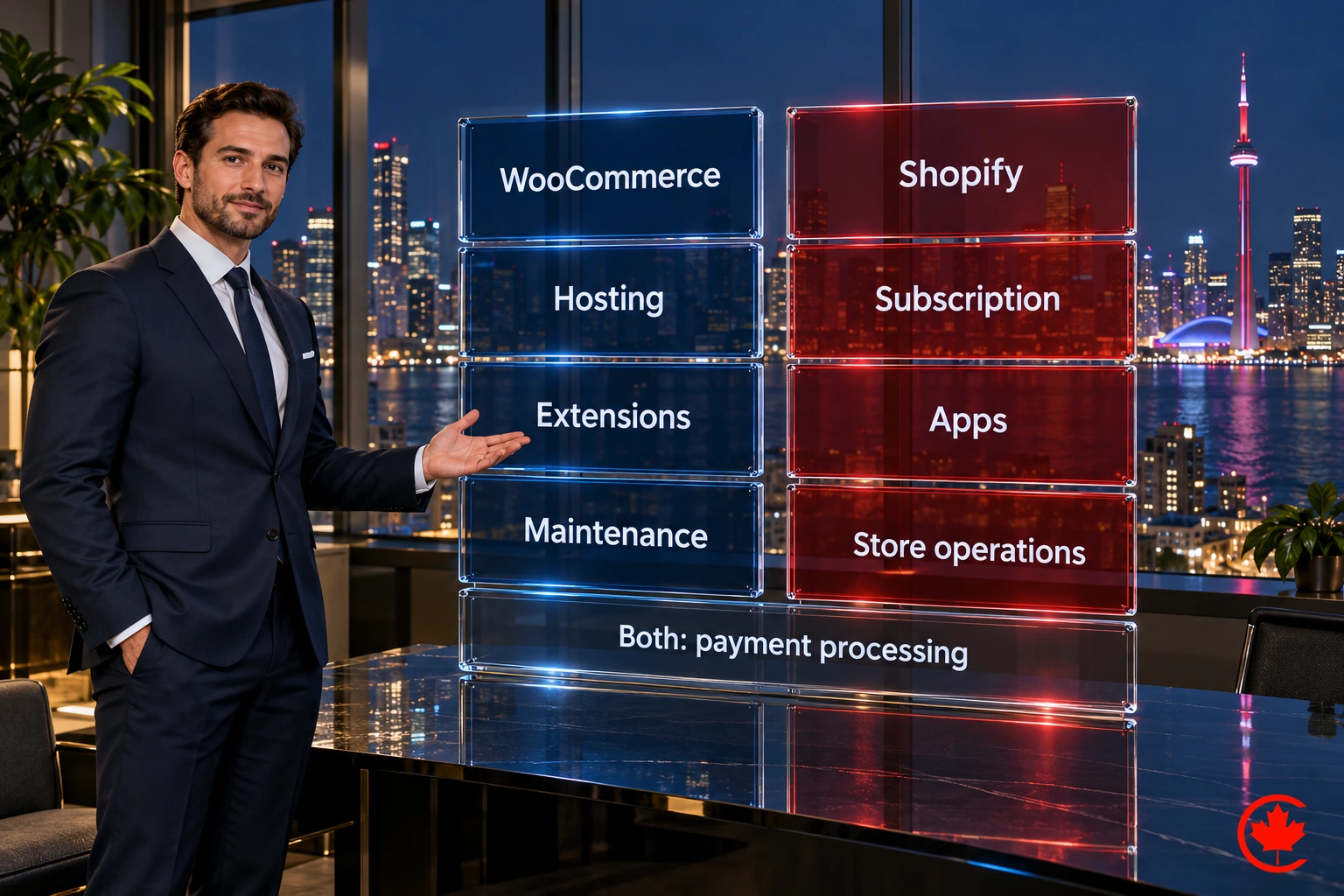
WooCommerce’s core plugin is free to download and use; setting up an operational store can still involve upfront costs. However, it’s important to note that you will still need to pay for other essentials such as web hosting and domain registration. SSL may be included by the host or available without a separate certificate fee. Additionally, if you opt for premium themes or extensions, there may be additional costs involved.
Shopify
On the other hand, Shopify operates on a subscription model, with different pricing tiers based on your business needs. While Shopify does have a monthly fee, it includes hosting, security, and technical support in the package. Shopify also offers a wide range of premium themes and apps, which may come with additional costs.

Finally, the cost comparison between WooCommerce Vs. Shopify depends on factors such as the size of your business, desired features, and customization requirements. It’s important to evaluate your budget and consider the long-term costs associated with both platforms before making a decision.
Wondering How to Choose the Right Type of Website for Your Business? Reading this article will give you a better understanding of the factors to consider when choosing a website for your business.
Support
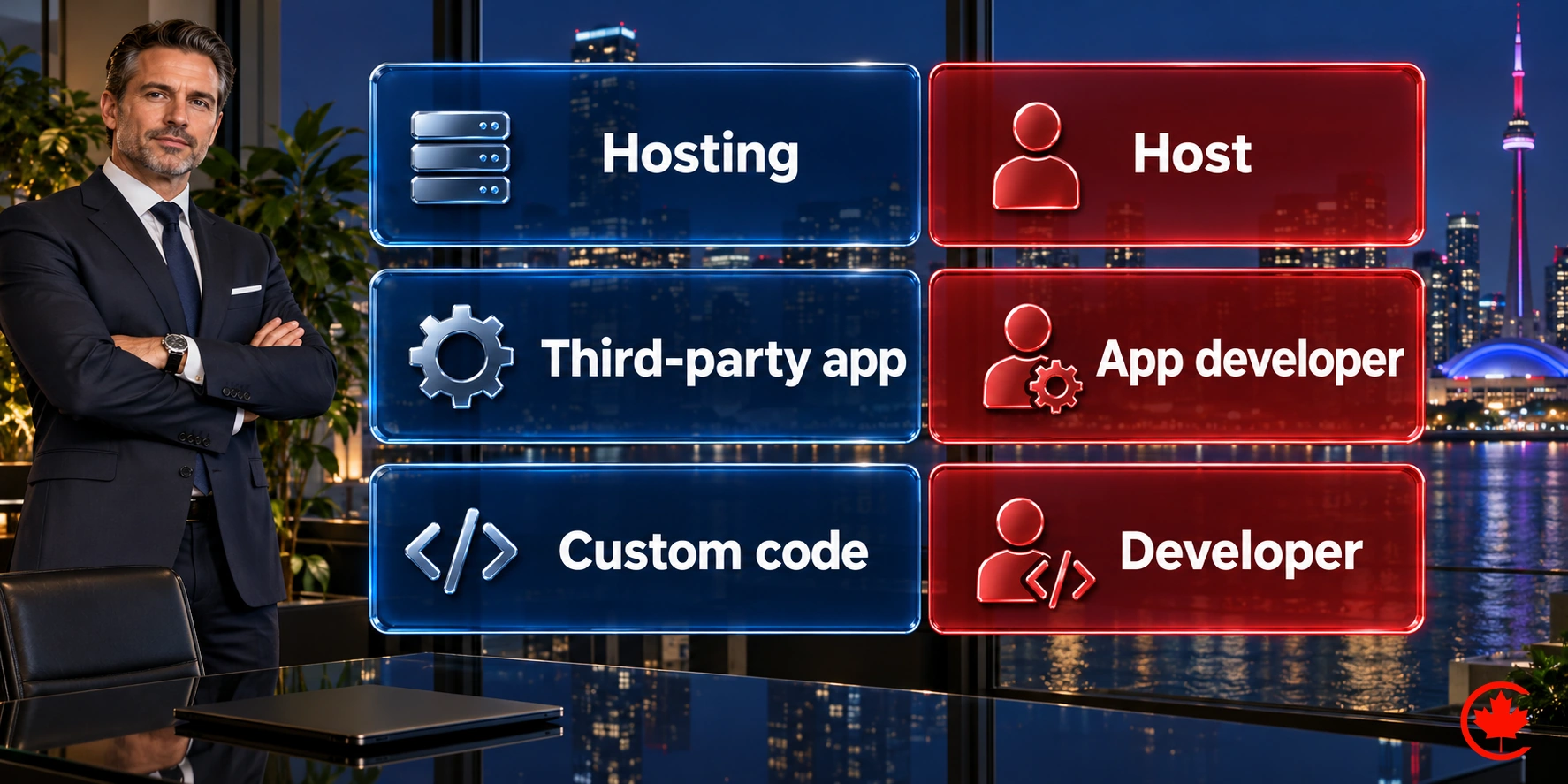
WooCommerce provides documentation, community resources and support routes for its own products. Support for hosting, third-party extensions and custom development comes from the relevant provider or developer, so confirm who handles each part of your store.
Shopify offers 24/7 chat support across plans. Phone and email support depend on the plan, with those channels listed for Shopify Plus. Third-party apps and themes may require support from their developers. Furthermore, Shopify offers a comprehensive help centre and a vast knowledge base to address common issues and provide self-help resources.
Overall, compare the support included in the platform or product with the help you need for hosting, third-party apps and custom work.
SEO
WooCommerce, being built on WordPress, provides a solid foundation for SEO. It offers a wide range of SEO plugins and extensions that allow you to optimize your website’s meta tags, URLs, sitemaps, and more. With WooCommerce, you have full control over your SEO strategy and can implement advanced SEO techniques.
Shopify also provides built-in SEO features. It automatically generates SEO-friendly URLs, allows you to customize meta tags, and provides options for adding alt tags to images. Additionally, Shopify offers a range of SEO apps that can further enhance your store’s optimization.
When in doubt about WooCommerce Vs. Shopify, it is worth mentioning that both platforms offer SEO capabilities, WooCommerce provides more flexibility for advanced SEO practices, while Shopify offers a user-friendly and intuitive approach to on-page optimization.
How Shopify SEO works
Shopify handles much of the technical groundwork for you. Every store gets an automatic sitemap, canonical tags and editable titles, meta descriptions and image alt text. What you cannot change is the URL structure: products always sit under /products/, categories under /collections/ and articles under /blogs/. For most stores that is not a ranking problem, but it does mean choosing collection names and handles carefully from the start.
Areas worth your attention on a Shopify store:
- Collection pages: these are the pages most likely to appear for category searches, so each needs a clear title and a short, useful description, not only a grid of products.
- Product descriptions: written in your own words rather than copied from the manufacturer, with the sizing, materials and care details shoppers ask about.
- Theme speed: apps can add scripts to every page, so remove the ones you no longer use and test your theme on a phone.
- Redirects: when a product is discontinued or renamed, add a URL redirect in the admin so existing links still work.
- French pages: stores selling in Quebec can publish translated pages on their own URLs, so French searches find the right version.
For a step by step checklist, see our guide on how to do SEO for a Shopify or ecommerce store.
How Does Shopify Approach E-commerce?
Shopify approaches e-commerce by providing a comprehensive platform that simplifies the process of setting up and running an online store. With Shopify, users can easily create and customize their store’s design, manage products and inventory, process payments, and handle shipping and fulfilment. The platform offers a user-friendly interface and intuitive tools, making it accessible to both beginners and experienced e-commerce entrepreneurs.
Shopify also provides a range of features and functionalities to enhance the online shopping experience, such as abandoned cart recovery, discount codes, and customer reviews. Additionally, Shopify offers a wide selection of themes and apps to customize and expand the functionality of your store. With its emphasis on user experience, reliability, and scalability, Shopify empowers businesses of all sizes to succeed in the world of e-commerce.
How Does WooCommerce Approach E-commerce?
WooCommerce approaches e-commerce by providing a flexible and customizable solution for building online stores. As a plugin for WordPress, WooCommerce seamlessly integrates with the WordPress platform, allowing users to leverage its extensive features and capabilities. With WooCommerce, users can easily set up their online store, manage products, handle inventory, process payments, and handle shipping and tax calculations. The platform offers a wide range of themes and extensions, enabling users to customize the design and functionality of their store to meet their specific needs. Additionally, WooCommerce provides a robust ecosystem of third-party plugins and integrations, allowing users to expand the capabilities of their store as their business grows. With its focus on flexibility, customization, and integration, WooCommerce empowers businesses to create unique and tailored e-commerce experiences for their customers.
WooCommerce vs Shopify: Pros and Cons of Each
WooCommerce
Pros | Cons |
| High customization with plugins and themes | May require more technical knowledge |
| No core platform transaction surcharge; payment processing still applies | Hosting costs and domain required |
| Extensive plugin ecosystem | More customization may need coding skills |
| Supports various gateways, flexible options | Depends on hosting and WordPress security |
| Control of store data and code, subject to software, asset and provider licences | Requires regular updates for WordPress, plugins |
| Good SEO capabilities with plugins | Requires more responsibility for security and updates |
Shopify
Pros | Cons |
| User-friendly interface | Limited flexibility for advanced users |
| Hosted subscription bundles core platform operations | Payment processing and possible third-party transaction fees |
| Built for scalability, suitable for growth | Limited compared to WooCommerce |
| Shopify App Store offers many integrations | Hosted solution may be perceived as safer |
| 24/7 customer support | Updates are automatic, and less maintenance |
| Extensive theme selection | Less control over hosting and infrastructure |
Wrap-Up: WooCommerce vs. Shopify
Choosing between WooCommerce and Shopify ultimately depends on your specific needs and preferences as an e-commerce business owner. Consider factors such as your budget, technical expertise, desired level of customization, and long-term scalability when making your decision. By carefully evaluating your specific requirements, you can choose the platform that best aligns with your business goals and sets you up for e-commerce success.

FAQs
- Is Shopify safer than WooCommerce?
Security depends on the implementation and how the store is operated. Shopify manages hosted infrastructure; WooCommerce requires an accountable host and update process. Both need secure accounts, appropriate access and careful app or extension choices.
- Is Shopify more expensive than WooCommerce?
Shopify has a subscription fee, while WooCommerce itself is free, but overall costs depend on individual needs.
- Is Shopify harder than WordPress?
Shopify is generally considered easier to use than WordPress, but it depends on individual familiarity and preferences.
- Is WooCommerce actually free?
WooCommerce itself is free, but additional costs may be incurred for hosting, domain, and premium extensions or themes.
Frequently asked questions
Should a Canadian online store use Shopify or WooCommerce?
It comes down to whether you value simplicity or control more. Shopify is a hosted platform with guided setup, so it suits owners who want the infrastructure looked after. WooCommerce runs on your own WordPress install and gives more freedom over design, plugins, store data and advanced SEO, but expects more technical knowledge and regular updates.
What are the downsides of WooCommerce?
WooCommerce needs hosting, a domain and a WordPress install, and the site has to be updated regularly along with its plugins. Its security depends on your hosting and how well WordPress is maintained. Deeper customization can require coding, and support for hosting, third-party extensions and custom work comes from whoever provides each part.
What is the difference between WordPress and WooCommerce?
WordPress is the content management system that runs the website. WooCommerce is a plugin that adds a store to it, with products, inventory, payments, shipping and tax calculations. You need a WordPress site to use WooCommerce, which is why the two are often mentioned together.
Which costs more to run, WooCommerce or Shopify?
It depends on the store's size, features and customization. The WooCommerce core plugin is free, but you still pay for hosting, a domain, any premium themes or extensions and payment processing. Shopify charges a monthly subscription that includes hosting, security and support, while premium themes, apps and third-party transaction fees can add to it.
How do WooCommerce and Shopify compare for SEO?
Both handle the basics, with editable titles, meta descriptions and image alt text. WooCommerce inherits the flexibility of WordPress SEO plugins and gives full control over URLs and advanced techniques. Shopify generates sitemaps and canonical tags automatically, but its URL structure is fixed, with products under /products/ and categories under /collections/, so choose collection names and handles carefully from day one.
Is Shopify the right platform for every online store?
Not always. Customization is more limited than with WooCommerce, some restrictions apply to data and code, and third-party transaction fees can apply on top of payment processing. Apps also add scripts to every page, so a store loaded with apps needs speed testing on a phone. For owners who want a hosted, guided setup, those trade-offs are often acceptable.
What support comes with Shopify compared with WooCommerce?
Shopify offers round-the-clock chat support on its plans, with phone and email channels depending on the plan, plus a help centre and knowledge base. WooCommerce provides documentation, community resources and support for its own products. For a WooCommerce store, hosting, third-party extensions and custom code are supported by their own providers, so confirm who handles each part.
How should a Shopify or WooCommerce store serve shoppers in Quebec?
Publish French versions of your pages on their own URLs so French searches land on the right version. Quebec's Charter of the French Language applies to commercial websites, so check the current rules if you sell there. Both platforms can support translated pages, though how you set it up differs between a Shopify store and a WordPress site.