
14 reasons to use WordPress as your CMS
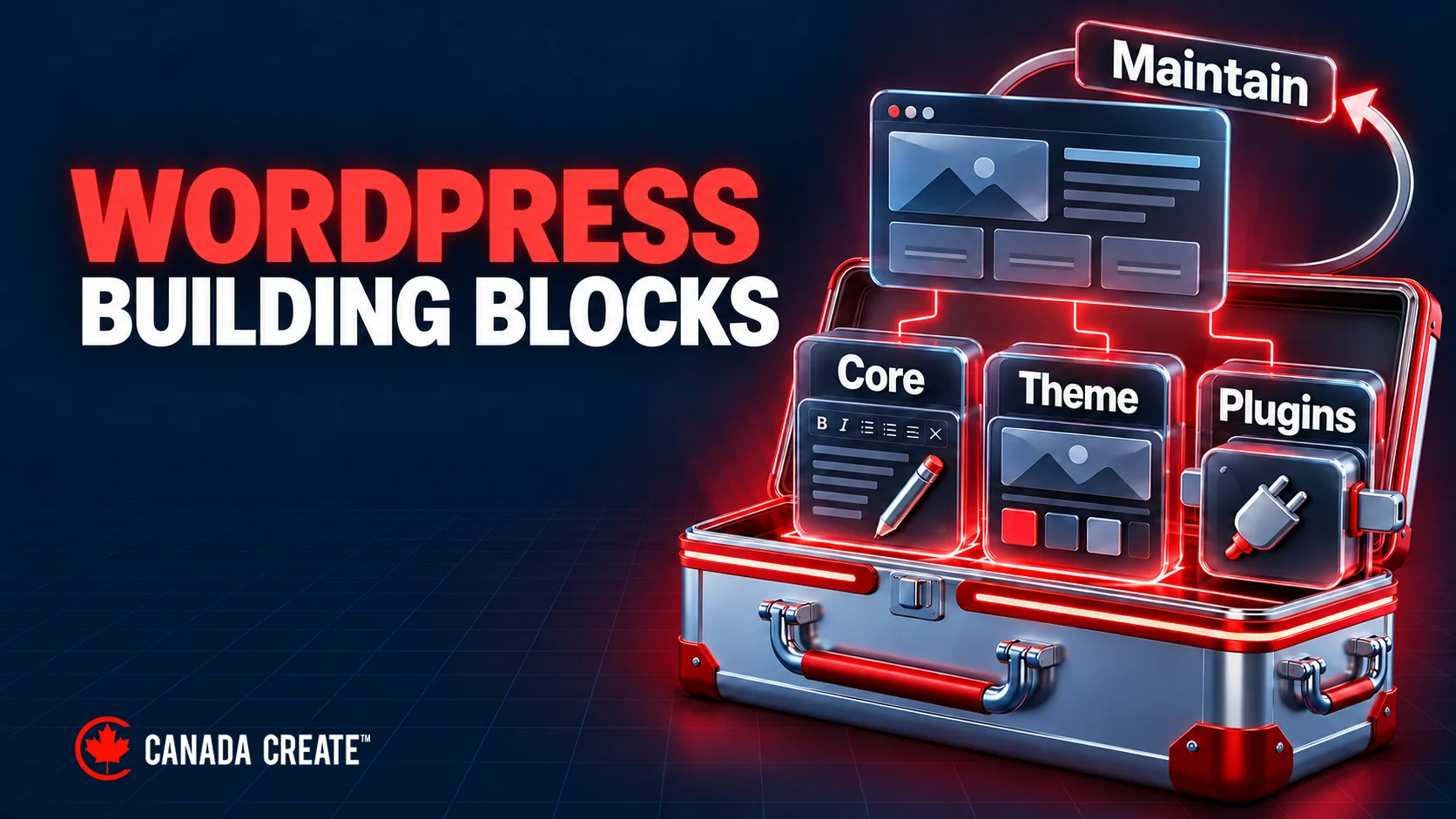
WordPress combines familiar publishing tools with the flexibility to add the features your business needs. These 14 reasons explain where it can be a useful CMS, from managing content to building an online store, and what you still need to plan for hosting, maintenance and performance. Our web design agency in Toronto can help you assess that fit.
This post explains why WordPress can work well as a CMS. If you are still choosing between platforms, our comparison of Drupal and WordPress covers the differences in detail.

No core software licence fee
Separate the software licence from the full website budget. WordPress itself is an open-source platform, meaning it is free to use and doesn’t require any licensing fees. A zero core software licence fee does not establish the total cost or affordability of the finished website. Additionally, the availability of free themes and plugins allows you to enhance your website’s functionality without an additional software licence charge, though setup and maintenance can still involve costs. While premium themes and plugins may come with a price, you have the flexibility to choose and invest in them according to your specific needs. Compare hosting, domain, implementation, optional software and ongoing maintenance costs with your available budget.
Looking for web design in Toronto? Canada Create plans WordPress projects around your requirements, with scope and fees provided in a written proposal after discovery.
User-friendly Interface
Whether you are a beginner or an experienced user, the intuitive and straightforward interface of WordPress makes it easy for anyone to create and manage a website. The dashboard provides a clear and organized layout, allowing you to navigate through different sections, create and edit content, and customize your site with ease. The user-friendly interface eliminates the need for extensive technical knowledge or coding skills, making WordPress accessible to individuals of all backgrounds. With its user-friendly interface, WordPress empowers users to take control of their website and create a professional online presence effortlessly.

Customizable
WordPress offers a significant benefit in terms of customization. With a wide range of themes and templates available, you can easily customize the design of your website to align with your brand identity and meet your specific needs. Whether you’re looking for a sleek and modern layout or a more traditional and elegant design, WordPress provides the flexibility to choose and modify themes to create a unique and visually appealing website. Additionally, you can further customize your site by utilizing various plugins and widgets to add specific functionalities and features. This level of customization empowers you to create a website that stands out from the crowd and truly reflects your brand’s personality and vision.
Good for Business
WordPress is an excellent choice for businesses of all sizes due to its numerous benefits. It offers a range of features and functionalities that cater to the specific needs of businesses, making it a powerful tool for online presence and growth. With its user-friendly interface, businesses can easily create and manage their websites without relying on extensive technical expertise or coding knowledge. The customizable design options allow businesses to showcase their brand identity and create a visually appealing online presence that aligns with their goals. WordPress also offers various plugins and integrations, enabling businesses to enhance their website’s functionality, whether it’s implementing e-commerce capabilities, optimizing for search engines, or integrating with marketing tools. Furthermore, WordPress’s scalability ensures that businesses can expand their websites as they grow, accommodating increasing traffic and evolving needs.
SEO Friendly
WordPress is highly regarded for its SEO-friendly nature, making it an excellent choice for businesses and individuals looking to improve their search engine rankings. WordPress offers a range of built-in features and plugins that facilitate effective search engine optimization. Key features include customizable permalinks, allowing you to create keyword-rich URLs, and easy content optimization with meta tags, headings, and alt text for images. The theme, plugins and implementation determine much of the delivered code, so check crawlability, content and page performance rather than relying on the CMS name. The availability of various SEO plugins further enhances your website’s optimization capabilities by providing advanced features such as XML sitemaps, schema markup, and social media integration.

Responsive Design
WordPress supports responsive design through suitable themes and implementation. Test layouts and interactions on representative screen sizes. With a significant portion of internet traffic coming from mobile devices, it’s crucial to provide a responsive user experience. Many WordPress themes are designed to adapt their layout and content to the available screen size, whether it’s a desktop, smartphone, or tablet. Check navigation, forms, text and media at narrow widths; installing a responsive theme does not establish that every added component works well. By embracing responsive design in WordPress, you can reach a broader audience, improve user engagement, and enhance user satisfaction by delivering a consistent and user-friendly experience across all devices.
Ideal for Content Marketing
WordPress is an ideal platform for content marketing due to its strong features and user-friendly interface. With its intuitive content management system, creating and publishing high-quality content becomes a breeze. WordPress offers a range of formatting options, media embedding capabilities, and easy content organization, allowing you to create engaging blog posts, articles, and other forms of content. Additionally, WordPress’s built-in SEO features and compatibility with various SEO plugins help optimize your content for search engines, improving discoverability and driving organic traffic. The ability to schedule posts, integrate social sharing buttons, and gather user feedback through comments further enhances your content marketing efforts. With WordPress, you have a powerful tool to effectively manage and promote your content, enabling you to attract, engage, and convert your audience with ease.
Social Media Integration
WordPress integrates smoothly with social media platforms, making it easy to connect and engage with your audience across various channels. With dedicated social media plugins and widgets, you can effortlessly integrate social sharing buttons, embed social media feeds, and display social media icons on your website. This integration enables visitors to share your content with their social networks, increasing your reach and driving more traffic to your website. Additionally, social media integration allows you to display your social media profiles and feeds directly on your website, encouraging visitors to follow and engage with you on social platforms. By leveraging WordPress’s social media integration capabilities, you can effectively amplify your online presence, foster social engagement, and build a strong and active community around your brand.
Strong Security
WordPress prioritizes security, making it a reliable choice for website owners concerned about protecting their digital assets. The platform regularly releases updates that address security vulnerabilities and improve overall website security. Additionally, WordPress offers a wide range of security plugins and tools that can be easily integrated into your website to enhance its protection against threats such as malware, hacking attempts, and unauthorized access. These security measures help safeguard your website’s data, user information, and sensitive information. Furthermore, WordPress has a dedicated security team and an active community that actively monitors and addresses security concerns, providing security guidance; the site still needs supported software, updates, protected access and recoverable backups.
Attractive Design Options
WordPress offers a plethora of attractive design options, making it an excellent choice for creating visually appealing websites. With thousands of pre-designed themes available, you can easily find a design that matches your brand identity and captures the attention of your audience. These themes range from minimalist and modern to bold and vibrant, allowing you to create a unique and captivating online presence. Furthermore, WordPress provides customization options that enable you to modify the design elements, including colours, fonts, layouts, and more, to suit your specific preferences and requirements. Whether you’re a small business owner, blogger, or creative professional, WordPress offers an extensive selection of design options that empower you to create a visually stunning website that stands out from the competition.
Support
WordPress has a large and supportive community that provides extensive support to its users. Whether you are a beginner or an experienced user, you can rely on the WordPress community for assistance and guidance. The community consists of developers, designers, and enthusiasts who actively contribute to forums, online communities, and WordPress-related events. You can find answers to your questions, seek advice, and troubleshoot any issues you may encounter while using WordPress.
Our developers build, repair and maintain WordPress sites for Canadian businesses, built to grow with you.
Additionally, WordPress offers detailed documentation and tutorials that cover a wide range of topics, from installation and setup to more advanced customization and development. With the support of the WordPress community, you can feel confident knowing that help is readily available whenever you need it, ensuring a smooth and successful experience with the platform.
Speed
WordPress can support fast websites, but speed depends on hosting, themes, plugins, media and caching. Measure actual pages before choosing an optimization. Additionally, WordPress offers a wide range of caching plugins and optimization tools that further enhance website speed and performance. These plugins help minimize server response time, reduce file sizes, and optimize browser caching, resulting in faster page load times. Websites that load quickly not only improve user experience but also contribute to higher search engine rankings and increased user engagement. With WordPress, you can create a high-performing website that delivers content swiftly and efficiently, keeping visitors engaged and satisfied.

Store Integration
WordPress integrates smoothly with e-commerce platforms, making it an excellent choice for creating online stores. With dedicated e-commerce plugins like WooCommerce, you can easily set up and manage your online store directly within your WordPress website. These plugins provide a range of features and functionalities, including product listings, inventory management, secure payment gateways, and shipping options. You can customize the design and layout of your store, showcase your products, and offer a smooth and intuitive shopping experience to your customers. Furthermore, WordPress’s flexibility allows you to integrate various third-party extensions and tools to enhance your store’s functionality and meet your specific business needs. With WordPress’s store integration capabilities, you can establish a professional and successful online store, reaching a global audience and driving sales effectively.
Plugins
One of the significant benefits of using WordPress is its extensive library of plugins. Plugins are additional pieces of software that you can easily install and activate to enhance the functionality and features of your website. With thousands of plugins available, you can find a plugin for almost any requirement or purpose, whether it’s adding contact forms, improving SEO, integrating social media, optimizing performance, or creating an online store. Plugins come from many developers with different support practices. Check maintenance history, compatibility, permissions and a tested rollback path before adding one. The user-friendly interface of WordPress allows you to install, activate, and manage plugins effortlessly, empowering you to customize and extend the capabilities of your website without any coding knowledge.

Conclusion
In conclusion, WordPress offers a multitude of persuasive reasons to choose it as your preferred content management system. With its customizable design options, search engine optimization capabilities, strong security measures, and extensive plugin library, WordPress provides a capable and user-friendly platform for creating and managing websites. Whether you’re a beginner or an experienced user, WordPress’s versatility and community support make it an ideal choice for individuals and businesses looking to establish a successful online presence.
FAQ
- Why choose WordPress as a CMS?
WordPress offers a user-friendly interface, extensive customization options, and a vast plugin library, making it an ideal choice for website creation and management.
- How is WordPress better than other CMS platforms?
WordPress stands out with its strong community support, flexibility, and scalability, making it a preferred choice over other CMS platforms.
- How to use WordPress effectively?
To use WordPress effectively, familiarize yourself with its features, use plugins for added functionality, optimize your content for search engines, and regularly update and maintain your website.
Frequently asked questions
What makes WordPress such a popular CMS for business websites?
WordPress is open source, so the core software has no licence fee. Its dashboard lets non-technical staff create and edit pages, and thousands of themes and plugins add design options and features. A large community of developers and designers answers questions, and the documentation covers everything from setup to advanced work. That mix of low entry cost and flexibility explains much of its appeal.
Is WordPress actually a content management system?
Yes. WordPress is a CMS that lets you create, edit, organize and publish content from one dashboard without writing code. You can format posts, embed media, schedule publishing and gather comments. Plugins extend it into areas such as online stores and social sharing.
What are the downsides of choosing WordPress for a website?
A WordPress site needs ongoing care: supported software, regular updates, protected logins and backups you can restore. Premium themes and plugins can cost money even though the core is free. Speed depends on your hosting, theme, plugins, media and caching, so a poorly assembled site can be slow. Plan for maintenance from the start rather than treating launch as the finish line.
Is WordPress still a good platform for business websites in 2026?
For many businesses, yes. The platform keeps receiving updates that address security issues, and its community and plugin library remain large. Whether it suits you depends on the features you need, the content you publish and who will maintain the site. If you are still weighing platforms, compare it directly with alternatives such as Drupal.
Is WordPress free to download and use for a business site?
The core software is free to download and use, with no licence fee. A finished website still has costs for hosting, a domain, setup work, any premium themes or plugins and ongoing maintenance. Weigh all of those against your budget before deciding. A zero licence fee says nothing about the total cost of the site.
What makes WordPress a strong CMS choice for SEO and content marketing?
It lets you set custom permalinks, edit titles and meta descriptions, structure headings and add alt text to images. SEO plugins add XML sitemaps and schema markup, and the editor makes it easy to publish and schedule posts. Even so, the theme, plugins and build quality decide much of the code search engines see. Check crawlability and page performance instead of relying on the platform name.
When might another CMS suit a business better than WordPress?
Start with your requirements rather than the platform. If your site needs complex workflows, strict access controls or particular integrations, compare how each CMS handles them and what it would take to maintain. The post points readers still deciding to its separate Drupal and WordPress comparison. The right choice is the one your team can run and keep updated.
Why do some businesses move away from WordPress?
Frustrations usually trace back to setup and upkeep. Sites overloaded with plugins or heavy themes can turn slow, and skipped updates leave security gaps. Responsive themes also need testing, because one added component can break on narrow screens. Careful plugin choices, good hosting and a maintenance routine solve many of these problems without changing platform.