
WordPress vs Webflow for B2B: Which One Actually Wins in 2026?
WordPress vs Webflow for B2B: Which Wins in 2026?
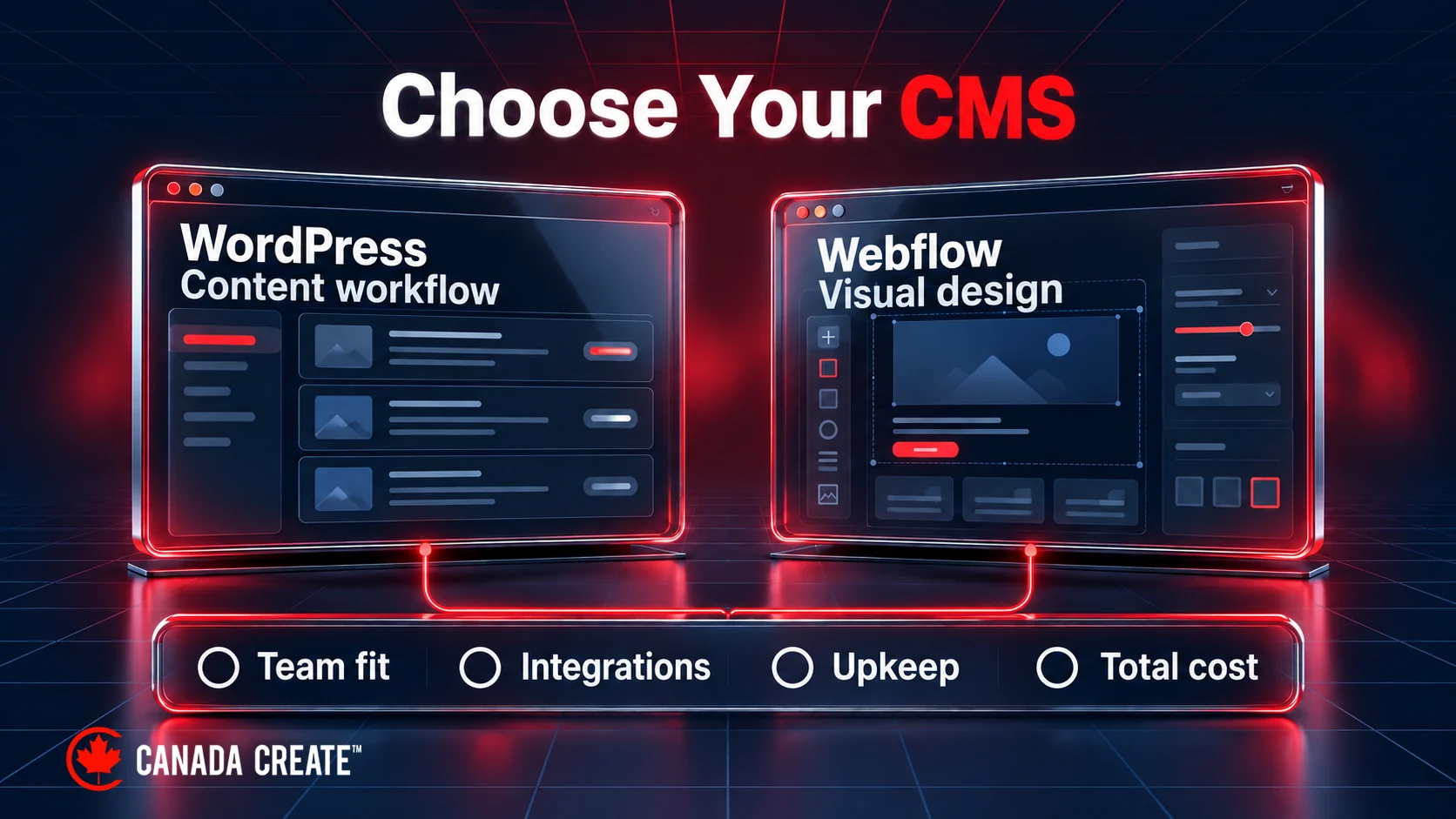
Here is what actually matters about WordPress versus Webflow for B2B. WordPress wins for B2B companies whose primary job is publishing content that ranks at scale, while Webflow wins for companies whose primary job is a designed brand experience owned by the marketing team. Neither platform is universally “better.” The right answer depends entirely on which job your site needs to do.
Our Recommendation First
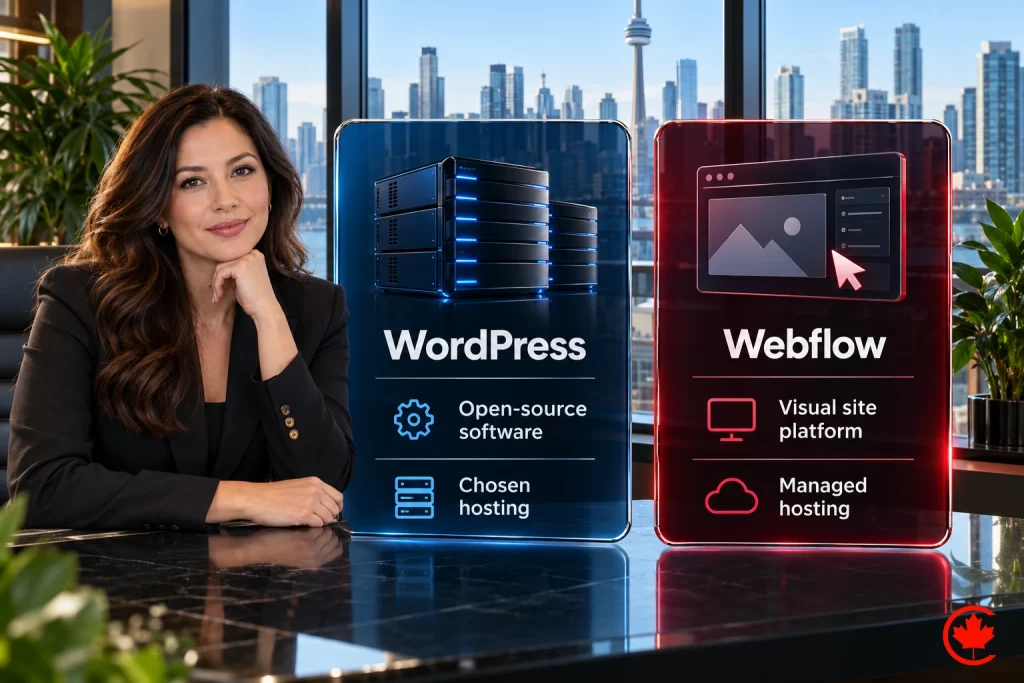
Disclosure: Canada Create builds on both platforms. For most Canadian B2B companies that rely on content, SEO and integrations with CRMs and forms, we recommend a custom WordPress site built and maintained by our team: it gives marketing full editing control, a stronger plugin and integration ecosystem and control of your hosting and content, subject to payment, third-party licences and the ownership terms in your Agreement. Choose Webflow when design control matters more than integrations and your content is simpler. Either way, Canada Create website design and our Webflow development team can build it with SEO set up from day one.
Why This Question Comes Up Before a Bigger Decision
This is usually the comparison that comes after a team has already accepted that Shopify and headless are not realistic fits for their business, and now the real decision is between the two platforms that actually compete for their use case. Getting this comparison right prevents the two most expensive mistakes we see: a content-heavy B2B stuck fighting Webflow’s Collection limits, or a design-forward brand stuck waiting on developer tickets inside WordPress for every new landing page.
The Signals That Tell You It Is Time to Act
Watch for these signals when deciding between the two:
- You are publishing more than four pieces of content a month. WordPress’s plugin ecosystem and editorial workflow tooling scale better here.
- Your marketing team wants full design control without touching code. Webflow’s visual editor genuinely delivers this in a way WordPress’s block editor still does not match.
- You need bilingual French and English content for Canadian compliance or market reach. Webflow offers paid localization options beyond Enterprise; choose the tier and editorial process that meet your language requirements.
- You are building programmatic pages at scale, for example dozens of city-and-service combinations. Compare WordPress custom content models with Webflow’s current CMS capacity, APIs and plan limits; page volume alone does not settle the choice.
- Your current site takes more than a sprint to ship a simple landing page. Whichever platform you are on, if a one-page campaign asset takes longer than three or four business days end to end, the bottleneck is worth diagnosing before assuming the platform itself is the problem.
At Canada Create, we run this same signal check with every new client engagement before recommending a build or a migration, because the signals tell us more about the real problem than a platform preference ever does.
What Most Canadian Businesses Get Wrong Here
The most common mistake is assuming WordPress is inherently slower or less secure than Webflow. That reputation comes from cheap shared-hosting WordPress installs from a decade ago, not from a properly built enterprise WordPress site on Kinsta or WP Engine. In the benchmarking my team has run, a well-configured WordPress site on modern managed hosting matches or beats most Webflow sites on Core Web Vitals.
The second mistake is picking Webflow for its design flexibility and then discovering, twelve months later, that nobody on the team actually understands Webflow deeply enough to maintain it once the original design agency moves on. Ownership continuity matters as much as initial build quality.
The third mistake, and one we specifically flag in every Canada Create platform audit, is ignoring five-year total cost of ownership in favour of the cheaper-looking sticker price today. Webflow’s site plan, workspace, localization and capacity costs can change the comparison as a content library grows, while WordPress’s plugin licensing can creep upward in the opposite direction if a team keeps stacking specialty plugins instead of consolidating.

A Practical Framework or Checklist
| Criterion | WordPress wins when | Webflow wins when |
|---|---|---|
| Content volume | Publishing weekly or more | Publishing occasionally, design-led |
| Team ownership | You have or will hire a content-savvy marketer comfortable with plugins | Your team is design-led and wants visual control |
| Localization | Handled via plugins like WPML | Paid native localization options; tier-dependent features |
| Scale | Complex content models or integrations; capacity assessed against requirements | Visual ownership fits the team and the selected CMS capacity fits the library |
| Five-year TCO | Model the full five-year cost for your content, integrations and maintenance scope | Model the full five-year cost for your design workflow, plan limits and operating scope |
We design and develop Webflow websites for Toronto businesses.
Of the professional service firms we currently serve across Canada, the split leans roughly seventy percent WordPress and twenty five percent Webflow, with the remainder on Shopify or headless for genuinely different reasons. That ratio has held steady for the past two years of our client work, even as Webflow’s enterprise features have matured.
Let Canada Create Make the Platform Decision With You
Platform choice is only as good as the build and the people maintaining it. Our Toronto team designs and builds WordPress and Webflow sites for Canadian B2B companies, with SEO, tracking and CRM integration defined in the project scope, and offers managed hosting. See our page on WordPress development in Toronto for how WordPress builds are scoped.

When You Are Ready for the Full Decision
If this comparison still leaves Shopify or headless on the table for your specific situation, the full four-way breakdown, including total cost of ownership by platform, lives in B2B Website Platform Decision Guide for Canadian Growth Companies. If you have not yet worked through the more basic framing question of what your site’s job actually is, start with how to choose a website platform for a growing B2B company first.
Frequently asked questions
For a B2B company, does Webflow beat WordPress?
It depends on the main job your site has to do. WordPress suits B2B companies whose site exists to publish content that ranks at scale and to connect with CRMs and forms. Webflow suits companies that want a designed brand experience owned by the marketing team, with simpler content.
Is Webflow or WordPress better for B2B SEO?
Either can rank well when it is built properly, so the deciding factor is usually publishing volume. A B2B team publishing more than four pieces of content a month tends to benefit from WordPress's plugin ecosystem and editorial workflow tools. For programmatic pages, such as many city-and-service combinations, compare WordPress custom content models with Webflow's current CMS capacity, APIs and plan limits.
Is WordPress slower or less secure than Webflow?
Not inherently. That reputation largely comes from cheap shared-hosting WordPress installs, not from a properly built site on modern managed hosting. Speed and security depend on the build, the host and how the site is maintained, whichever platform you choose.
How should a B2B firm compare WordPress and Webflow costs?
Model the total cost over five years rather than the sticker price today. Webflow's site plan, workspace, localization and capacity costs can change the comparison as your content library grows. WordPress costs can creep upward too, when a team keeps stacking specialty plugin licences instead of consolidating them.
How do Webflow CMS and WordPress handle bilingual French and English content?
WordPress usually handles French and English through plugins such as WPML. Webflow offers paid native localization options, with features that depend on the tier you choose. Pick the tier and the editorial process that meet your language requirements, whether they come from Canadian compliance or from market reach.
Is WordPress becoming obsolete for B2B websites?
No. For B2B companies that rely on content, SEO and integrations with CRMs and forms, WordPress still offers full editing control and a strong plugin and integration ecosystem. Its weak point is design-led work, where a marketing team can end up waiting on developer tickets for each new landing page.
Is Webflow a sound choice for a professional B2B website?
Webflow fits a design-led team that wants full visual control without touching code, and its visual editor delivers that in a way the WordPress block editor does not yet match. The risk is ownership continuity. If nobody on the team understands Webflow well enough to maintain the site once the original designers move on, the build quality matters less.
What signals point a B2B team toward WordPress or toward Webflow?
Frequent publishing, complex content models and heavy integrations point to WordPress, while a design-led team that publishes occasionally points to Webflow. Bilingual needs and programmatic pages at scale should be checked against each platform's current limits. If a simple landing page takes more than three or four business days to ship, diagnose that bottleneck before blaming the platform.