
How to do SEO for a Shopify or ecommerce store in Canada

Ecommerce SEO is different from service SEO. Instead of a handful of pages, you have hundreds or thousands of category, product and filter pages competing with marketplaces and big retailers. This guide covers the structure, technical fixes, content and measurement that bring Canadian stores more organic revenue, with notes for Shopify and WooCommerce. If you would rather have a team do the work, see our ecommerce SEO services.
Category pages are your biggest opportunity
Most buying searches are category level: “women’s winter boots”, “standing desk Canada”, “organic coffee beans”. Strong category pages need:
- A clear H1 matching the search, and a short intro that helps shoppers choose.
- Useful filters, without letting every filter combination become an indexable page.
- Buying guidance below the products: sizes, materials, comparisons and FAQs.
- Internal links to related categories and top products.
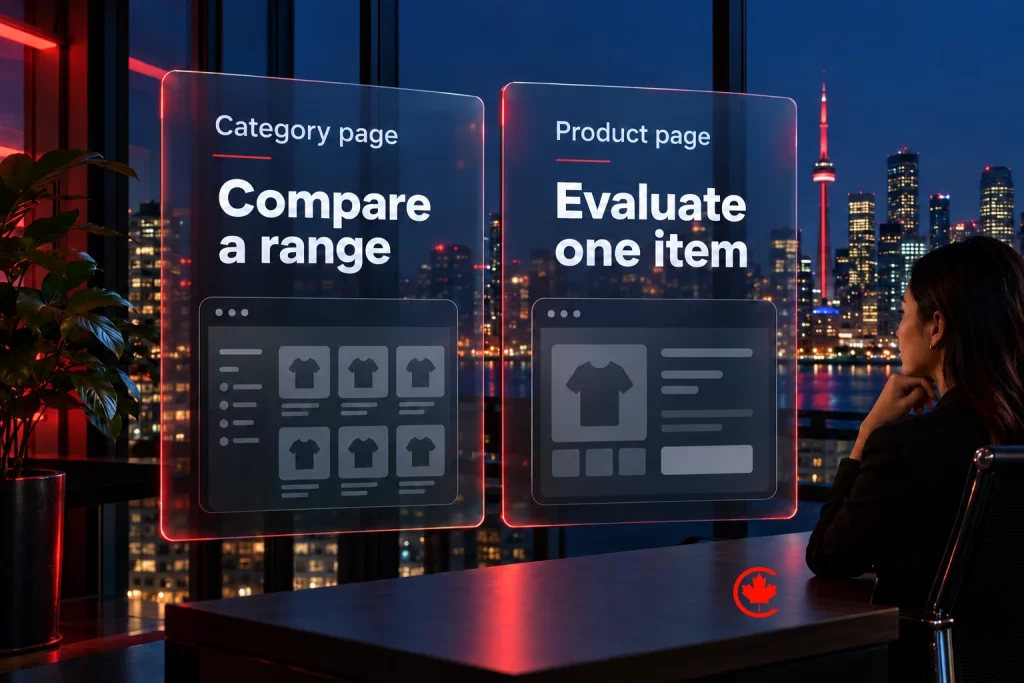
Product pages that rank and convert
| Element | What good looks like |
|---|---|
| Title and description | Unique, written for shoppers, with useful original detail beyond the manufacturer’s standard copy |
| Images and video | Several angles, compressed, with descriptive alt text |
| Specifications | In text, not only in images |
| Price, availability and shipping | Clear, in CAD for Canadian shoppers, with mandatory fixed fees included and taxes or variable shipping explained |
| Reviews | Genuine customer reviews, never incentivized without disclosure |
| Structured data | Product, offer and review markup that matches what is on the page |
We plan and run ecommerce SEO for stores and retailers in Toronto and across Canada, scoped in writing after a free review.
How to structure collections and URLs
A clear structure helps shoppers and search engines understand what you sell. Start from the way customers shop, not from your supplier’s catalogue. Group products into a small number of main categories, then into subcategories where shoppers genuinely narrow their choice, such as “winter boots” and then “women’s winter boots”.
- Give every main category and subcategory its own indexable page with a short, original introduction.
- Use breadcrumbs so each product shows the path back to its category.
- Keep URLs short and readable. On Shopify, collection and product handles can be edited; set them before launch, because changing them later needs redirects.
- Avoid creating a separate page for every tag or minor attribute. Tag pages with only a few products rarely help shoppers and can dilute your main categories.
- Link from category pages to related categories, and from guides to the categories they discuss.
On WooCommerce, the same principles apply to product categories and attributes. Decide which attribute archives are useful enough to index and which should stay as filters only.
Writing product descriptions at scale
Stores with hundreds of products cannot write long original copy for every item at once. Prioritize by value: start with the products and categories that already bring revenue or impressions, then work down the list. For each product, add the details a shopper needs to decide and that the manufacturer’s text leaves out: fit and sizing notes, materials and care, what is in the box, compatibility, and how the product suits Canadian conditions where that matters.
A consistent template helps a team write quickly without producing identical pages. Use the same headings and specification table across a category, and fill them with information specific to each product. Read your customer questions, returns notes and reviews; the questions people keep asking are usually the details the description is missing.
Variants need a decision. Colours and sizes of the same item normally belong on one product page with a variant selector. Products that people search for separately, such as different models, usually deserve their own pages. On Shopify, variants, collection paths and tag filters each need their own handling, covered by our Shopify SEO services in Toronto.
Images, video and Google free listings
Product images help shoppers decide and can bring traffic from image search and Google Shopping. Use descriptive file names and alt text that say what the image shows, compress files so pages stay fast on mobile, and include scale and in-use shots alongside plain product shots.
Google Merchant Center lets eligible stores appear in free product listings. Its results depend on a clean product feed: accurate titles, prices and availability that match the product page, correct identifiers such as GTINs where the product has them, and main images without promotional text or watermarks. Check the diagnostics in Merchant Center regularly, because disapproved products quietly drop out of the listings.
Short videos showing the product in use can answer questions that photos cannot. Host them where they load quickly, and add a short text summary on the page so the information is also readable.

Planning seasonal and sale pages
Seasonal pages for Black Friday, Boxing Day, back to school or holiday gifts can rank well, but only if they build up authority over time. Keep one permanent URL for each recurring event and update the content each year, instead of creating a new page every season and deleting the old one. Between events, keep the page live with a short note on when the next sale starts and links to related categories.
Publish or refresh seasonal pages several weeks before the event, so search engines have time to find and rank them. Link to them from the home page and main navigation while the season is active.
Technical SEO for online stores
- Duplicate URLs: Shopify can create the same product under several collection paths; make sure canonical tags point to the main product URL.
- Faceted navigation: control which filter pages are indexable.
- Out of stock and discontinued products: keep useful pages for temporary stockouts. Redirect a discontinued item only to a genuinely relevant replacement; if no equivalent exists and the page has no continuing value, return a proper 404 or 410.
- Speed: limit apps and scripts; each one can slow the store.
- Markets: if you sell in more than one country or language, set up currencies, languages and hreflang properly.
See our guide to crawl budget optimization.
Content that brings shoppers
- Buying guides and comparisons for your main categories.
- “Best for” collections, such as gifts or seasonal edits, built as real category pages.
- How to content that shows the product in use.
- Canadian specific content: sizing, shipping times, duties for cross border orders and seasonal needs.
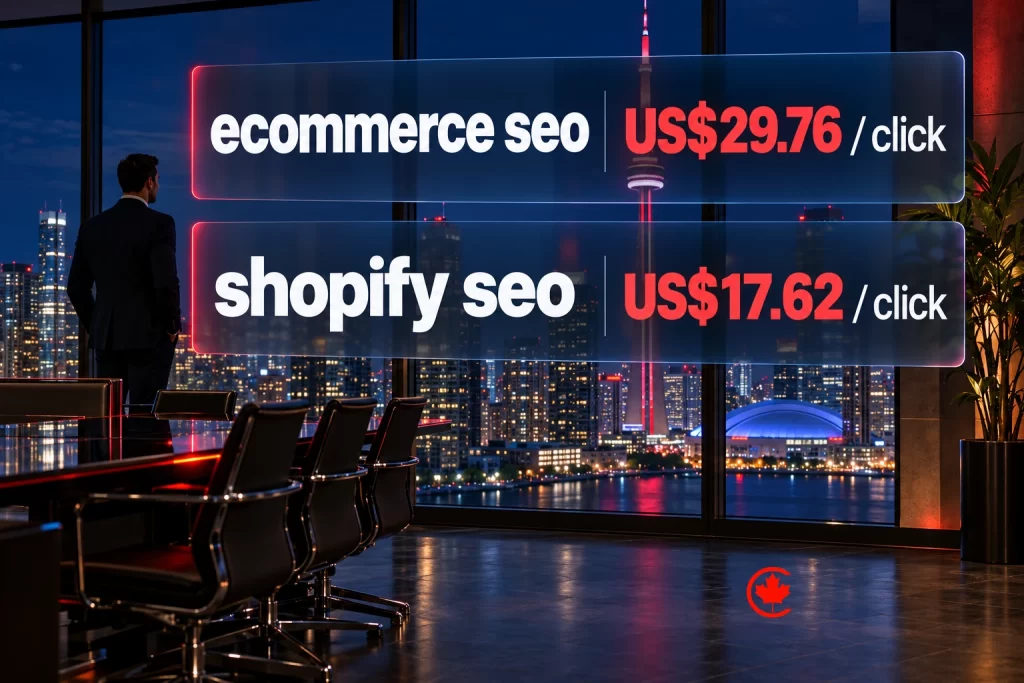
Canadian rules that affect ecommerce pages
- Advertised prices must include mandatory fixed fees, except government-imposed charges on purchasers such as sales tax. Explain variable shipping and other applicable charges clearly before checkout.
- Marketing emails need consent under CASL.
- Provide a complete French shopping experience where Quebec’s Charter of the French Language applies to the business.
- Review practices must be genuine; fake or selectively published reviews can be misleading.
Measure revenue, not rankings
- Connect GA4 ecommerce tracking and Search Console.
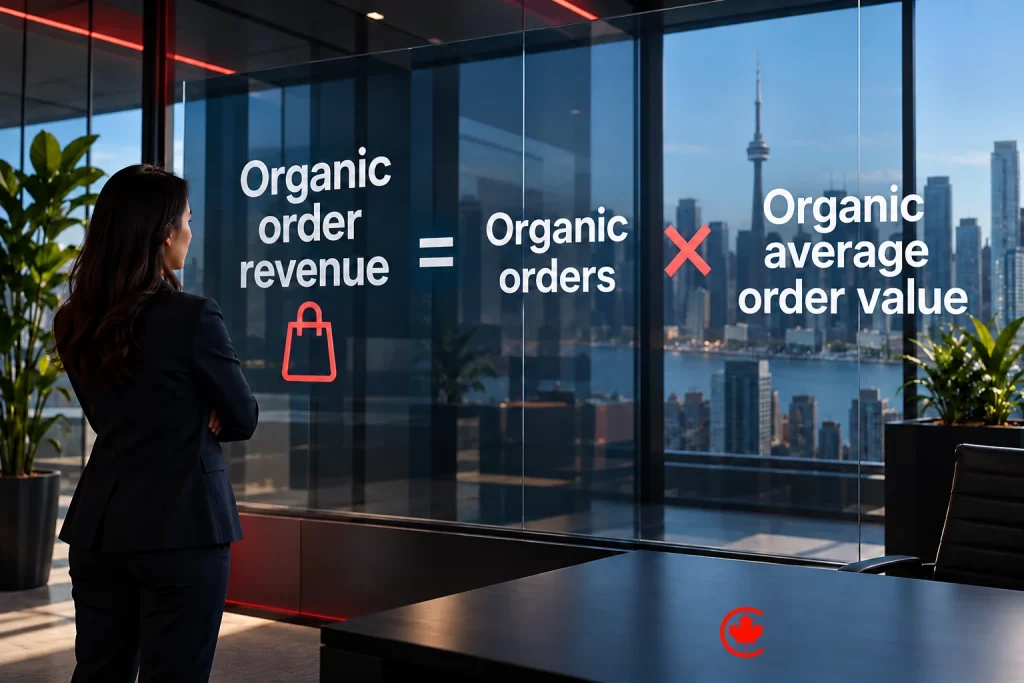
- Report organic revenue by landing page type: category, product, guide.
- Prioritize improvements on pages already in positions 4 to 20.
- Watch Google Merchant Center free listings alongside organic search.
Want this done for your store? See our ecommerce SEO agency, Shopify development, Shopify conversion rate optimization and ecommerce agency services, or read the best ecommerce platforms in Canada.
Frequently asked questions
Where should I start with SEO on my Shopify store?
Start with collection pages, because most buying searches happen at category level, such as women's winter boots or standing desk Canada. Give each main collection a clear H1 that matches the search, a short intro that helps shoppers choose, buying guidance below the products and links to related collections. Then work through product pages in order of the revenue they already bring.
Is Shopify good for SEO, or does it cause problems?
Shopify can rank well once a few quirks are handled. It can create the same product under several collection paths, so canonical tags have to point to the main product URL. Collection and product handles are editable, but set them before launch, since changing them later needs redirects. Every app and script adds weight, so keep only the ones the store really uses.
Do Shopify tags help SEO?
Rarely as pages of their own. Tag pages holding only a few products seldom help shoppers and can dilute your main categories, so avoid publishing a page for every tag or minor attribute. Use tags for filtering, and give real indexable pages to the categories and subcategories where shoppers narrow their choice.
How do I improve SEO on Shopify product descriptions when the store has hundreds of items?
Prioritize by value, starting with the products and collections that already bring revenue or impressions. Add what the manufacturer's text leaves out: fit and sizing, materials and care, what is in the box, compatibility, and how the item suits Canadian conditions. A consistent template per category speeds up writing without making pages identical, and customer questions and returns notes show what each description is missing.
Is WooCommerce or Shopify better for ecommerce SEO?
Either can rank, because the same principles apply on both. On WooCommerce, decide which attribute archives deserve indexing and which stay as filters only. On Shopify, watch for duplicate collection paths and settle handles before launch. Category structure, original product detail and a clean technical setup count for more than the platform choice.
What belongs on a Shopify SEO checklist for a Canadian store?
Canonical tags that send duplicates to the main product URL, control over which filter pages can be indexed, and a plan for out-of-stock items. Prices should show in CAD with mandatory fixed fees included, and taxes or variable shipping explained. Add product, offer and review structured data that matches the page, and check Merchant Center diagnostics often so products do not quietly drop out of free listings.
What SEO mistakes do ecommerce stores make with seasonal sale pages?
The usual one is building a fresh Black Friday or Boxing Day page every year and deleting the old one, which throws away the authority it earned. Keep one permanent URL per recurring event and update the content each year. Between events, leave it live with a note on when the next sale starts, and refresh it several weeks ahead so search engines can find it in time.
Which free Google tools help a Shopify store with SEO?
Google Merchant Center lets eligible stores appear in free product listings when the feed is clean: accurate titles, prices and availability that match the product page, correct GTINs where they exist and main images without promotional text or watermarks. Google Search Console shows which searches bring impressions and clicks to your collections and products. Both cost nothing to use.
How should a Shopify store handle out-of-stock and discontinued product pages for SEO?
Keep useful pages live during a temporary stockout. Redirect a discontinued item only to a genuinely relevant replacement. If no equivalent exists and the page has no continuing value, return a proper 404 or 410 instead of sending shoppers somewhere unrelated.