
Crawl Budget Optimization: What It Is and Why It Matters

If important pages are not appearing in search, first distinguish a discovery or crawling problem from an indexing decision. Crawl budget describes the resources available for fetching URLs; it does not determine whether every fetched page will be indexed.
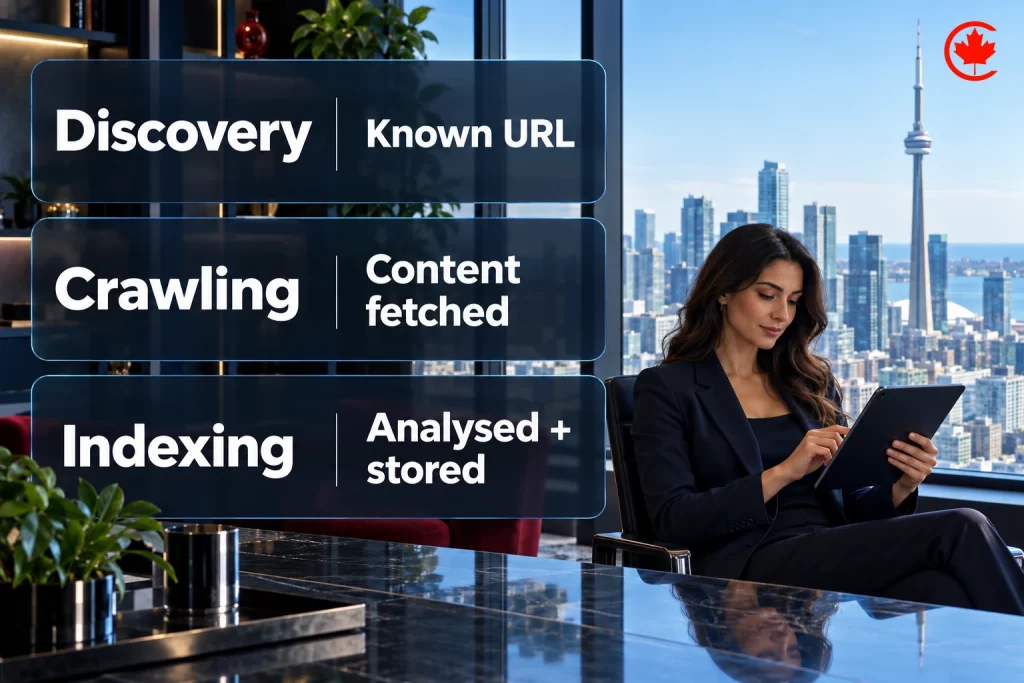
This guide explains crawl budget optimization and the checks that help you decide whether it is a priority for your site. Start with evidence of the problem before changing crawl controls.
Understanding Crawl Budget
Google describes crawl budget through crawl capacity and crawl demand: what its crawlers can fetch without overloading the site, and what they want to fetch. Its guidance is aimed mainly at very large or rapidly changing sites and sites with substantial discovery backlogs, not every small website.
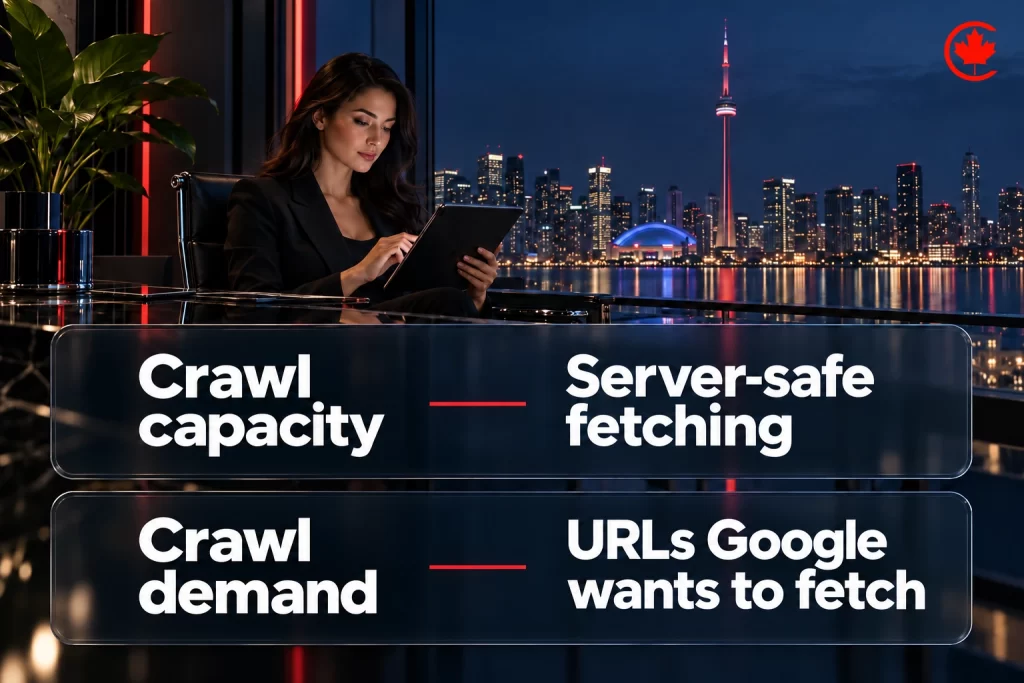
Use Search Console to identify the affected URLs. A page listed as discovered but not indexed needs different investigation from one that has already been crawled or is excluded by a directive. Do not assume that increasing crawl activity resolves every indexing issue.
Why Crawl Budget Optimization Matters for SEO
Crawling is one step towards appearing in search. For a changing catalogue or news archive, the useful question is whether important new or updated URLs are being fetched, then whether they become indexed and receive relevant impressions. Keep those stages separate in reporting.
Measure your own index coverage by page type rather than applying an unsupported percentage to every large site. Compare the URLs you want indexed with the reasons reported for excluded pages, and investigate a sample from each important group.
Impact on Site Performance
Inspect server availability and response times alongside crawl activity. If customers and crawlers encounter timeouts or server errors, investigate the hosting or application issue before treating it as a content problem.
Evidence to Collect
Record crawl requests, server responses, important URL groups and indexing status before a change. Use the same definitions afterwards. An increase in sessions is a separate outcome; it does not by itself show that crawl-budget work caused the change.
SEO Services Toronto
Partner with Canada Create to investigate crawl access, indexing issues and practical technical SEO improvements.
Factors Influencing Your Crawl Budget
Review capacity, demand and the URL inventory together. A faster server may have room for more crawling while Google still has little demand to fetch more pages. Removing unnecessary URL variants addresses inventory rather than setting a guaranteed crawl quota.
Key Factors Overview
Here’s a table summarizing the primary influences on crawl budget:
| Factor | Description | Impact on Budget |
|---|---|---|
| Site Speed | How quickly pages load for bots. | Slow responses can constrain crawl capacity. |
| Content Freshness | Frequency of updates and new pages. | Update frequency is one consideration in crawl demand. |
| Server Health | Response codes and uptime. | Errors like 5xx reduce crawling efficiency. |
| Internal Linking | Structure of links within your site. | Poor linking hides pages from bots. |
| Duplicate Content | Identical or similar pages. | Wastes budget on redundant crawls. |
| Robots.txt and Sitemaps | Crawl rules and discovery information. | Misconfigurations block key areas. |
Our SEO team plans, fixes and reports on the work in this guide every month for Canadian businesses.
Additional Influences
Prioritize issues supported by your logs and Search Console reports. Group repeated URL patterns, errors and redirects so that a developer can trace each problem to the feature generating it.
Before changing robots.txt or canonical settings, list the affected URL patterns and test representative pages. Keep a rollback record so that useful content is not accidentally excluded.
Step-by-Step Guide to Crawl Budget Optimization
Optimizing your crawl budget requires a structured approach, starting with an audit and ending with ongoing monitoring. Tools like Google Search Console (GSC) offer critical insights into crawl activity. Follow these steps to streamline crawling, with practical examples to guide you.
Step 1: Audit Your Crawl Status
Use the Crawl Stats report to review requests, response codes and host availability. Its totals are crawl requests, not a count of unique pages indexed. Compare changes with server logs and deployment dates before assigning a cause.
Use tools like Screaming Frog to simulate crawls and identify issues. This baseline helps measure progress as you implement fixes.
Step 2: Boost Site Speed and Server Performance
Site speed work should address measured bottlenecks. Check server response time and resource delivery, then test whether important content remains accessible after changes to scripts, caching or image loading.
Investigate unexpected 5xx responses and rate limiting. A 404 or 410 is appropriate for a permanently removed page without a replacement; it is not automatically a server fault to hide with a redirect. See Google’s HTTP status guidance.
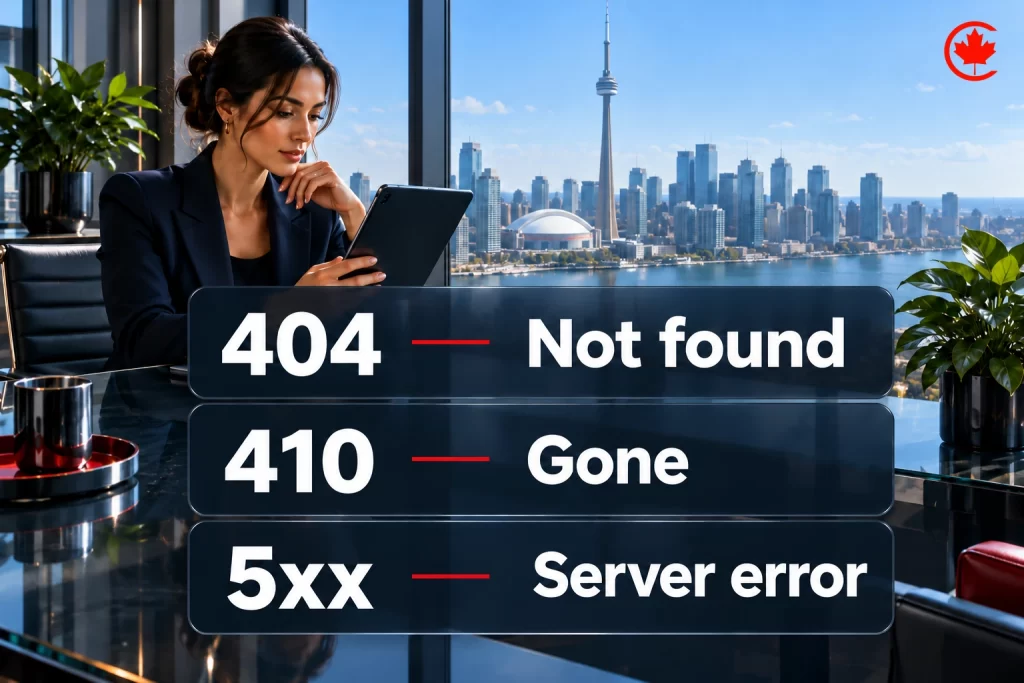
- Tip: Check response times and errors before choosing a server-level change.
- Tip: Use caching to deliver static content efficiently.
Step 3: Optimize Robots.txt and Sitemaps
Use robots.txt to control crawling, and a sitemap to help Google discover important URLs. A sitemap is a hint, not a promise of crawling or indexing. Include the canonical URLs you want considered for search.
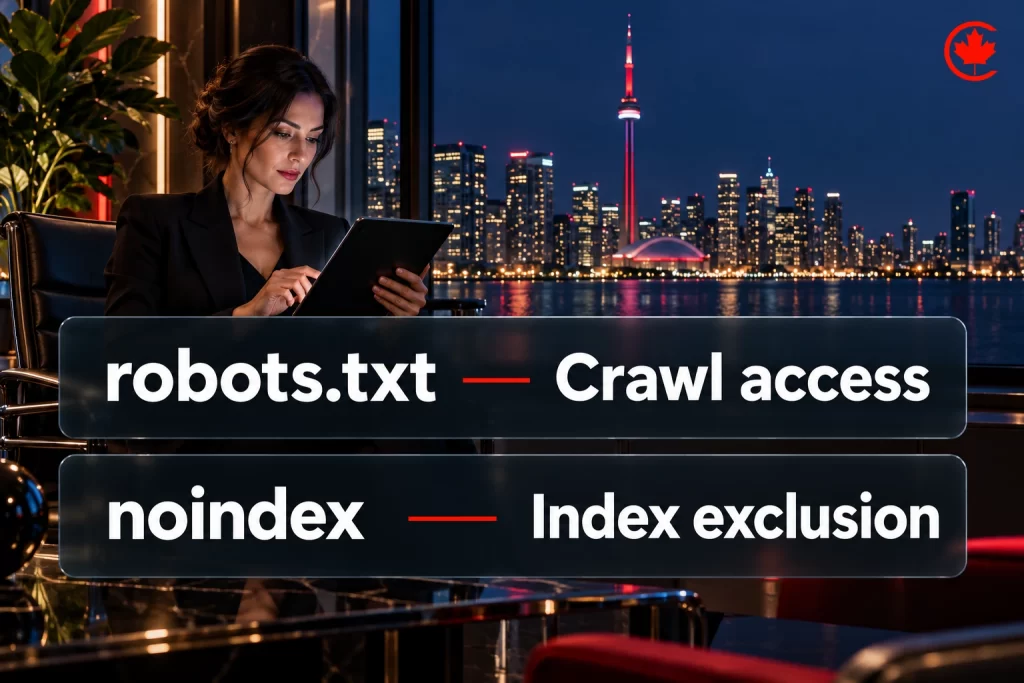
Avoid blocking essential files like CSS/JS, which bots need for rendering. Dynamic sitemaps are ideal for large sites.
- Best Practice: Keep crawling and indexing controls distinct. A noindex directive must be crawled to be seen, so it is not a crawl-budget saving tool.
- Best Practice: Update sitemaps regularly to reflect new content.
Step 4: Address Duplicate Content and Redirect Chains
For duplicate pages, align internal links, sitemap entries and canonical signals around the preferred URL. Google selects the canonical; your declaration is a signal. Check redirect chains separately and link directly to the final destination where possible.
Use URL Inspection to check Google’s selected canonical. Use 301 redirects when a page has permanently moved to a relevant replacement, rather than redirecting every removed URL to the homepage.
- Actionable Tip: Review how filters, sorting and tracking parameters generate URLs; keep internal links consistent with the intended canonical versions.
- Actionable Tip: Audit for near-duplicate content, like similar product descriptions.
Step 5: Strengthen Internal Linking and Content Quality
Link important pages from relevant sections of your site using descriptive anchor text. Check for orphaned pages and links that point through redirects. Record the affected URLs so you can verify the fix rather than assuming a site-wide crawl increase.
Review thin or outdated pages for usefulness. Improve, consolidate or remove them according to their purpose and the appropriate redirect or status response, rather than deleting pages solely to change crawl totals.
- Strategy: Link to high-priority pages from your homepage.
- Strategy: Update evergreen content when its facts or guidance need a substantive correction.
Advanced Techniques for Large Sites
For complex sites, compare verified crawler logs with page-type inventories. Test important JavaScript-generated content using URL Inspection and check what Google can actually render. Diagnose a specific access or rendering problem before changing the framework.
Crawl and indexing work for larger sites is part of our SEO services in Toronto.
Benefits of Crawl Budget Optimization
Crawl budget optimization can address unnecessary fetching and access problems. Measure whether the intended URL patterns changed; indexing and search performance need their own checks.
Compare hosting load and customer-facing performance before and after infrastructure changes. Keep any revenue analysis separate and account for other campaign or website changes during the same period.
Long-Term SEO Advantages
Retain a URL inventory, change log and repeatable monitoring process. These make later migrations, catalogue changes and indexing investigations easier to diagnose without assuming that more crawling always means better rankings.
How to Evaluate the Work
Report which issue was fixed, which URLs were affected and what the follow-up checks show. If important pages remain unindexed, return to the reported exclusion reasons rather than using a traffic increase elsewhere on the site as proof of success.
Crawl budget optimization starts with a diagnosis: discovery, fetching, indexing or search performance. Choose the fix for that stage, preserve useful URLs and verify the result before expanding the work.
Start with your most important missing or outdated pages. Review their status in Search Console, trace any access problem and document a targeted fix. This keeps the work tied to a real problem rather than an arbitrary crawl-volume target.
Frequently asked questions
What is crawl budget in SEO, and how does Google work it out?
Google describes crawl budget through two parts: crawl capacity, meaning what its crawlers can fetch without overloading your server, and crawl demand, meaning what they want to fetch. There is no published formula you can apply to your own site. Review capacity, demand and your URL inventory together, since a faster server can have spare room while Google still has little reason to fetch more pages.
How can you get Google to crawl your important pages more often?
Fix measured problems first: slow server responses, unexpected 5xx errors and rate limiting all constrain crawl capacity. Then link important pages from relevant sections, including the homepage, with descriptive anchor text, and list their canonical URLs in a sitemap. Updating pages when their facts change also feeds crawl demand.
Can you force Google to crawl and index a page on your site?
No, you can only send signals. A sitemap is a hint rather than a promise of crawling or indexing, and a canonical tag is a signal while Google picks the canonical itself. URL Inspection in Search Console shows which canonical Google selected and what it can render.
What is the difference between crawling and indexing for crawl budget work?
Crawling is Google fetching a URL, while indexing is a separate decision about whether that page is stored and shown in search. Crawl budget concerns the fetching side only. A page listed as discovered but not indexed needs a different investigation from one already crawled or excluded by a directive, so keep those stages apart in your reports.
How do I check whether Google is crawling my site properly?
Open the Crawl Stats report in Search Console to review requests, response codes and host availability. Its totals count crawl requests, which is different from the number of unique pages indexed. Compare any change with your server logs and deployment dates before deciding what caused it.
How do you fix pages that are crawled but not indexed?
More crawling rarely solves it, because Google has already fetched those pages. Go back to the exclusion reasons Search Console reports and investigate a sample from each important page group. Thin or outdated pages may need improving, consolidating or removing with the right redirect or status code, and duplicates need internal links, sitemap entries and canonical signals aligned on one preferred URL.
What belongs on a crawl budget optimization checklist?
Begin with an audit of crawl status, then fix server speed and errors, review robots.txt and sitemaps, and clean up duplicate URLs and redirect chains. Strengthen internal linking and the quality of thin pages after that. Record crawl requests, server responses and indexing status before each change so you can measure it with the same definitions afterwards.
Does a small business website need to worry about its crawl budget?
Usually not as a first concern. Google aims its crawl budget guidance mainly at very large or fast-changing sites and sites with big discovery backlogs. On a smaller site, start with evidence: check the affected URLs in Search Console before changing any crawl controls.
Should you use robots.txt or noindex to manage crawl budget?
Robots.txt controls crawling, while noindex controls indexing, and the two should stay distinct. A noindex tag has to be crawled before Google sees it, so it saves no crawl budget. Before changing robots.txt, list the URL patterns affected, test sample pages, keep CSS and JavaScript files open for rendering and keep a rollback record.