
Best Canva alternatives in 2026: design tools for social graphics, presentations and brand work
Canva made design easy for millions of people: templates, drag and drop editing and a huge library of photos and elements. People look for alternatives when they need more professional control, better brand consistency, specific features such as print production or vector illustration, a different pricing model, or simply a design that does not look like every other template on social media. This guide compares the best Canva alternatives for 2026 by job, from quick social graphics to presentations and professional brand work, and explains when a tool is enough and when you need a designer. Features and plans change often, so check current details with each provider.
Quick picks by job
| Job | Alternatives to look at | Why |
|---|---|---|
| Quick social graphics with templates | Adobe Express, VistaCreate; Microsoft Designer for personal projects only | Template editing; Microsoft’s consumer Designer is licensed for personal, non-commercial use |
| Brand consistent design across a team | Adobe Express with brand kits, Figma | Shared libraries, locked brand assets and collaboration |
| Presentations and pitch decks | Pitch, Gamma, Google Slides, PowerPoint with Designer | Collaboration, AI drafted slides and presenter tools |
| Infographics, reports and data visuals | Visme, Piktochart | Charts, data widgets and report templates |
| Logos, merch and typography heavy graphics | Kittl, Affinity, Adobe Illustrator | Vector tools and advanced type effects |
| Photo editing in the browser at no cost | Photopea, Pixlr | Layer based editing similar to Photoshop |
| Professional brand and print production | Adobe Creative Cloud, Affinity | Industry standard files, colour control and print output |
| Website, app and interface design | Figma | The standard for collaborative interface design |
Our designers create graphics, campaigns and brand assets for Canadian businesses.
The main alternatives compared
| Tool | Best known for | Watch for |
|---|---|---|
| Adobe Express | Templates, Adobe Stock assets, generative AI and brand kits, with links to Photoshop and Illustrator | Premium assets and features on paid plans |
| Figma | Collaborative design for interfaces, presentations and social assets | Fewer ready made marketing templates than Canva |
| Microsoft Designer | Consumer AI graphics for personal projects | Microsoft states personal, non-commercial use with a Microsoft account; do not assume a business licence |
| VistaCreate | Large template library for social and print | Similar look to other template tools |
| Visme | Infographics, reports, charts and interactive content | Learning curve for data features |
| Piktochart | Infographics and visual reports | Narrower focus |
| Kittl | Typography, logos and merch designs | Built for a specific style of graphic |
| Affinity by Canva | Free unified desktop app for photo, vector and layout work | Requires a Canva account; premium Canva AI tools need an eligible paid plan, so this is not an alternative to Canva ownership |
| Photopea and Pixlr | Browser based photo editing | Ads or limits on free versions |
| Pitch and Gamma | Collaborative or AI-assisted presentations | Check export fidelity; Gamma also supports documents, websites and social content |
AI design features
Many design tools now offer AI features such as generating images from text, removing and replacing backgrounds, expanding images, resizing a design for every social format, writing captions and drafting whole presentations. These features save real time, but check each tool’s terms for commercial use of AI images, avoid generating real people’s likenesses or other brands’ logos, and keep a human eye on everything that represents your brand.
Brand consistency: the real reason teams switch
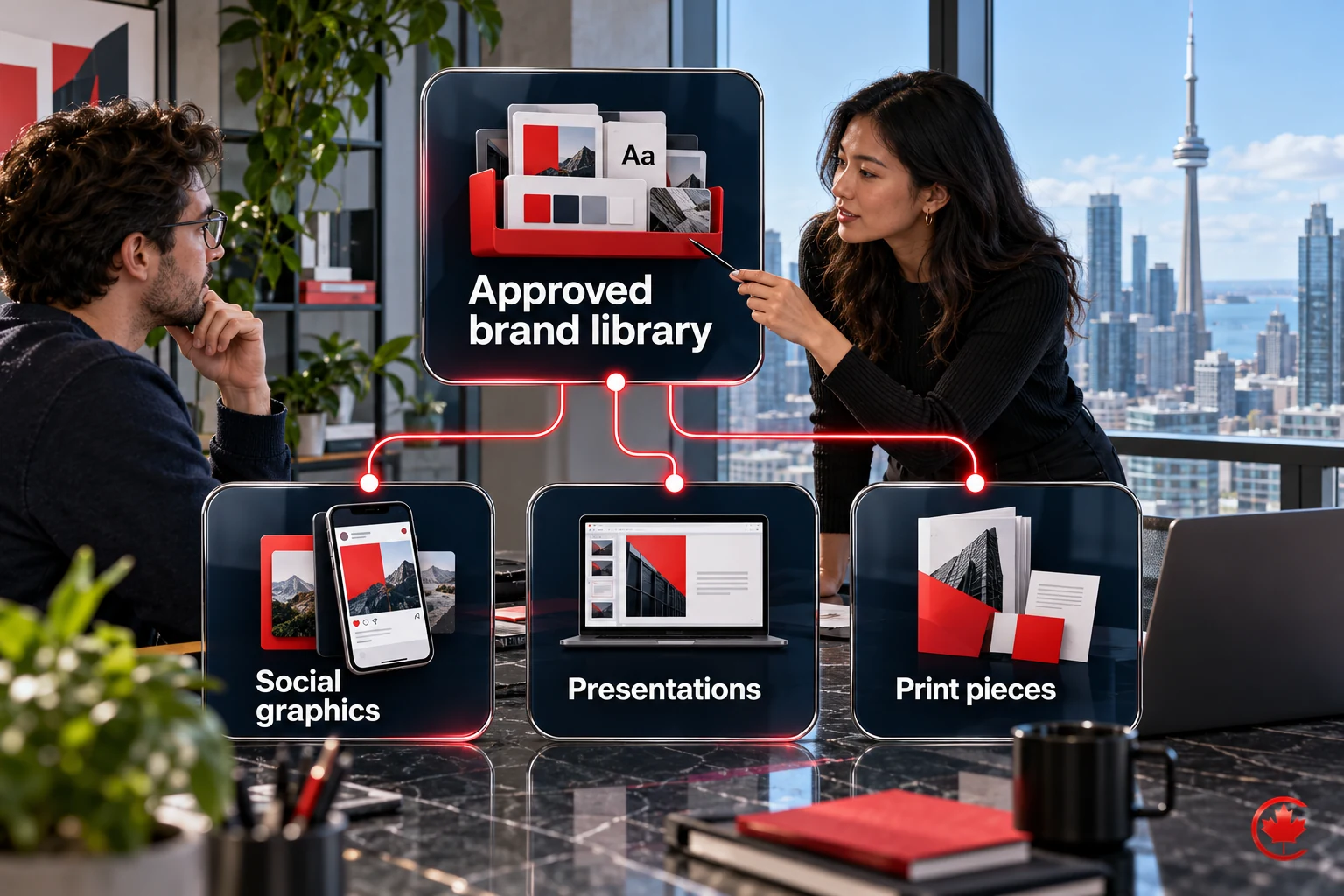
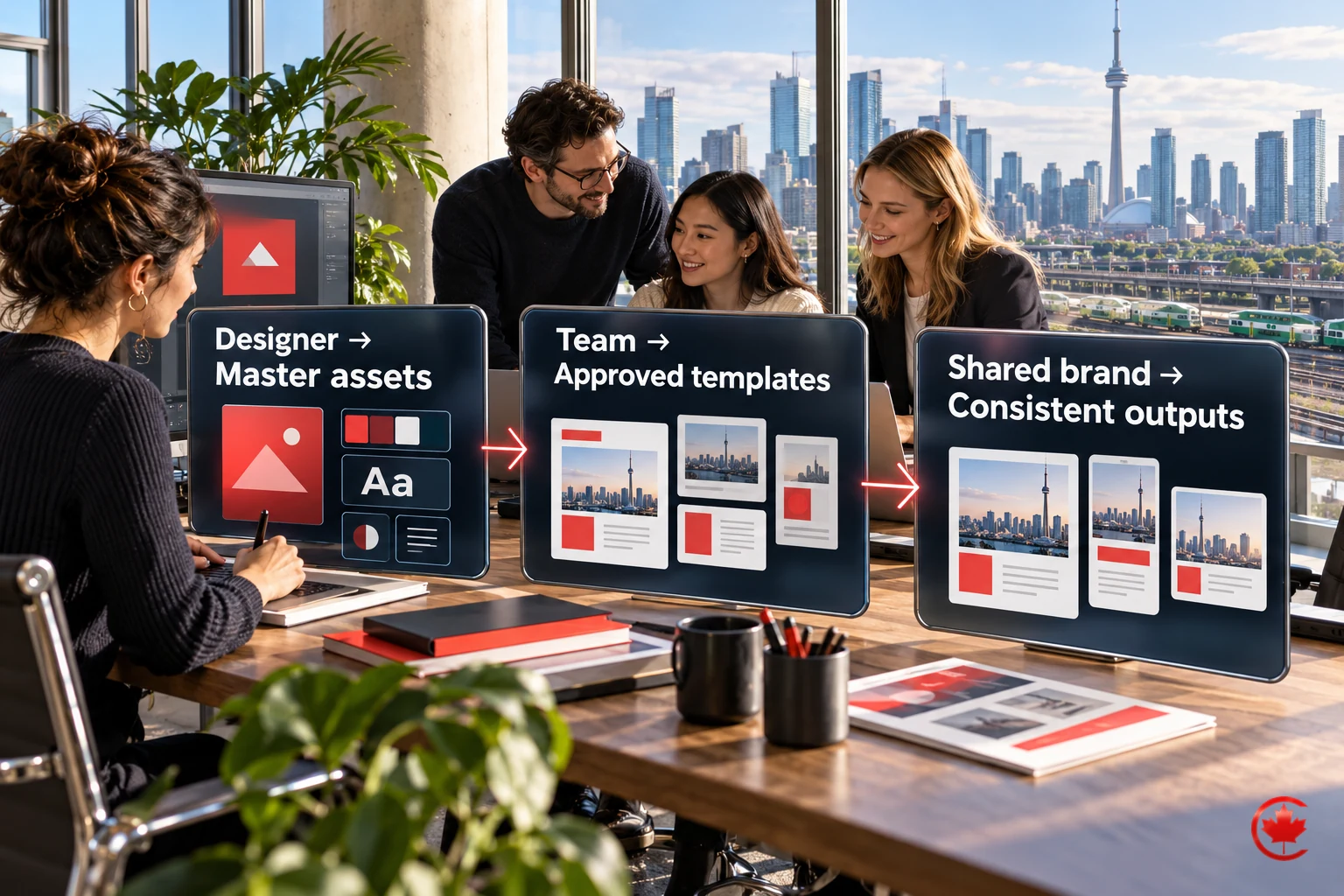
The hidden cost of easy design tools is inconsistency. When everyone on a team creates graphics from different templates, the brand drifts: different fonts, off brand colours, mixed photo styles. Whichever tool you use, set up:
- A brand kit with exact colours, fonts and logo versions.
- Locked master templates for your most common formats.
- A shared library of approved photos, icons and illustrations.
- One person who approves new templates.
A clear brand guideline makes every tool work better. Our graphic design team creates brand guidelines and template systems that teams can use in Canva, Adobe Express or Figma.
Free options
Adobe Express, Figma, VistaCreate and Visme offer free tiers with restrictions. Check downloads as well as assets, storage and AI credits: a free account does not necessarily include the export you need. Affinity by Canva offers free core desktop tools with a Canva account. Microsoft Designer has consumer access, but its personal, non-commercial licence makes it unsuitable as an unqualified business recommendation. Photopea and Pixlr provide browser photo editing at no cost with ads or limits. Free plans are fine for occasional graphics; teams that publish every day usually need paid plans for brand kits, shared libraries and commercial assets.
Licensing and file ownership
- Template and stock licences. Most template tools allow commercial use in marketing but restrict using their templates or elements in logos and trademarks, or reselling them. Read the licence before you build a logo from a template.
- Logos. A logo should be original, with editable vector files and clear written ownership or licence terms. Template based logos may not be registrable as trademarks.
- Exports. Professional print needs the right colour mode, resolution and bleed; check your tool can export print ready files.
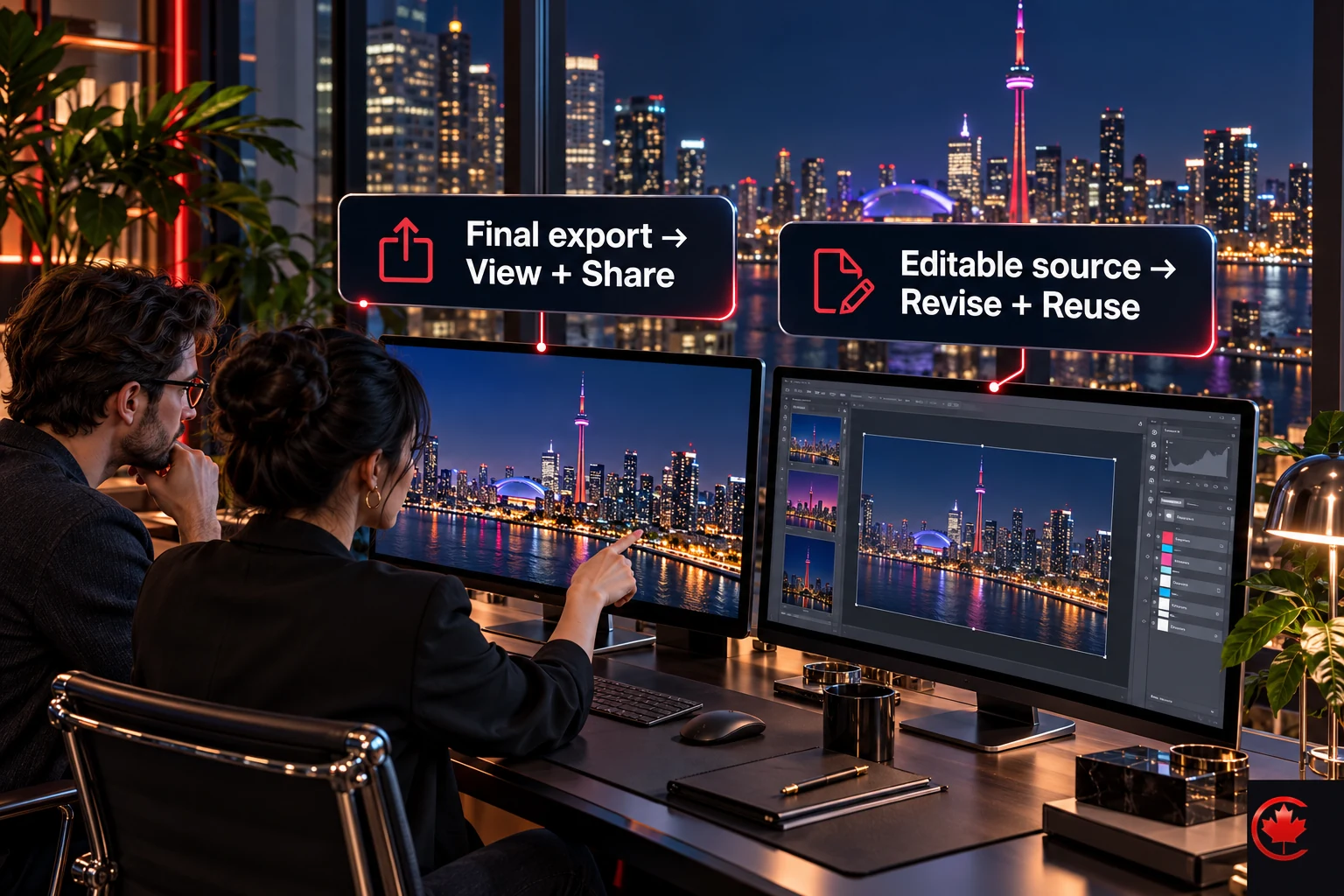
- Portability. Editable-file compatibility varies. Test imports, fonts, effects and layout in the destination app; a PDF or image export may preserve appearance without preserving editability. Keep final exports and source files organized.
When to hire a designer
Design tools are excellent for everyday content. Bring in a professional when the work defines how people see your business: your logo and brand identity, your website, packaging, signage, sales presentations to major clients, and ad campaigns with real budgets. A designer gives you something distinctive rather than a template many competitors also use, and sets up the system your team then uses daily. Our website design and graphic design teams handle both.
How to choose: a checklist
- List what you design most: social posts, presentations, reports, print, logos or interfaces.
- Decide who designs: one person, a whole team or designers plus non designers.
- Check brand kit, shared library and template locking features.
- Compare template and stock libraries for your industry.
- Check AI features and their commercial use terms.
- Confirm export formats for web, print and video.
- Test with a real project before moving your team.
Common mistakes to avoid
- Building a logo from a template and expecting to own it fully.
- Letting every team member pick different templates and fonts.
- Using AI images without checking commercial use rights.
- Moving tools without exporting and organizing existing designs.
- Paying for several design tools that overlap.
Design tools by team type
| Team | Practical setup |
|---|---|
| Solo owner | One template tool such as Adobe Express or Canva, with a simple brand kit |
| Small marketing team | A shared template tool with locked templates and a brand library, plus a presentation tool |
| Team with a designer | Professional tools for the designer, template tools for everyone else, with templates built by the designer |
| Product or software company | Figma for product and marketing design, plus a template tool for social content |
Social media design that performs
- Design for the phone screen first: large type, high contrast and one message per graphic.
- Use relevant, permission-based photos of your team, work and customers where they help tell the story; test their performance rather than assuming they always outperform stock.
- Keep a consistent visual style so followers recognize your posts before reading the name.
- Resize properly for each platform instead of cropping one design everywhere.
- Add alt text when posting so graphics are accessible.
Our social media management team designs and publishes content on a consistent brand system.
Moving away from Canva
- Export your most used designs as high resolution files and PDFs.
- Write down your brand colours, fonts and logo files in one guideline.
- Rebuild your five most used templates in the new tool first.
- Move your photo and asset library, checking licences for stock items.
- Train the team with a short guide and retire old templates.
The bottom line
Adobe Express is the closest all round Canva alternative, Figma is best for teams that need collaboration and interface design, Visme and Piktochart suit data heavy visuals, Kittl suits typography and merch, Pitch and Gamma suit presentations, and Affinity or Adobe Creative Cloud suit professional work. The tool matters less than the system behind it: a clear brand guideline, locked templates and professional design for the pieces that define your business.
Frequently asked questions
What do professionals use instead of Canva?
For brand and print production, professionals usually work in Adobe Creative Cloud or Affinity, which give industry standard files, colour control and print output. Figma is the standard for collaborative website, app and interface design. Logo, merch and type heavy work often moves to vector tools such as Adobe Illustrator, Affinity or Kittl.
What can replace Canva for quick social graphics?
Adobe Express and VistaCreate both offer template editing for fast social posts, and Adobe Express adds brand kits and links to Photoshop and Illustrator. Microsoft Designer is licensed for personal, non-commercial use only, so do not assume it covers business work. Check which assets and features sit on paid plans before your team settles on one.
Is there a completely free alternative to Canva?
Adobe Express, Figma, VistaCreate and Visme all have free tiers with restrictions, and Photopea and Pixlr offer browser photo editing at no cost with ads or limits. Affinity by Canva gives free core desktop tools, but it needs a Canva account. Check downloads, assets, storage and AI credits, because a free account may not include the export you need.
Can I legally use Canva or a similar template tool to make a logo?
Most template tools allow commercial use in marketing but restrict using their templates or elements in logos and trademarks, so read the licence first. A logo should be original, come with editable vector files and have clear written ownership or licence terms. Template based logos may not be registrable as trademarks.
Is Kittl a good Canva alternative for logos and merch?
Kittl is built for typography, logos and merch designs, with vector tools and advanced type effects. It works well for that particular style of graphic but is narrower than a general template tool. Affinity and Adobe Illustrator are the other common choices for type heavy vector work.
Which AI design features should a Canva alternative offer?
Common AI features include generating images from text, removing and replacing backgrounds, expanding images, resizing a design for each social format, writing captions and drafting whole presentations. They save real time, but check each tool's terms for commercial use of AI images. Avoid generating real people's likenesses or other brands' logos, and keep a person reviewing anything that represents your brand.
What is a good Canva alternative for presentations and pitch decks?
Pitch and Gamma offer collaborative or AI assisted presentations, and Google Slides and PowerPoint with Designer cover most everyday decks. Gamma also handles documents, websites and social content. Check export fidelity before you rely on any of them for a client pitch.
Why do design teams move away from Canva?
Teams usually switch for more professional control, stronger brand consistency, print production or vector features, a different pricing model, or designs that stop looking like every other template online. Inconsistency is the hidden cost: when everyone works from different templates, fonts, colours and photo styles drift. A brand kit, locked master templates, a shared library of approved assets and one person approving new templates help in any tool.
When should a business hire a designer instead of relying on a Canva alternative?
Design tools handle everyday content well, but bring in a professional for work that defines how people see your business. That includes your logo and brand identity, website, packaging, signage, major sales presentations and ad campaigns with real budgets. A designer can also build the brand guidelines and template system your team then uses daily.