
Why should you not search for your own Google Ads?
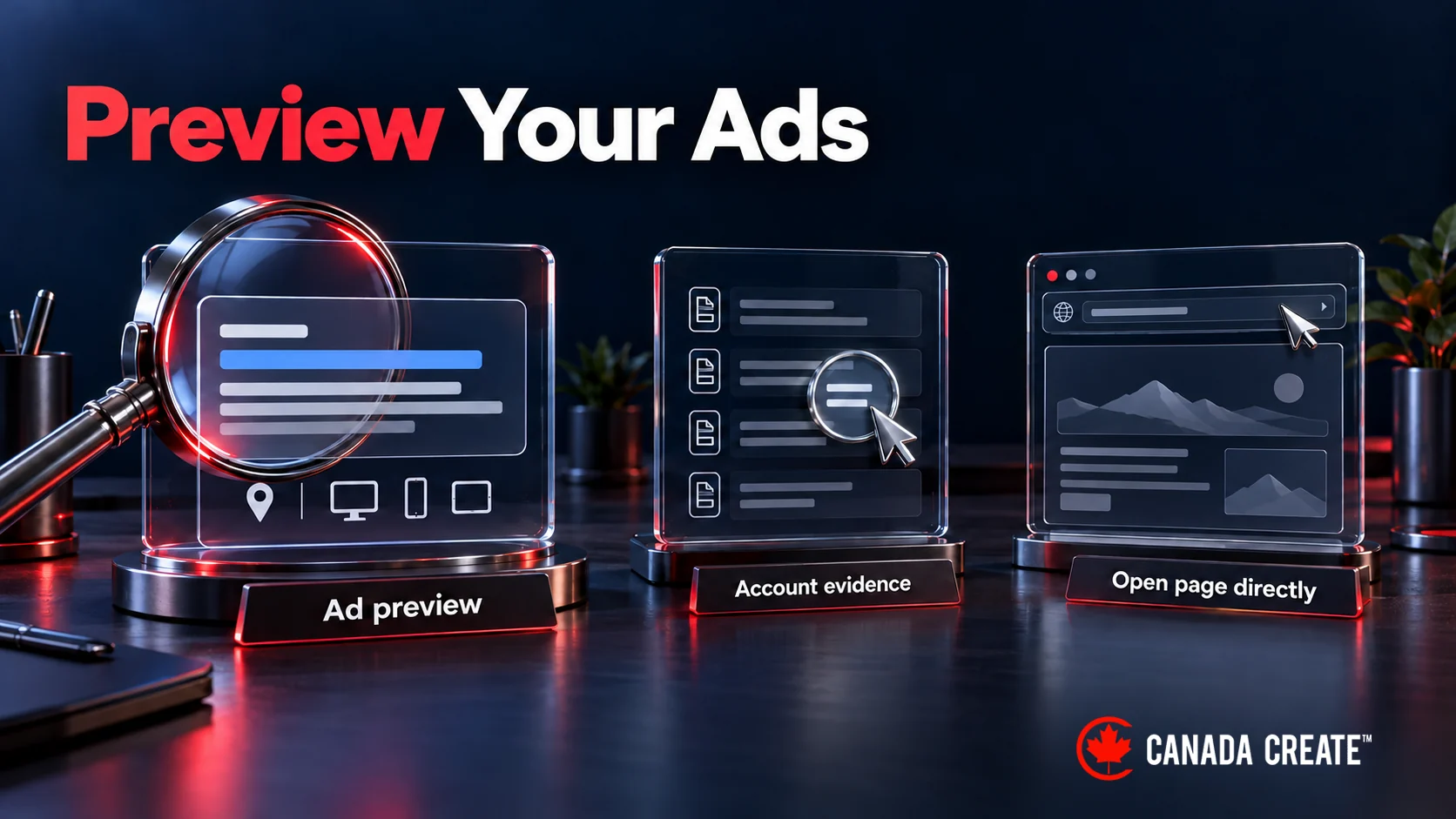
Use Google Ads’ Ad Preview and Diagnosis tool to check your Search ads instead of repeatedly searching for them yourself. It avoids adding impressions to the campaign and gives you a more useful starting point when an ad does not appear.
A personal search is one observation from one place, device and moment. It cannot show whether the campaign is reaching its intended audience overall. This guide explains what to check instead.
What Happens When You Search for Your Own Google Ads?
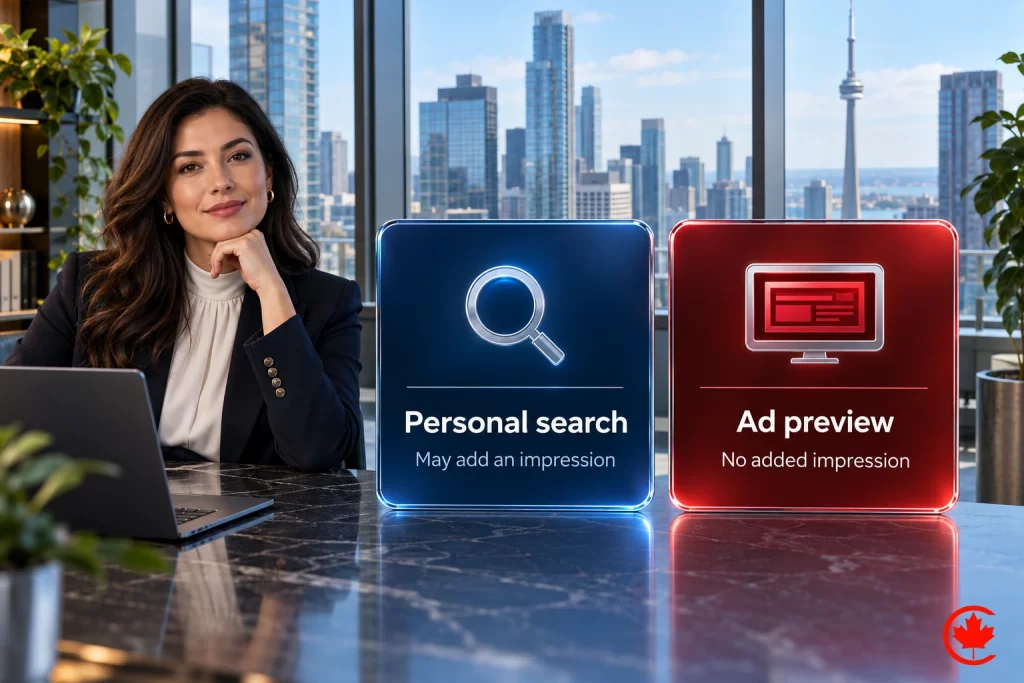
If your ad appears during your own search, that can add an impression. Clicking is a separate interaction. Do not click your ads to test the website: open the destination directly for a page check and use the account’s tools for ad diagnosis.
Repeatedly searching without clicking can also make the ad less visible to you. Google explains that its system may stop showing you ads it considers uninteresting to you. This affects what you personally see, so it is another reason to use Ad Preview and Diagnosis rather than judge the campaign from your own results.
Need Google Ads Services in Toronto? Call us
Why self-searches are a poor campaign check
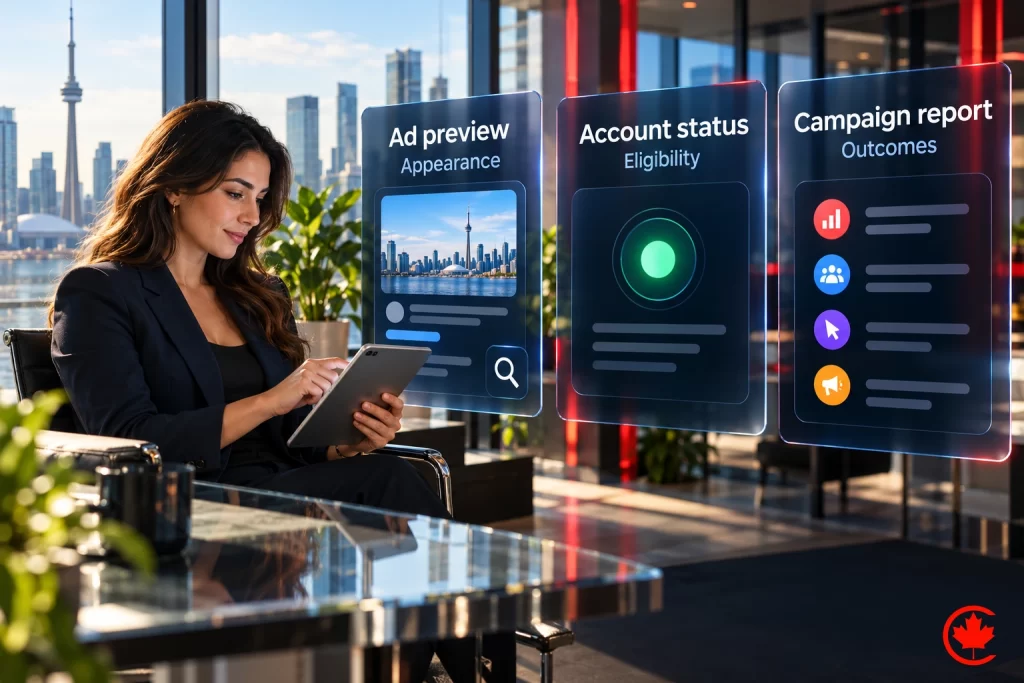
Separate three questions: how the ad appears, whether it is eligible to serve, and how the campaign performs. They need different checks.
1. It Throws Off Your Performance Data
Repeated searches can add impressions unrelated to customer demand. That can affect the statistics you are trying to interpret, especially in a small campaign. Use reports over a suitable period rather than treating your own search history as a test sample.
2. Clicking your ad is not a useful test
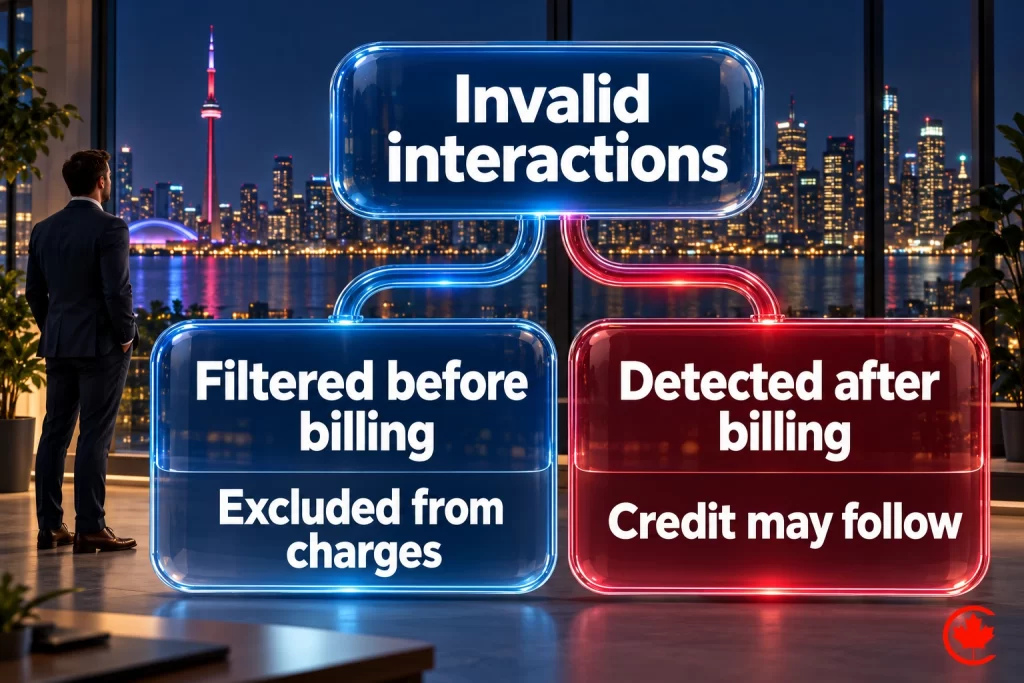
Google identifies and filters invalid interactions so they are excluded from billing. When it detects invalid activity after billing, it can issue a credit. Check the account’s invalid-traffic and billing information if you have a concern. For testing, use the preview tool or open the landing page directly; deliberately clicking your ad adds no useful check. Google explains its invalid-click handling.
3. One search cannot diagnose targeting
If enquiries are coming from unsuitable places or people, review the campaign’s actual targeting and outcome data. Your inability to reproduce an ad on your own screen does not identify the cause.
4. You Miss the Real Customer Experience
Results can differ by location, device and auction conditions. An ad seen on a desktop in Toronto need not appear in the same way on a phone elsewhere. Record the conditions of a preview before comparing it with another check.
5. A missing ad needs diagnosis
Review campaign status, policy notices, targeting, schedule, budget and bidding before changing the account. A missing ad at one moment does not establish that the daily budget is exhausted.
The Bigger Picture: How It Affects Your Business
The practical risk is making a campaign decision from weak evidence. Raising a budget because you could not see an ad may fail to address the actual issue; rewriting a healthy ad because of one preview can be equally unhelpful.
Start with the reported problem. “The ad is disapproved”, “the landing page fails on mobile” and “the campaign is producing unsuitable enquiries” are different findings with different next steps.
Smarter Ways to Keep Tabs on Your Google Ads
Use the tool that answers the question, then check the account evidence behind it.
1. Use the Google Ads Preview Tool
Open Ad Preview and Diagnosis from the Tools troubleshooting area. Enter the relevant search and preview conditions. The tool can help explain why an ad or asset is missing without adding impressions, but it may not reflect all campaign activity.
2. Rely on Your Campaign Dashboard
Review campaign, ad and keyword status along with impressions, clicks and the relevant conversion actions. Use the search terms report to examine available query data; it does not expose every search.
3. Set Up Reports and Alerts
Choose a reporting rhythm that fits the decision. A report should make a meaningful change visible, such as an ad disapproval or a tracking problem, rather than encourage constant reactions to ordinary daily variation.
4. Share the same preview with your team
Use the preview tool’s sharing option so colleagues can inspect the same search conditions. Do not recruit friends to search and click your ads as a substitute for testing.
5. Link Up With Google Analytics
Where properly configured, Google Analytics can help examine the visit after a click. Review the landing page and relevant events alongside Google Ads reporting, keeping attribution and reporting differences in mind.
Putting It to Work
For example, a Toronto photographer can preview a relevant search, check ad eligibility in the account and open the booking page directly on a phone. Those checks answer appearance, serving and page-usability questions separately.
Make the next check useful
Keep a short record of the issue, the account or preview evidence, and the next action. If the ad is eligible but performance is weak, assess actual campaign outcomes rather than continuing to search for it.
This approach reduces unnecessary self-generated activity and makes troubleshooting easier to explain to the person managing the account.
Quick Reference: Why Avoid & What to Do Instead
| Problem | Why It Hurts | Better Way |
|---|---|---|
| Messed-Up Data | Hides what’s really working | Ad Preview Tool |
| Unnecessary self-clicks | Do not establish customer interest | Dashboard Check |
| Assumed targeting failure | One personal search cannot diagnose the audience | Reports & Alerts |
| Unclear View | Misses the customer angle | Analytics Link |
| Ad missing in one check | Cause remains unknown | Preview diagnosis and account status |
We build and run Google Ads campaigns measured on calls, forms and booked jobs, not clicks.
Sum Up
For an appearance check, use Ad Preview and Diagnosis. For a serving issue, inspect account status and diagnostics. For performance, review reported outcomes over a meaningful period. Open the landing page directly when you need to test the website.
Frequently asked questions
Why shouldn't you search for your own Google Ads?
Each time your ad shows on your own search it can add an impression unrelated to real demand, which muddies the figures in a small campaign. One search is also a single view from one place, device and moment, so it cannot show whether the campaign reaches its audience. Repeated searches without clicking can even lead Google to stop showing you that ad.
What does the Google Ads Ad Preview and Diagnosis tool do?
It shows how a Search ad would appear for a search and set of conditions you enter, and it can explain why an ad or asset is missing. Because it does not add impressions, it is safer than searching for yourself. You open it from the Tools troubleshooting area, though it may not reflect every bit of campaign activity.
How can you preview your Google ads anonymously without adding impressions?
Use Ad Preview and Diagnosis inside the account and set the search, location and device conditions you want to check. Note those conditions with each preview so later checks can be compared fairly. Its sharing option lets colleagues inspect the same view, so nobody needs to run live searches.
What should you not do on Google while your own ads are running?
Do not click your own ads to test the website; open the landing page directly instead. Google filters invalid clicks out of billing and can issue a credit when it finds them later, but a self-click still tells you nothing about customers. Asking friends to search for and click your ads is no substitute for proper testing either.
What should you check in the Google Ads dashboard when an ad seems to be missing?
Look at campaign status, policy notices, targeting, schedule, budget and bidding before changing anything. A missing ad at one moment does not prove the daily budget has run out. Review campaign, ad and keyword status alongside impressions, clicks and conversions to find the real cause.
How can you tell whether Google Ads is worth it without searching for your own ads?
Judge the campaign on reported outcomes over a meaningful period, not on whether the ad appears for you. The search terms report shows available query data, and a properly configured Google Analytics link helps you examine visits after the click. If an ad is eligible but results are weak, look at those outcomes instead of searching again.
Why does a Google ad look different on another device or in another city?
Results vary with location, device and auction conditions. An ad you see on a desktop in Toronto may not appear the same way on a phone somewhere else. That is why a personal search cannot tell you how customers see the campaign.
How do Google Search ads get checked properly after they are made?
Split the job into three questions: how the ad looks, whether it is eligible to serve and how the campaign performs. Ad Preview and Diagnosis answers the first, account status and diagnostics the second, and reported outcomes the third. Keep a short note of each issue, the evidence and the next step so the person managing the account can follow it.