
How to get more clients for your MSP: a practical guide for Canadian IT providers

Most managed service providers in Canada built their first book of business on referrals: a happy client tells an accountant, the accountant tells another client, and the agreements add up. Then growth stalls. Referrals are the best leads you will ever get, but you cannot schedule them, and they rarely arrive in the volume you need when you hire a new engineer or want to move upmarket. This guide explains how MSPs get clients in a repeatable way: who to target, which channels work, what your website and offers need, how to follow up and how to measure it.
It is written for owners of managed IT, IT support, co managed IT and cybersecurity companies with roughly 2 to 50 staff. The principles hold for larger firms too, but the examples assume you are still doing some of the selling yourself.
Start with the clients you actually want
The fastest way to waste time is to chase every company with computers. MSPs that grow predictably decide first who they serve best and say it out loud. Write down the answers to five questions before you spend a dollar on marketing:
- Size. How many users or seats is your sweet spot? A 5 seat office and a 150 seat company need different sales conversations, onboarding and pricing.
- Industries. Which sectors do you already understand? Law firms, accounting practices, clinics, construction companies, manufacturers and nonprofits each have their own software, compliance pressures and vocabulary.
- Geography. Where can you genuinely provide on site support within the response times you promise?
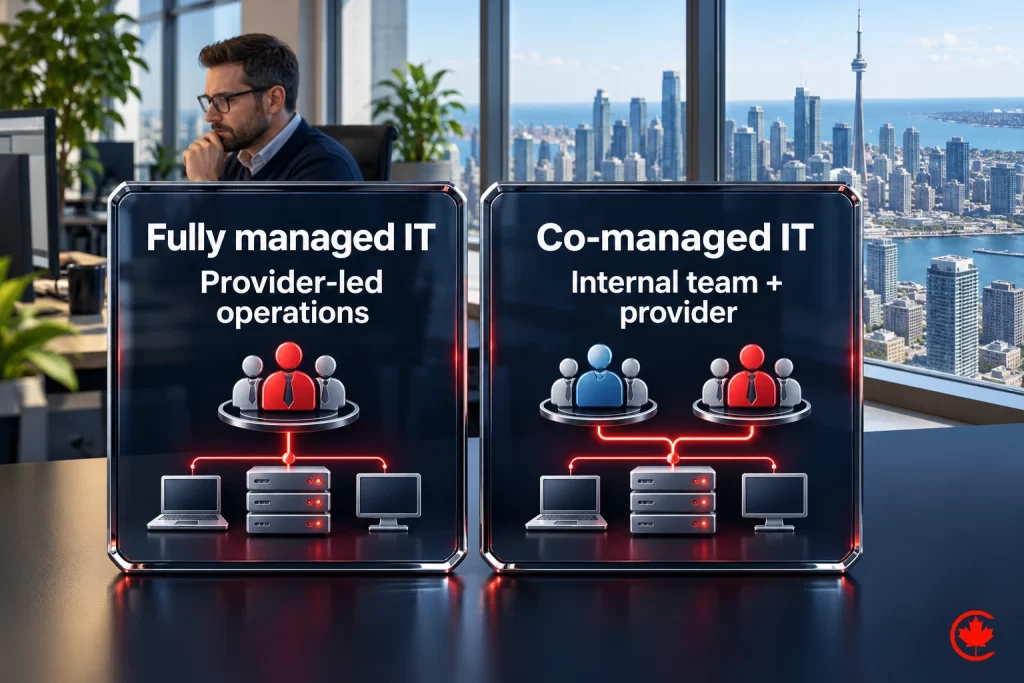
- Services. Which offers bring the best fit work for your team: fully managed IT, co managed IT for companies with an internal IT person, security services, cloud projects?
- Triggers. What usually makes a good client start looking? A breach scare, a cyber insurance renewal questionnaire, a departing in house IT person, an office move, a merger or a provider that stopped answering.
Those answers become your targeting, your website structure and your content plan. A provider that says “we look after accounting and law practices with 10 to 80 staff across the region” is easier to remember and refer than one that does “all your IT needs.”
Understand how business owners choose an IT provider
A managed IT agreement is a trust purchase. The buyer is handing over passwords, backups, email and often the ability to keep the doors open. That shapes the whole decision.
The buyer is usually not technical. In smaller companies it is the owner, the office or practice manager or the controller. They describe their problem in business terms: “our internet keeps dropping,” “nobody answers our tickets,” “our insurer sent a security questionnaire we cannot fill in.” Your marketing has to speak that language.
They compare a short list. Most buyers talk to two to four providers. They check reviews, ask for references and look closely at how you would handle the switch from their current provider. Fear of a messy transition stops more deals than price does.
They want evidence. Documented processes, response commitments you can actually meet, certifications your company holds and case studies with client permission all reduce risk in the buyer’s mind. Claims without evidence raise it.
Referrals and partnerships: make them repeatable
Referrals remain the backbone of most MSPs, so the first job is to stop leaving them to chance.
- Ask at the right moments. Right after a successful project, a fast fix or a strong quarterly review, ask whether the client knows another business facing the same problem.
- Build partner relationships. Accountants, business lawyers, commercial real estate brokers, copier and phone vendors, line of business software resellers and insurance brokers all meet companies at IT trigger moments. Offer them something useful in return: a short security checklist for their clients, a joint lunch and learn or a fast assessment for anyone they send.
- Join where your clients gather. Industry associations, chambers of commerce and professional groups are worth more than generic networking. A short talk on cyber insurance questionnaires at an accountants’ association can produce more meetings than months of cold calls.
- Track the source. Record every referral and partner introduction in your CRM so you know which relationships deserve more of your time.
Get found when businesses search for IT support
Owners search when something hurts. They type managed IT services, IT support for small business, outsourced IT, cybersecurity services or co managed IT, usually with a city name. If you do not appear, the provider that does gets the call.
Google Business Profile and map results
Local IT searches often show a map pack. Your Google Business Profile needs your real business name with no added keywords, the correct primary category, the services you offer, accurate hours and a steady stream of genuine reviews. Never offer incentives for reviews and never post fake ones: Google removes them and the Competition Bureau treats fake reviews as deceptive marketing.
Service, location and industry pages
One “Services” page cannot rank for everything. Build a dedicated page for each core offer (managed IT, co managed IT, cybersecurity, Microsoft 365 and cloud, backup and disaster recovery) and for each area you genuinely serve on site. Then add industry pages that explain how you support law firms, accountants or clinics, with the software and compliance concerns specific to each. Our MSP marketing service builds this structure for IT providers.
Content that answers real questions
Write the answers your sales calls already give: what managed IT includes, how per user pricing works, what to do when your IT person leaves, how to complete a cyber insurance questionnaire, what an onboarding looks like. Each article brings in searchers early and gives your sales team something to send. For the broader approach, see our SEO service.
Paid search for buyers who need help now
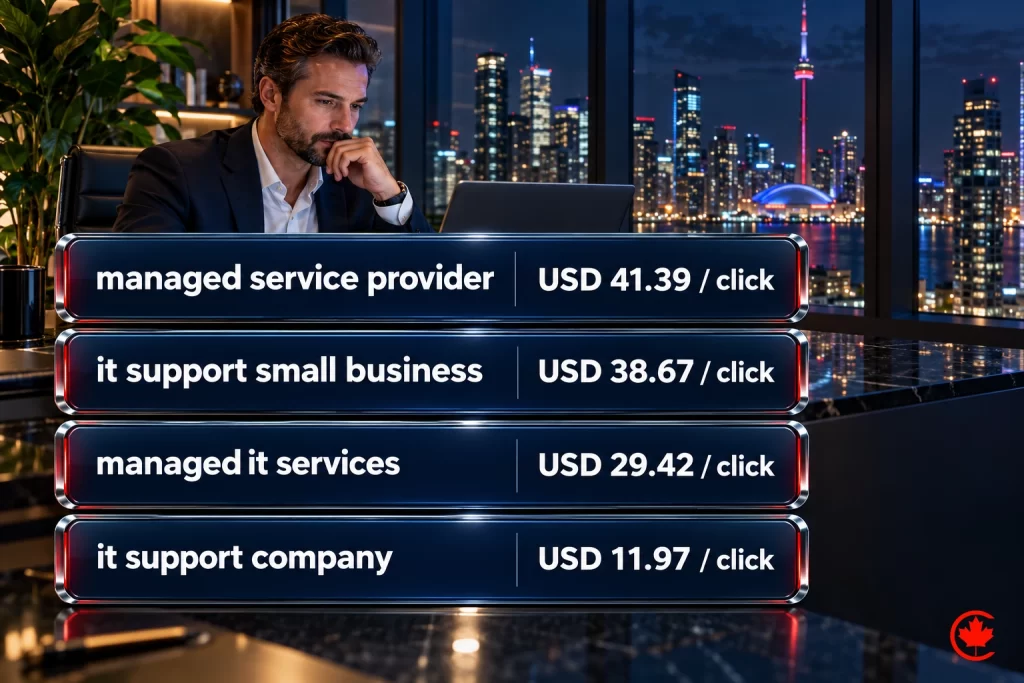
Google Ads can reach businesses looking for managed IT support. Check the actual offer and destination against Google’s restrictions on third-party consumer technical support; a B2B label alone does not settle eligibility. Then build a disciplined campaign:
- Target service intent (managed IT services, outsourced IT support, IT company near me) rather than broad terms such as “computer help.”
- Add negative keywords for jobs, salaries, courses, free support, consumer repairs and specific product help desks.
- Send each ad group to a matching landing page with a clear offer, such as a network and security review, and a booking calendar.
- Track calls and forms through to your CRM, so you judge the campaign by qualified opportunities and signed agreements, not clicks.
A useful way to set a budget is to work backwards. If a new client on an agreement is worth a known amount of gross profit per year and you close one in four qualified opportunities, you know how much you can afford to pay for each opportunity and still win. Our Google Ads team builds campaigns around that number.
LinkedIn and outbound for larger accounts
For 50 seat and larger clients, waiting for a search is too slow. LinkedIn lets you reach named roles at named companies: practice administrators, controllers, operations directors and owners in the industries you serve.
- Owner presence first. Prospects buy from people. Regular posts from the owner or lead engineer about real (anonymized) incidents, lessons from projects and practical tips build familiarity.
- Account lists. Build a list of 100 to 300 target companies that match your profile, and focus content, ads and outreach on them.
- Helpful outreach. Short, personal messages that offer something useful (a checklist, a short review, an invitation to an event) work better than pitches. Commercial email to those contacts must follow CASL: consent or a valid implied consent, sender identification and an unsubscribe. A purchased list is not consent.
Our B2B marketing service runs account based programs like this.
Offers that start the conversation
Few owners will book a sales meeting with an IT company out of curiosity. They will book something that helps them. Strong entry offers for MSPs include:
| Offer | Why it works | Watch out for |
|---|---|---|
| Network and security review | Shows real issues and your expertise in the buyer’s own environment | Keep scope clear and the report useful even if they do not switch |
| Cyber insurance questionnaire help | Meets a deadline driven pain many owners face at renewal | Never complete answers you cannot verify |
| Microsoft 365 security check | Quick, concrete and relevant to almost every office | Requires agreed, appropriately limited access; explain safeguards and how access is removed after the check |
| Transition plan | Removes fear of switching providers | Be realistic about timelines |
| Lunch and learn | Builds trust with a whole team at once | Make it educational, not a pitch |
We plan and run MSP marketing for B2B and software companies in Toronto and across Canada, scoped in writing after a free review.
Your website: what it must answer before a call
Most buyers visit your website several times before they contact you. It should answer, in plain language:
- Who you serve and what you take off their plate.
- What is included in your managed services and what is a project.
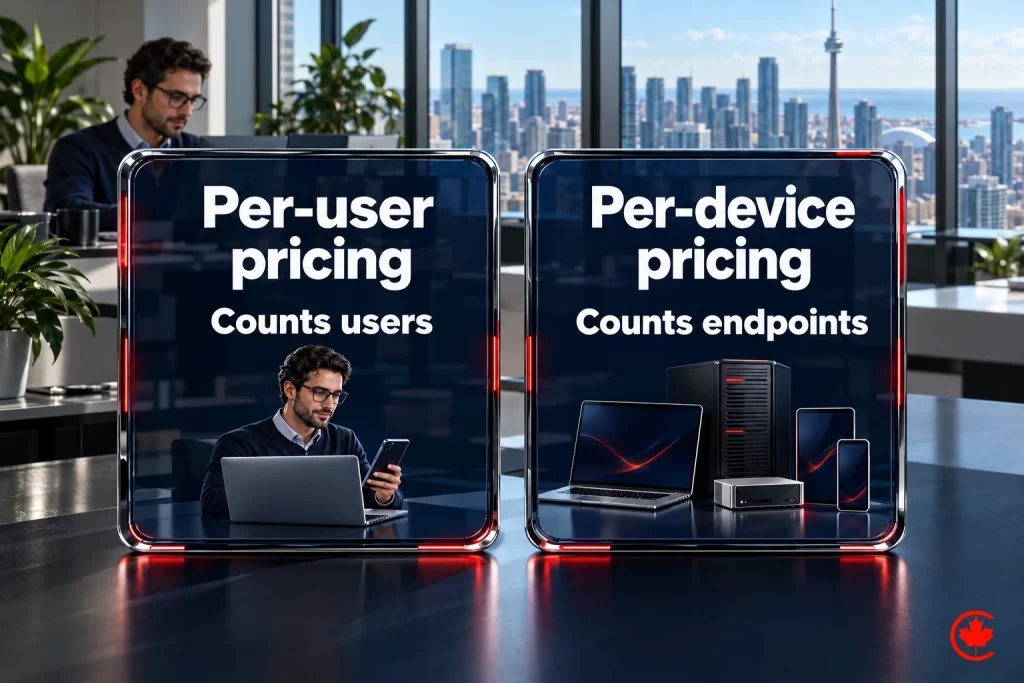
- How your agreements are structured (per user, per device or tiered) and what affects the price.
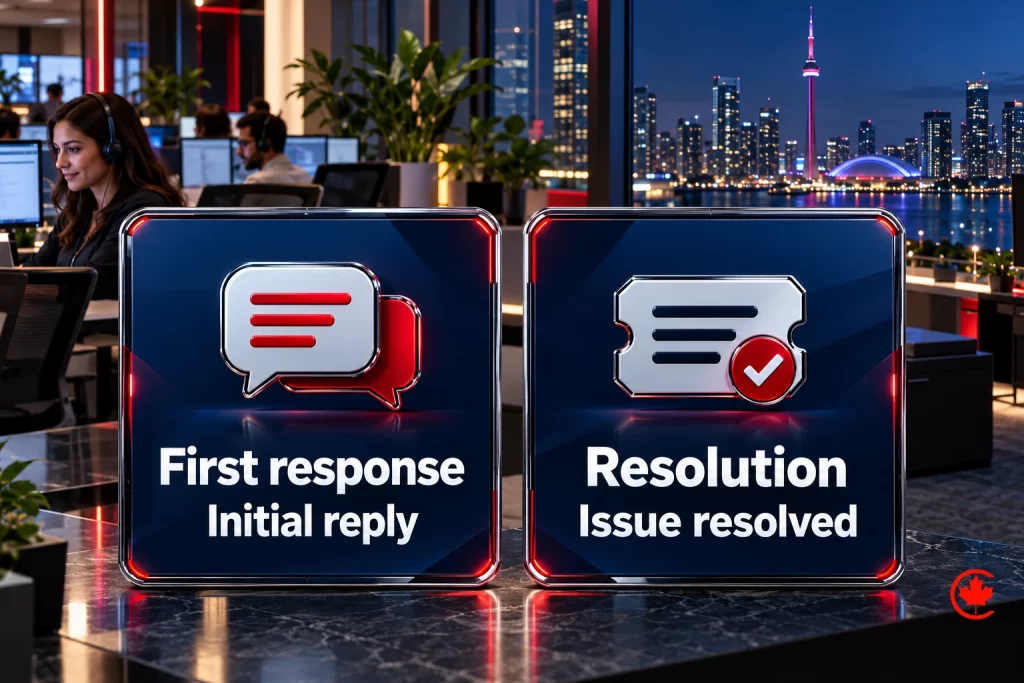
- How fast you respond and how support works after hours.
- What the first 30, 60 and 90 days look like after signing.
- Which certifications and partner tiers your company actually holds.
- How to book a review or a call, with a calendar rather than a contact form alone.
A slow, outdated or insecure website is a warning sign from a technology company. Fast hosting, HTTPS, accessible design and a clean layout are part of your credibility. If WCAG conformance is a project requirement, define the target and testing scope in the agreement. See our web design service for how we build them.
Follow up fast and keep nurturing
A lead that waits a day for a reply often books with the provider who called back in an hour. Route every form, call and booking into a CRM, assign an owner and set a response time target. Then nurture the prospects who are not ready yet: a monthly email with security alerts, compliance reminders and practical tips keeps you top of mind until their current agreement comes up for renewal. Our CRM service sets up routing, reminders and pipeline stages for IT providers.
Retention and expansion are part of growth
Winning a client costs far more than keeping one. Quarterly business reviews, a technology roadmap for each client, clear reporting on tickets and security posture, and proactive recommendations (not surprise invoices) keep clients loyal and open the door to additional services. Happy, informed clients also become your best referral source, which brings the cycle back to the start.
What to measure
- Qualified opportunities by channel, defined by company size, industry and service fit.
- Close rate from opportunity to signed agreement.
- Cost per qualified opportunity and cost per new client for paid channels.
- Recurring revenue added each month and the source of each new agreement.
- Payback period: marketing and sales cost to win a client divided by the monthly gross profit that client brings.
- Retention and revenue per client over time.
Common mistakes that slow MSP growth
- Selling tools instead of outcomes. Owners buy fewer outages and less risk, not product names.
- A website that says “all your IT needs”. Vague positioning makes you forgettable.
- Fear driven security messaging. Careful buyers trust calm, specific advice more.
- Slow follow up. A lead left for a day often signs with someone else.
- No onboarding story. Buyers fear switching more than price; show them how it works.
- Claiming credentials you do not hold. Buyers check, and trust is hard to rebuild.
A 90 day plan to get more MSP clients
Days 1 to 30: define your ideal client and triggers, fix your Google Business Profile, rewrite your home page around who you serve, set up call and form tracking, and list 20 potential referral partners.
Days 31 to 60: publish core service pages and two industry pages, launch a tightly targeted search campaign with a review offer, start a monthly newsletter for consenting contacts and meet five partners.
Days 61 to 90: add location pages for areas you serve on site, start owner posts on LinkedIn, build your target account list, review cost per qualified opportunity and move budget to the channels producing signed agreements.
Marketing a managed service provider is a steady process rather than a single campaign. Focus on the clients you serve best, show proof instead of promises, follow up quickly and measure what turns into recurring revenue.
Frequently asked questions
Which clients should an MSP go after first?
Decide who you serve best before spending on marketing: the number of seats that suits you, the industries you understand, where you can give on site support within promised response times, and the services that fit your team. Note the triggers that make good clients start looking, such as a breach scare or a cyber insurance questionnaire. A provider that names its niche is easier to remember and refer than one that does every IT need.
How do business owners decide which managed IT provider to hire?
They treat it as a trust purchase, because the provider gets access to passwords, backups and email. Most buyers are not technical, compare two to four providers, check reviews and references, and worry more about a messy transition than about price. Documented processes, response commitments you can meet and certifications your company holds reduce that worry.
Is Google Ads a fast way for an MSP to win new clients?
It can reach businesses that need IT help now, but first check your offer and landing page against Google's restrictions on third-party consumer technical support, since a B2B label alone does not settle eligibility. Target service searches such as managed IT services and exclude jobs, courses, free support and consumer repairs. Track calls and forms into your CRM and judge the campaign on qualified opportunities and signed agreements.
What should an MSP's website say about how its fees are set?
Explain how agreements are structured, whether per user, per device or tiered, and what affects the price. Separate what managed services include from what counts as a project, and describe response times and after hours support. Buyers visit several times before calling, so these answers save your sales team repeat conversations.
Why does keeping clients matter so much to an MSP's growth?
Winning a client costs far more than keeping one, and recurring agreements are where the revenue builds. Quarterly business reviews, a technology roadmap, clear reporting on tickets and security posture, and proactive recommendations instead of surprise invoices keep clients loyal. Informed, happy clients also become your strongest referral source.
What entry offers help an MSP start a conversation with a prospect?
Owners rarely book a meeting with an IT company out of curiosity, but they will book something that helps them. A network and security review, help with a cyber insurance questionnaire, a Microsoft 365 security check, a transition plan or a lunch and learn all work. Keep scope clear, never fill in answers you cannot verify, and explain how any access is limited and removed afterwards.
How can an MSP get more clients online from IT support searches?
Owners search when something hurts, using phrases such as managed IT services, outsourced IT or cybersecurity services, usually with a city name. Keep your Google profile under your actual business name, with the correct category and genuine reviews, and build separate pages for each core service, each area you serve on site and each industry. Articles answering questions your sales calls already handle bring in searchers early.
How can an MSP turn referrals into a repeatable source of clients?
Ask at good moments, such as right after a fast fix or a strong quarterly review. Build partnerships with accountants, business lawyers, commercial real estate brokers, phone vendors and insurance brokers, who meet companies at IT trigger moments, and give them something useful in return. Record each referral source in your CRM so you can see which relationships deserve more time.
How quickly should an MSP follow up on a new IT support inquiry?
As fast as you can, because a lead left waiting a day often books with the provider who called back in an hour. Route every form, call and booking into a CRM, assign an owner and set a response time target. Prospects who are not ready yet can get a monthly email with security alerts and practical tips, sent with CASL consent.