
Toronto · WordPress development company
WordPress developer
Canada Create plans, designs, builds and maintains WordPress websites around your content, editing needs and integrations. We support block themes, established builders, custom functionality and headless setups where they fit, with performance, accessibility and security checks in the agreed scope.
Custom WordPress websites from a WordPress agency in Canada: planned around your content, editing responsibilities, integrations and ongoing care.
- BBB A+ accredited
- 18 years in business
- Mon to Fri 9 to 6, Sat 10 to 2
Get a Toronto WordPress proposal
Tell us about your current site and what you need it to do. Request your custom proposal.
Please do not share passwords or other sensitive details here. We never sell your contact information and we comply with Canadian privacy law (privacy policy).


What a WordPress development company should give you
A site your team can edit
Branded templates, blocks and fields give editors a consistent starting point, with permissions and training suited to their work.
Measured performance work
Agreed templates and test conditions, with hosting dependencies and available real-user evidence considered.
Defined search requirements
Agreed content, metadata and migration requirements, with documented checks and no ranking guarantee.
Clear control and handover
Agreed account access, files and documentation, subject to provider terms and software and asset licences.
What our WordPress developers deliver
Every custom WordPress website is scoped in writing after a discovery conversation.
- Content structure and URL mapContent types, fields, templates and navigation agreed around your publishing tasks.
- Custom WordPress themeA block theme, child theme, builder-based system or custom components selected for the project.
- WordPress plugin developmentSupported plugins or custom features assessed for compatibility, licences, maintenance and required documentation.
- Migration to WordPressAn agreed content and URL inventory, transfer limits and acceptance checks.
- WooCommerce and integrationsScoped stores and supported connections, with provider, permission and data requirements confirmed.
- Speed and accessibilityPerformance work and accessibility checks against the targets and templates specified in the Agreement.
- Security and backupsAccess controls and hardening, with backups and ongoing monitoring included only as scoped or in a separate care package.
- Training and care plansOngoing maintenance is available through a separate package.
WordPress development pricing
Build, care and marketing are quoted separately so you can see what each part covers.
Custom WordPress website
Quoted in writing
A new site or a full rebuild. Cost depends on templates, content types, content volume and migration.
- Content structure and URL map
- Custom design and agreed editing system
- Build, migration and redirects
- Agreed search and measurement requirements
- Editor training
Custom functionality and WooCommerce
Quoted in writing
Stores, member areas, calculators and integrations. Cost depends on complexity and the systems involved.
- Requirements and data mapping
- Custom code or plugin configuration
- Testing on staging
- Documentation
WordPress care and maintenance
Quoted in writing
Ongoing care after launch. Cost depends on site size, plugins and monthly change time.
- Tested core, theme and plugin updates
- Backups and uptime monitoring
- Security checks
- Monthly change time and summary
SEO add-on
Custom-scoped engagements; proposal after discovery
Ongoing search work scoped around the site, market and goals.
- Keyword and content planning
- On-page and technical SEO
- Local search work
- Monthly reporting
Every build and care plan is quoted in writing after discovery. Hosting, premium plugin licences and payment fees are shown separately.
Plan, design, build, maintain
How our WordPress developers plan, build and maintain websites
A WordPress development company that builds for the people who run the site
Canada Create is a WordPress development company for businesses across Canada. Our WordPress developers plan, design, build and maintain custom WordPress websites around the content your staff need to update, with editing permissions and training agreed for those tasks. Canada Create was established in 2008, and canadacreate.com itself runs on WordPress.
Start with the problems the site needs to solve. Slow pages, difficult editing, weak search visibility and security concerns can have different causes. We review the content model, code, hosting, integrations and maintenance arrangements before recommending targeted work or a rebuild.
Every build starts with the content your business actually has and the tasks your visitors come to complete. The design, the theme, the plugins and the hosting are chosen to serve that plan. The scope includes responsive templates, performance checks, search foundations and appropriate lead measurement, with access and handover responsibilities agreed in writing.

Is WordPress still a good choice?
WordPress can suit content-driven business websites. It is an open-source content management system with more than two decades of development. Its block editor, block themes and REST API offer different editing and integration options. The suitability of an existing site depends on its versions, extensions, hosting and maintenance, rather than its age alone.
The practical benefits for a business owner are straightforward:
- Open ownership. WordPress is open-source software released under the GPL licence. Site-file, database and publishing access depend on the hosting service, permissions, software and asset licences, and agreed project terms. Documentation helps another developer take over.
- Editing and training. WordPress documentation and its editing tools can support staff training. We agree the tasks, permissions and handover materials your team needs.
- Expandable functionality. Blogs, bookings, memberships, WooCommerce stores and bilingual content can be assessed as additional scope, subject to compatible components, licences, hosting capacity and maintenance costs.
- Search requirements. WordPress offers content and metadata controls that can support the agreed search scope. Rankings and traffic depend on factors beyond the platform.
- Integration options. CRM, email, payment, booking and analytics connections depend on each provider’s supported interface, plan, permissions and data-handling requirements.
WordPress is not the right answer for every project, and we say so in writing when it is not. The comparison further down this page explains when Webflow or Shopify is the better fit.
Is WordPress a good company?
WordPress is an open-source software project. WordPress.org provides the software, while WordPress.com offers a hosted service. For a custom build, we document the hosting provider, available access, plan limitations and integration dependencies so you can compare operating responsibilities.
Our WordPress development services
We handle the full life of a WordPress website, from planning to long-term care. Each project is scoped in writing before work begins. AI may assist research, drafting, design, analysis or code, with human review, editorial judgement and applied expertise. Deliverables are presented for your approval.
Custom WordPress website design and build
A custom WordPress website starts with your brand, content and user journeys. We can build with block themes, child themes, established builders or custom components, choosing the approach for your editing and technical requirements. The scoped templates are tested across representative browsers, devices and screen sizes.
Good WordPress web design begins with the pages your buyers actually use. We map the main journeys first, such as finding a service, checking a location, comparing options and getting in touch, then design the home page, service pages, landing pages and blog templates around them. Designs are reviewed as clickable layouts in your brand colours and fonts before development, so you approve how a page looks and behaves rather than a static picture. Each template is then built as editable blocks with sensible limits, so your staff can add a new service page or update a team profile without breaking spacing, headings or mobile layouts. You also receive a short style reference that shows which block to use for which job, which keeps new pages consistent long after launch.
Redesigns and rebuilds
For a redesign, we review the existing content, functionality, URLs and available search evidence before agreeing what changes. The proposal identifies the pages to retain, change or retire, migration responsibilities and checks for affected journeys. Search visibility can fluctuate during a move; no migration plan guarantees rankings.
Migrations to WordPress
Moving from Wix, Squarespace, Drupal, Joomla, an older CMS or a custom system depends on available exports, content and media rights, and the functionality that must be rebuilt. We agree the content inventory, URL changes, data exceptions and acceptance checks. Any post-launch monitoring and correction period is specified in the scope.

Custom functionality and plugin development
Quote calculators, member areas, directories, job boards, booking flows, multilingual content and CRM integrations are scoped individually. We agree the permitted data, authoritative source, access responsibilities and supported connection before committing to the build. Maintained plugins and custom code are compared for compatibility, licence costs and ongoing ownership. Custom work follows applicable WordPress coding standards, with agreed documentation for the next maintainer.
WooCommerce stores
For businesses that want to sell online inside WordPress, we build WooCommerce stores with scoped product catalogues, supported payment gateways, shipping rules and Canadian sales tax settings confirmed by your business and its tax adviser. WooCommerce suits catalogues that sit next to a lot of content, or stores that need custom product logic. Larger retail projects, and stores that are better served by a hosted platform, are covered on our ecommerce website development page.
Headless WordPress
In a headless setup, WordPress supplies content to a separate front end through APIs. This can support custom experiences, applications and multichannel publishing. We assess the required previews, search, forms, authentication and plugin features individually; some work through available integrations while others need custom development. The proposal compares benefits, operating ownership and total cost with a conventional build.
WooCommerce development
WooCommerce development goes beyond setting up products and a checkout. Many stores reach the point where the standard settings no longer match how the business sells, and that is where custom work earns its place. We extend WooCommerce with code written for your store rather than stacking more plugins on top of each other.
Typical WooCommerce work includes:
- Custom product logic, such as configurable products, made to order options, bundles, minimum quantities or trade pricing for approved accounts.
- Integrations with your inventory, accounting, shipping or point of sale systems, so orders and stock levels do not have to be typed in twice.
- Checkout changes that remove unnecessary fields, add delivery or pickup choices and keep payment steps clear on a phone.
- Bilingual stores with English and French product content, emails and checkout text.
- Speed work on large catalogues, slow product filters and heavy cart pages.
- Upgrades and repairs for stores that have fallen behind on updates or broken after a plugin conflict.
Every change is built and tested on a staging copy with real order scenarios before it reaches your live store. Tax settings are configured as confirmed by your business and its tax adviser, and you receive notes on anything custom so another developer could support it later.
Content structure comes before design
A clear content model helps define what editors need to manage. We agree the content types, categories, relationships and editing responsibilities alongside the design scope. Services, articles, case studies, locations, team members, products and events can require different fields and approval arrangements.
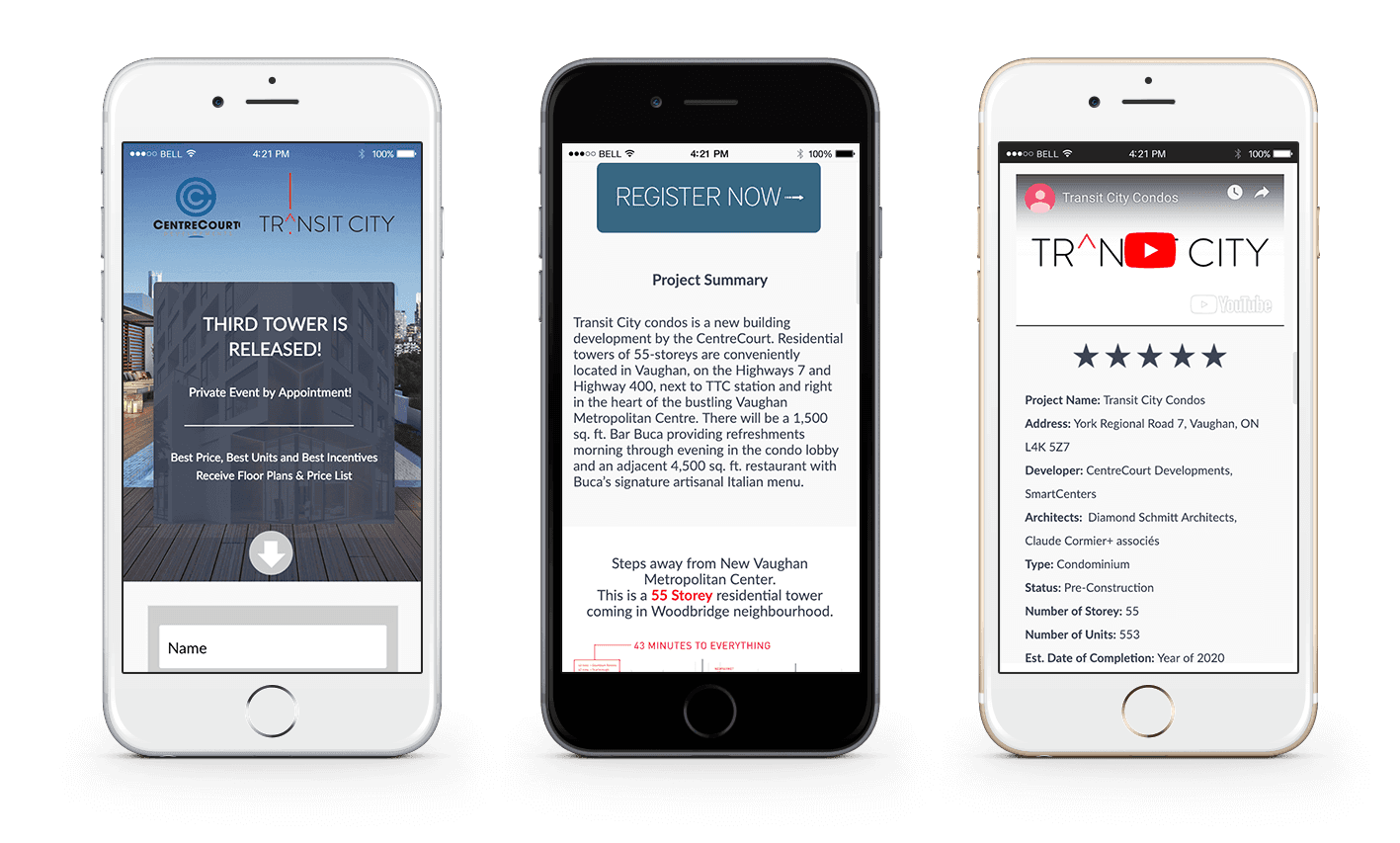
Custom post types and fields
Structured content can suit recurring records such as team profiles with a photo, role, biography and credentials. The proposal identifies which fields, relationships and reusable displays are needed, who may edit them and who approves publication. A professional-services site, for example, may need approved profiles to appear with relevant practice areas.
Reusable blocks and patterns
Typography, spacing, navigation and calls to action live in templates and reusable blocks rather than being rebuilt on each page. Editors assemble new pages from approved sections, with permissions, layout limits and review responsibilities agreed for their work.
Navigation that scales
Menus, breadcrumbs and internal links are organized around the tasks visitors come to complete. Planned additions are considered when agreeing the structure; future sections may still require content, template or navigation changes.
Custom themes or page builders?
The editing approach should fit your team and the required functionality. There are three common approaches.
Custom theme with the block editor
WordPress’s block editor supports headings, text, images, buttons and custom sections. A block theme can provide templates and reusable patterns without a separate page builder. Performance and maintenance still depend on the implementation, assets and extensions; we choose this approach when it fits the project.
Visual page builders
Page builders such as Elementor provide visual layout controls and can support custom templates and components. We check editing permissions, responsive behaviour, asset loading, required licences and compatibility. Your team can keep a suitable existing builder, improve its implementation or consider a different approach after reviewing the trade-offs.
Structured fields
For content with a fixed shape, such as locations, products or case studies, structured fields can work alongside a theme or builder. Editors fill in a form and the page is assembled for them, which helps keep similar pages consistent while performance is tested separately.
We recommend the approach that fits who will edit the site and how often, and we show your team the editing experience before the build is finished.

Plugins: purposeful and maintained
Plugins add useful functionality, and each dependency needs an owner and a clear purpose. Performance and security depend on what the code does, where it runs, its configuration and maintenance. Plugin count alone does not establish that a site is slow or unsafe.
We review each plugin’s purpose, maintenance, compatibility and actual use. Before removing or replacing one, we check pages, templates, forms, data and integrations that may depend on it. The work may use a maintained plugin or custom code, with staged tests, backups and documentation for the next maintainer.
Speed and Core Web Vitals
Google’s Core Web Vitals describe loading performance, interactivity and visual stability through LCP, INP and CLS. These measures can inform acceptance and ongoing review, but results vary with devices, networks, content and third-party services. A platform choice alone does not establish performance.
Performance work is scoped around the key templates and user tasks, with agreed test conditions and reporting. We distinguish controlled test results from available real-user evidence, identify dependencies on hosting and external services, and explain which changes are included. A test score is not a guarantee for every visit.

WordPress security done properly
WordPress has a security team and a process for resolving vulnerabilities. A site also depends on its hosting, themes, plugins, credentials and integrations. We assess those layers, configure appropriate controls and agree who maintains them after launch.
- Access control. Named account responsibilities, appropriate roles and available authentication controls, agreed with the people who administer the site.
- Hardening. Hosting and application controls assessed for the site’s risks, supported features and ongoing administration requirements.
- Updates. An agreed approach to compatibility checks, test environments and recovery responsibilities for core, theme and plugin updates.
- Backups. Agreed coverage, retention, storage and restore-testing responsibilities, including any provider limits and recovery costs.
- Monitoring. Scoped uptime checks and malware scanning, with alert handling and response responsibilities documented.
For a compromised site, we scope containment, evidence review, cleanup, recovery and hardening. We investigate the entry point where evidence permits, review affected access and test the restored site. Ongoing monitoring and updates help reduce risk; cleanup cannot guarantee that another incident will never occur.
Accessibility built in from the first template
Accessibility work considers people using screen readers, keyboards, magnification or voice control. We plan and test the agreed WCAG requirements, including contrast, keyboard navigation, focus states, labels, headings, links and text alternatives. Any conformance commitment and acceptance criteria are specified in the Agreement.
Accessibility requirements depend on the organization, jurisdiction and product. We agree the WCAG version, conformance target and testing scope, and document findings that need design, code or content changes. Editors receive guidance for maintaining accessible content after launch; your organization remains responsible for applicable obligations and any advice from its legal or professional advisers.
Hosting, maintenance and WordPress care plans
A WordPress site needs ongoing care. Core software, themes and plugins release updates regularly, many of them security fixes, and unmaintained components can create compatibility and security risks. Every proposal sets out who handles each responsibility after launch. Maintenance, monitoring, updates and content changes require a separately purchased care package unless expressly included in the Agreement.
Hosting
We recommend hosting based on your traffic, performance needs and budget, with account control and access subject to the provider’s terms. Test-environment availability, update checks and recovery arrangements are agreed for the chosen plan. Managed options are covered on our website hosting page.
Care and maintenance
Care plans can cover tested updates, backups, uptime monitoring, security checks and agreed time for content changes and small improvements. The proposal identifies coverage, monthly capacity, reporting and response targets, with exclusions and additional work priced separately. Explore our website maintenance services.

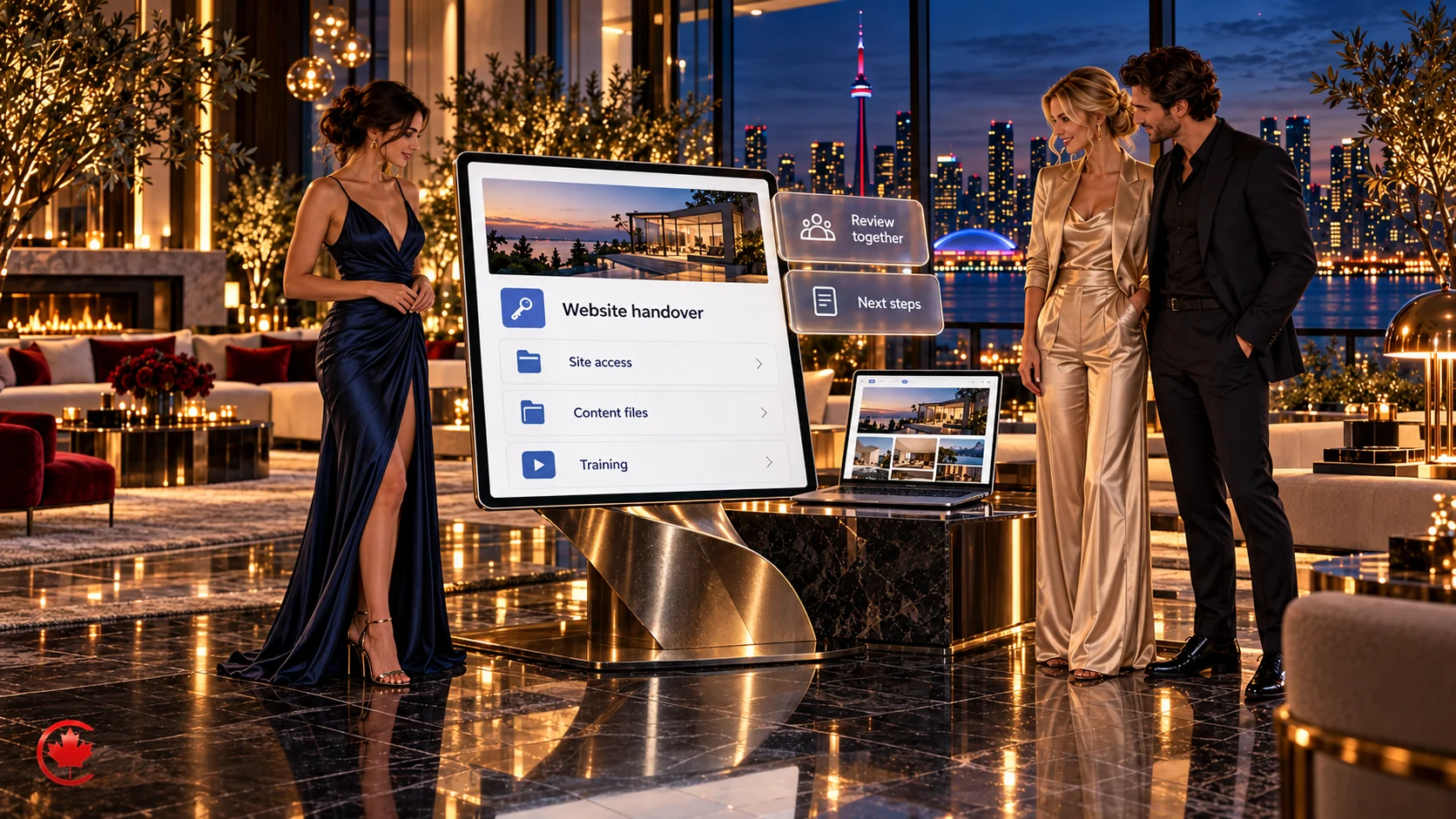
Ownership, licences and handover
Agree account control and handover before the build starts. Document the business owner for the domain, hosting, administrator access and analytics, along with the rights and licences for code, content and third-party assets.
Advertising accounts, analytics properties, Google Business Profiles, domains and social media accounts are set up in your name where the platform allows. Hosting and site-administration access follow the agreed provider and project arrangements. Export or migration to another provider can be scoped separately.
How a WordPress project runs
The proposal uses these stages to clarify deliverables, review points and client responsibilities. Their timing and any overlap depend on the site, available content, access and approvals.
1. Discovery
We learn about your business, customers, current site and goals, review relevant analytics and search evidence you authorize us to use, and ask who will edit the site and what they need to do each week.
2. Content and structure
We plan the sitemap, content types, templates and navigation, and map existing content to its new home. For redesigns, this includes URL mapping and a plan to reduce avoidable search disruption.
3. Design
We design the key templates, such as the home page, a service page, an article and a contact page, for your review on phone and desktop screens.
4. Build
We develop the agreed theme, blocks, content types and functionality in the approved test environment. Content migration and supported forms, measurement and integrations follow the permissions, data boundaries and acceptance scope agreed with your team.
5. Testing
We check the agreed browser and device sample, performance, accessibility, forms, URL changes and measurement requirements. Findings, corrections, remaining limitations and acceptance decisions are documented before the release is approved.
6. Launch and training
Launch responsibilities, any early monitoring period and handover training are agreed in writing. Your team reviews the release and learns the editing tasks included in the project.

How long does a WordPress website take?
Timelines depend mainly on the number of templates, the amount of content to write or migrate, the integrations involved and how quickly feedback and approvals come back. We agree who supplies content, access and approvals, and include those dependencies in the schedule. Your proposal includes a written schedule with each stage and the approvals it depends on.
How much does it cost to hire a WordPress developer?
Every WordPress project we take on is quoted in writing after discovery, because two sites that look similar on the surface can be very different underneath. Rather than publish a number that would not fit your project, here is what actually drives the cost of WordPress development:
- Templates and content types. The number of distinct page layouts and structured content types to design and build.
- Content. How much must be written, edited or migrated, and how many redirects the move requires.
- Custom functionality. Calculators, member areas, directories, booking and anything that needs custom code.
- Integrations. Connections to CRMs, payment processors, booking tools, inventory or other business systems.
- Ecommerce. Product count, variations, shipping and tax rules, and payment setup for WooCommerce.
- Languages. Bilingual English and French sites, or more languages, and how translations are managed.
- Accessibility and compliance needs. The level of testing and documentation your organization requires.
- Ongoing care. The level of maintenance, monitoring and monthly change time you want after launch.
We separate one-time build costs from monthly care and from third-party costs such as hosting, premium plugin licences and payment processing fees, with assumptions, recurring charges and variable provider fees identified. Freelancers, offshore teams and full-service agencies all price differently. When comparing quotes, compare what is included: structure planning, design, migration, redirects, testing, training, documentation and post-launch support should be compared explicitly across quotes.
WordPress, Webflow or Shopify?
We build on more than one platform because no single CMS is best for every business. Here is how we usually decide.
Choose WordPress when
You need a content-rich site with many services, locations, articles or custom content types; you want control over site files, data and hosting, with portability reviewed; you need integrations with other systems; and you can assign responsibility for compatible extensions, updates and ongoing costs.
Choose Webflow when
You want a design-led marketing site with precise layout control and animation, managed core hosting, with connected apps and custom code maintained as needed, and content-editing tools suited to your publishing team. Our Webflow development page covers that option.
Choose Shopify when
Selling products is the main purpose of the site and you want a hosted commerce platform. Checkout, payment and inventory features depend on the plan, region and providers; your business still controls product information, fulfilment and operational decisions.
If your priority is brand, layout and conversion design rather than the platform decision, start with our web design services and we will recommend the platform as part of that work. Either way, you get a written comparison covering editing, hosting, running costs, integrations, search features and how easy it would be to move later.
Why some businesses leave WordPress, and when they should not
A platform review is useful when editing, extension compatibility, maintenance effort or hosting responsibilities no longer fit the business. A hosted alternative can change those responsibilities, but it still brings plan limits, provider dependencies and ongoing costs.
Review whether the current problems can be resolved within WordPress or whether another platform better meets your requirements. Compare editing, functionality, performance, security responsibilities, migration effort and ongoing costs. We can improve an existing implementation or build on another suitable platform.
Is NASA using WordPress?
Yes. NASA launched its redesigned flagship website on WordPress in 2023. It is an example of a large content-led implementation, not proof that the same platform or architecture is right for every business. Your content, workflows and operating requirements should drive the decision.
How to choose a WordPress development company
Lists of the top WordPress development companies are easy to find, but a ranking cannot tell you which team suits your project. These questions can help you assess fit, whether you are speaking to us, a freelance WordPress developer or another agency:
- How do you plan content structure? Ask which content types, templates and URL changes are included in the proposal.
- Custom theme or page builder, and why? A clear answer shows they have thought about speed and editing.
- How many plugins will you use? Ask what each one does and who maintains it.
- How will you reduce search disruption during a migration? For redesigns, expect a redirect plan and pre-launch checks.
- How do you handle accessibility and security? Ask for specifics, not general assurances.
- What happens after launch? Updates, backups, response times and support should be agreed in writing.
- Can you show similar work? Look for sites with a similar size and type of content to yours.
- Who will we actually work with? Ask whether the people you meet are the people who build and support the site.
Ask for written answers and a clear explanation of any constraints or alternatives. The proposal should identify who is responsible for the build, your team’s inputs and ongoing operation.
WordPress, SEO and lead generation working together
A WordPress project can include separately scoped SEO, advertising landing pages and appropriate enquiry handling. Connections to CS+, Canada Create’s CRM, depend on supported interfaces and approved data. We agree measurement purposes, permissions and reporting limits; confidential or sensitive enquiry details must not be sent to advertising or analytics tools. Your team remains responsible for responding to enquiries. If you want ongoing search work after launch, SEO is custom-scoped, with a proposal after discovery.
A shared team can coordinate site and campaign changes, with responsibilities, approvals and response times set out in the scope.

What you receive at launch
Deliverables are agreed in the written scope. A typical custom WordPress website project includes:
- A custom theme or child theme built for your brand, with reusable blocks and page templates.
- Content types and fields for your services, articles, team, locations or projects.
- Migrated and reviewed content, with appropriate redirects and documented handling for changed or retired URLs.
- Agreed forms and enquiry destinations, with delivery checks and supported CRM connections where included.
- Agreed analytics and search reporting, with permissions, data exclusions and measurement limits documented.
- Agreed search metadata and indexing requirements, with checks documented for handover.
- Documented access, security and backup responsibilities, with domain, hosting and administration arrangements identified.
- Editor training, short written guides and a recorded walkthrough.
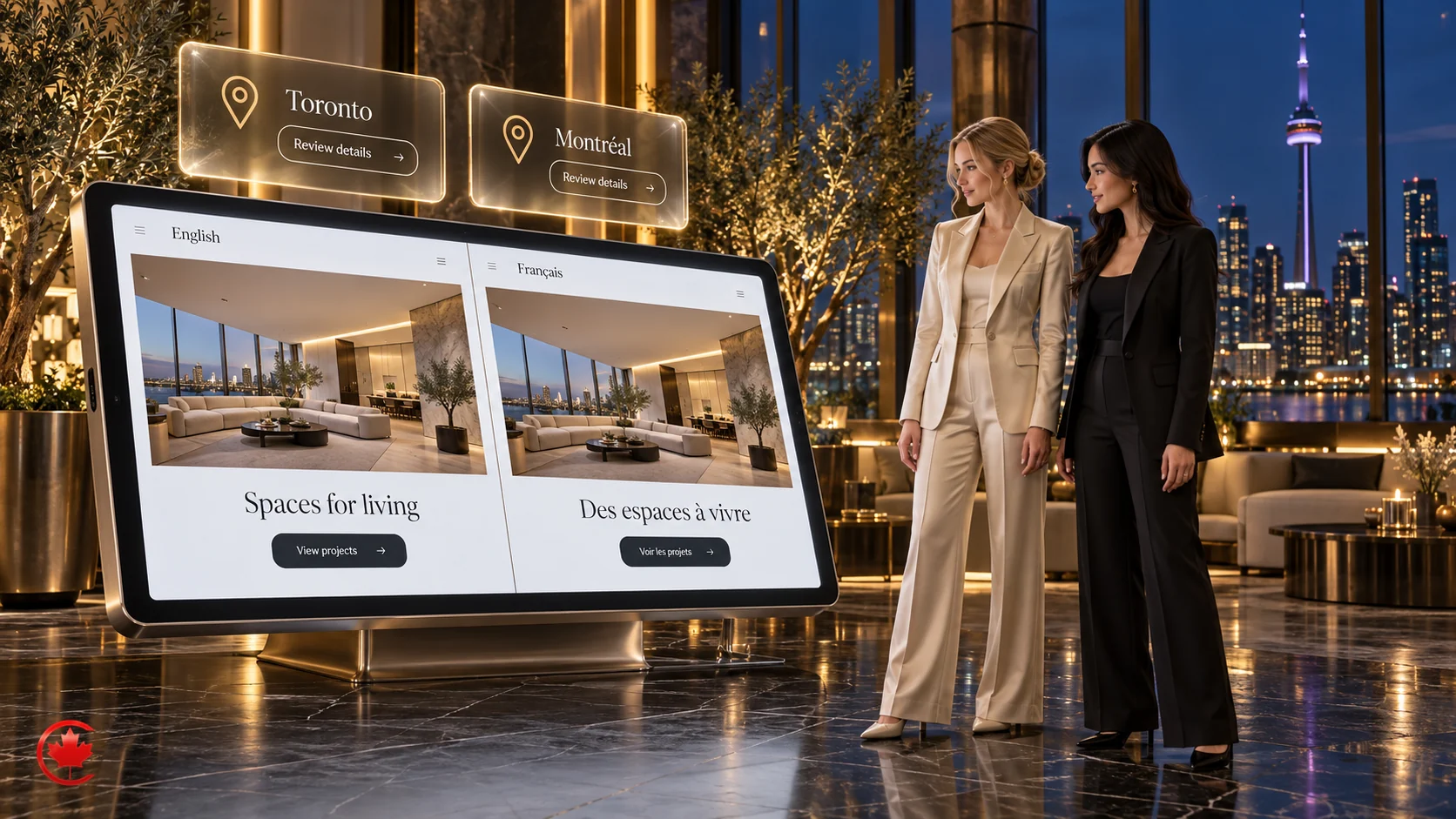
Bilingual and multi-location WordPress websites
Businesses serving customers in English and French, or other languages, need to compare multilingual editing, translation ownership, URL requirements and plugin compatibility. We scope the language versions and their review responsibilities with your team. Translation and language review are assigned to appropriately qualified reviewers; AI-assisted drafts can support the workflow with human review and approval.
For businesses with several branches, the scope identifies each genuine location’s address, hours, staff and services, along with who confirms updates. Reusable content can support those pages where appropriate; links to Google Business Profiles depend on each location’s eligibility and authorized access.
WordPress sites for law firms, clinics, trades and nonprofits
Different kinds of businesses need different content structures. Examples of requirements we can assess include:
- Law firms and professional services: practice area pages, lawyer and adviser profiles, articles, and intake forms with agreed routing and information limits.
- Healthcare and clinics: treatment pages, practitioner profiles, multiple locations, online booking and content presented for the practice’s approval and professional review.
- Home services and construction: service area pages, project galleries and quote request forms.
- Real estate and mortgages: agent and broker profiles, neighbourhood guides, supported listing integrations and permitted CRM enquiry records.
- Associations and nonprofits: member areas, event calendars, resource libraries and registration or donation forms run by small teams.
Why work with Canada Create
Canada Create was established in 2008 and currently works with businesses in Canada. We are a BBB Accredited Business with an A+ rating, and our office is at 126 Willowdale Ave., Suite #3, Toronto. We work with clients in person or online, with project contacts and support responsibilities agreed in writing. Call (416) 273-9030, Monday to Friday, 9 am to 6 pm, and Saturday, 10 am to 2 pm. After hours, our 24/7 AI agent answers the toll-free line, +1 (800) 808-9235, and we’ll follow up the next business morning.
Related guides: why use WordPress as your CMS and enterprise WordPress governance.
Start your WordPress project
Tell us about your business, your current website and what you need it to do. Request your custom proposal: use the form on this page. Call (416) 273-9030, Monday to Friday, 9 am to 6 pm, and Saturday, 10 am to 2 pm. After hours, our 24/7 AI agent answers the toll-free line, +1 (800) 808-9235, and we’ll follow up the next business morning. We will arrange a discovery conversation and send a written quote with scope, schedule and cost drivers laid out clearly.
Free review
Not sure where to start? Send us what you have.
Share your current site, campaign or brief. A strategist replies within one business day. A scoped written recommendation and pricing follow discovery.
How the WordPress development engagement runs
Agreed deliverables, review points and responsibilities from discovery through handover.
- Discovery Stage 1
Goals, editors, content and data.
- Structure Stage 2
Sitemap, content types and URL map.
- Design Stage 3
Key templates for review.
- Build Stage 4
Agreed functionality and permitted data connections in the approved test environment.
- Testing Before launch
Agreed test coverage, documented findings and acceptance decisions.
- Launch Go live
Approved release, scoped monitoring and handover training.
Working with a Toronto WordPress developer who keeps you in control
One accountable team
Website, marketing and enquiry-handling responsibilities are coordinated within the agreed scope.
Web and marketing together
Sites built for SEO, ads and lead capture.
Your approval first
Nothing published without your review.
Documented account control
Domains and analytics properties are set up in your name where the platform allows. Hosting and site access follow the agreed provider and project terms.
Hiring a WordPress development company: common questions
Is WordPress completely free?
The WordPress software itself is free and open source, but a working business website is not. You still pay for a domain, hosting, security, backups and, often, a premium theme or paid plugins with yearly licences. The larger cost is usually the work: planning, design, development, content and ongoing updates. A WordPress developer should list each of these in writing so you can see which costs are one time and which recur.
Is it difficult to learn WordPress?
Day-to-day editing in WordPress is not difficult for most business owners and staff. Updating text, adding blog posts and swapping images can be learned in a short training session, especially when the site is built with clear content blocks. Custom themes, plugin conflicts, security hardening and performance tuning are different matters and usually need a developer. A proper handover includes training and simple written guides for your team.
Why are people moving away from WordPress?
Some businesses move away from WordPress because their site became slow, insecure or hard to edit, usually after years of stacked plugins, page builders and skipped updates. Others want a hosted platform where security and hosting are bundled. Leaving can make sense for a simple store or a very small site, but many of these problems are fixed by a cleaner rebuild on WordPress, with fewer plugins and a proper maintenance plan.
Why is WordPress such a mess?
WordPress itself is not messy, but many WordPress sites become messy. The cause is usually too many overlapping plugins, a heavy multipurpose theme, edits made by several people without a plan, and updates that were never applied. A well-planned build uses a structured theme, a short list of maintained plugins, documented content types and regular updates, which keeps the admin area clean and the site easier for your team to manage.
What does a WordPress development company do?
It plans, designs, builds and maintains WordPress websites. The agreed scope can cover content structure, custom themes, plugins, migrations, supported integrations, performance, security, accessibility and separately purchased care after launch.
Should I hire a WordPress developer or a WordPress agency?
Compare the skills, availability, coordination and ongoing responsibilities in each proposal. A freelancer or an agency may suit the work; the supplier model alone does not establish quality, cost or continuity. Canada Create scopes design, development, marketing and support according to the project.
How much does it cost to hire a WordPress developer?
It depends on templates, content types, content volume, custom functionality, integrations, languages and the care you want after launch. We quote every project in writing after discovery.
What is a custom WordPress website?
A website tailored to your content, brand and functionality. It can use a block or child theme, a suitable builder and custom components. Performance and maintainability depend on the actual implementation.
Is WordPress outdated?
WordPress is actively developed and supports modern editing, APIs and custom development. Evaluate the versions, code, extensions and operating plan of a particular site rather than judging the platform by an old implementation.
Do you use page builders or custom themes?
We use block themes, child themes, builders and custom components according to the editing and technical requirements. We can improve your existing setup or compare alternatives before recommending a change.
Can you move our website to WordPress?
We can assess a migration from your current system. The scope depends on available exports, content and media rights, required functionality and agreed acceptance checks. URL changes and any post-launch monitoring are documented; search visibility may fluctuate and is not promised.
Who owns the website when it is finished?
Third-party materials and our pre-existing tools retain their own rights and licences. The Agreement documents account control and the files or access needed to operate the site.
Do you maintain WordPress sites after launch?
Yes. Separately purchased care plans can cover tested updates, backups, monitoring, security checks and agreed change time.
How do we start with your WordPress agency?
Use the form on this page or call +1 (800) 808-9235 toll-free. Request your custom proposal, then a written quote after discovery.
Can you add custom features to our existing WooCommerce store?
Yes. We review your store, the plugins it runs and how orders flow through it, then build the feature you need as custom code where that is cleaner than another plugin. Work is tested on a staging copy before it goes live, and you receive written notes on what was changed so the store stays supportable.


Get a custom proposal for your next project
Review the offer, budget and enquiry process before committing your marketing spend.