
Best WordPress Hosting in Canada (2026): Managed Hosts Compared

Last updated: September 2026
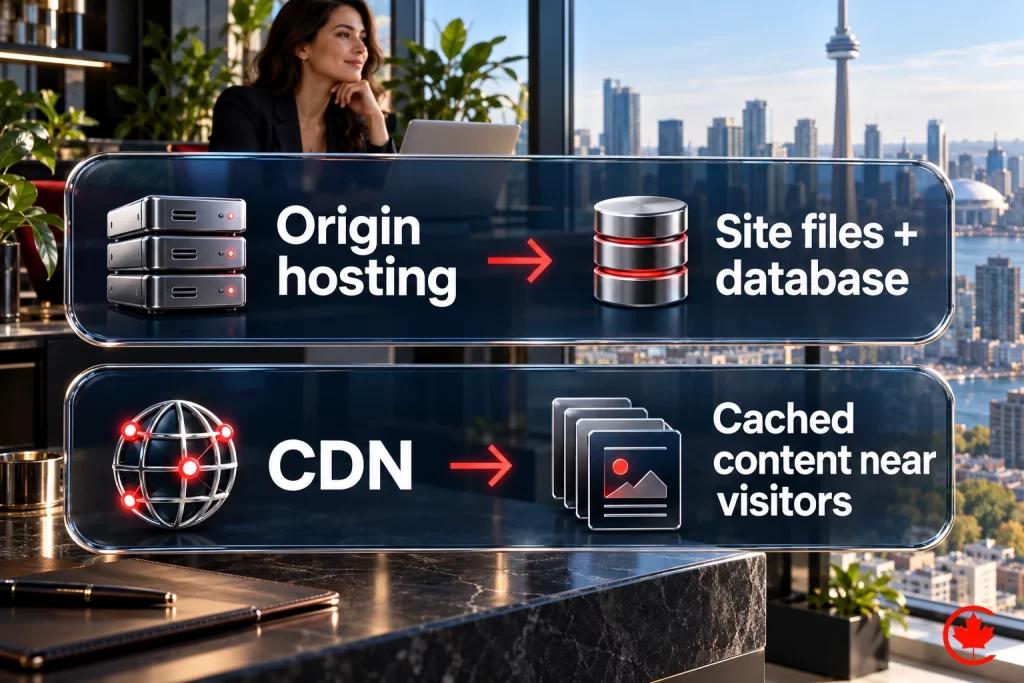
This guide compares managed WordPress hosting providers. For the difference between hosting types themselves, see shared versus dedicated hosting explained for Canadian businesses.
Disclosure: Canada Create is our own company, and our managed hosting service appears first on this list. We explain below exactly why we rank it there and where the other providers are a better fit. We do not earn affiliate commissions from any host listed here. Prices and features change often, so confirm current details on each provider’s website before you sign.
Choosing WordPress hosting in Canada is no longer a question of who has the lowest promo price. Most hosts now offer free SSL, one-click installs and some form of caching. What separates them is what happens on a bad day: a plugin update that breaks checkout, a hacked admin account, a traffic spike during a campaign, or an email that stops arriving. This guide compares the hosts Canadian businesses ask us about most, using the same criteria for each one.
Best WordPress Hosting in Canada at a Glance (2026)
| Rank | Host | Best for | Canadian data centre option | Phone support | WordPress updates and fixes done for you |
|---|---|---|---|---|---|
| 1 | Canada Create Managed Hosting | Businesses that want a dedicated environment with SSL, malware cleanup, off-site backups and core updates included. Custom-scoped engagements; proposal after discovery. Paid annually, plus applicable tax. | Discussed per project | Sales line Mon to Fri 9 to 6, Sat 10 to 2; AI agent after hours | Core updates included; other maintenance scoped separately |
| 2 | Kinsta | Performance-focused sites with in-house technical staff | Yes; Toronto and Montreal listed | Chat-first | Core updates; optional automated plugin/theme updates |
| 3 | WP Engine | Larger marketing sites and agencies | Check current regions | Plan-dependent | Core and managed plugin updates on some plans |
| 4 | SiteGround | Small sites that want a friendly dashboard | Check selected hosting and backup regions | Plan-dependent | Auto-updates available; fixes are yours |
| 5 | Cloudways | Technical owners who want cloud servers without server admin | Yes, via DigitalOcean Toronto and other clouds | Chat and tickets | SafeUpdates add-on available; application support varies |
| 6 | Canadian Web Hosting | Organizations that require data stored in Canada | Yes | Yes | Depends on plan |
| 7 | Hostinger | New or low-traffic sites on a tight budget | Check current regions | No, chat-first | Auto-updates available; fixes are yours |
We host, monitor and back up business websites, with a sales and support line open Monday to Saturday.
Details in this table reflect each provider’s public information as of September 2026. Always confirm data centre locations, support channels and renewal pricing before migrating.
How We Evaluated WordPress Hosts
We have built, hosted and repaired WordPress sites for Canadian businesses since 2008, so we judged each host on the problems we actually see clients face, not on a single speed test. Every provider was assessed against the same seven questions:
- Canadian performance: Can the site be served from a Canadian or nearby data centre, and is a CDN included?
- Recovery: How often are backups taken, where are they stored, and who performs the restore?
- Security: Is there a firewall, malware scanning and cleanup, and account isolation?
- Maintenance: Does the host update only WordPress core, or also plugins and themes, and are updates tested?
- Support: Can you reach a person by phone at any hour, and do they fix WordPress problems or only server problems?
- Total cost: What does the plan cost after the promotional term, and which extras cost more?
- Privacy: Can the provider support PIPEDA obligations and, where required, keep data in Canada?
1. Canada Create Managed Hosting: Our Top Pick
Our hosting approach: Canada Create brings hosting and website support under one Toronto team. Our managed hosting includes SSL, malware cleanup, off-site backups and core software updates. If you also need plugin and theme maintenance, email migration or application fixes, put those responsibilities in the written scope. That coordination is why we recommend it to businesses that want one team to understand their website and hosting.
What is included and what to scope
Hosting includes SSL, malware cleanup, off-site backups and core software updates. The related migration, plugin/theme maintenance, DNS and monitoring work below is agreed separately in your proposal; backup retention, restore arrangements and domain coverage are recorded there too.
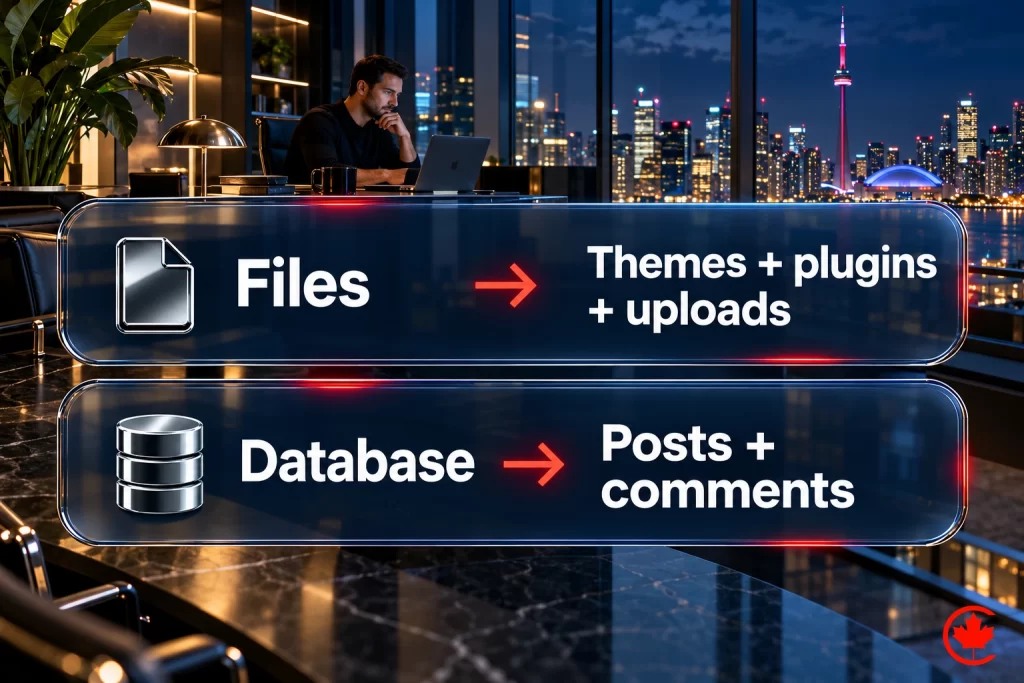
- WordPress-tuned hosting: server settings, PHP version and caching configured for WordPress.
- Migration: site, database and email transfers planned and tested before the switch.
- SSL certificates: an SSL certificate is included with hosting.
- Off-site backups: copies stored away from the hosting server.
- Security: malware cleanup is included with hosting.
- Updates: core software updates are included with hosting.
- Domain and DNS: record management, email authentication and renewal coordination.
- Uptime monitoring: outage detection and escalation matched to the maintenance plan.
- Call (416) 273-9030, Monday to Friday, 9 am to 6 pm, and Saturday, 10 am to 2 pm. After hours, our 24/7 AI agent answers the toll-free line, +1 (800) 808-9235, and we’ll follow up the next business morning.
Pros
- One point of coordination for hosting and any separately agreed maintenance, security or fixes.
- A Toronto agency with 18+ years of experience and documented support channels.
- BBB Accredited Business with an A+ rating.
- A written maintenance plan can include update testing and rollback checks to reduce breakage risk.
- Easy to add SEO, website design or security work without onboarding another vendor.
Cons
- Billed annually upfront.
- Not designed for developers who require root server access. Cloudways also restricts root access; compare an appropriate unmanaged VPS if root control is essential.
Pricing
A free hosting review comes first: we check your current host, site size, software and email, then send a written recommendation. The current hosting plan and rate are published on our hosting page and billed annually in advance, plus applicable tax. Migration, plugin and theme maintenance, staging and other work are custom-scoped after discovery; the written proposal sets their fees and responsibilities.
Best for
Canadian small and mid-sized businesses, clinics, professional firms and online stores that depend on their website for leads or sales and do not want to manage WordPress themselves.
2. Kinsta: Best for Performance-Focused Teams
Kinsta is a premium managed WordPress host using isolated site containers on cloud infrastructure. Its current location list includes Toronto and Montreal, so Canadian visitors can be served from nearby. Its dashboard is polished and includes staging, backups and performance tools.
Pros
- Strong infrastructure with a wide choice of data centre regions.
- Clean dashboard with staging environments and daily backups.
- Built-in CDN and server-level caching.
Cons
- Visit-based and bandwidth-based plans have different usage limits; compare traffic, storage, overages and upgrade costs.
- Support is chat-first; check whether phone support is available on your plan.
- Kinsta offers automated plugin and theme updates; check the current option and limits. Custom code, layout repairs and wider maintenance still need a named owner.
Best for
Businesses with an in-house developer or agency that want premium infrastructure and are happy to handle WordPress maintenance themselves.
3. WP Engine: Best for Larger Marketing Sites
WP Engine is one of the longest-established managed WordPress hosts and is popular with agencies and larger marketing teams. It offers development, staging and production environments, automated backups and developer tools.
Pros
- Mature platform with separate development, staging and production environments.
- Useful for agencies managing many client sites.
- Additional security and performance add-ons available.
Cons
- Pricing is at the premium end, and some features are add-ons.
- Some plugins are restricted on the platform, so check compatibility before migrating.
- Canadian data centre availability should be confirmed for your plan.
Best for
Larger organizations with technical staff or an agency partner who will manage the WordPress application.
4. SiteGround: Best Dashboard for Small Sites
SiteGround is a well-known host with its own Site Tools dashboard, a caching plugin and managed WordPress features such as automatic updates and daily backups. It runs on Google Cloud infrastructure.
Pros
- Friendly dashboard for non-technical owners.
- Built-in caching plugin and daily backups.
- Good documentation and onboarding.
Cons
- Renewal prices are much higher than the introductory rate.
- Check the current origin and backup region choices; a CDN edge location does not establish where the site’s underlying data is stored.
- Storage and resource limits on entry plans can be reached quickly by growing sites.
Best for
Small brochure sites and blogs whose owners are comfortable maintaining WordPress themselves.
5. Cloudways: Best for Technical Owners
Cloudways, owned by DigitalOcean, lets you launch cloud servers on providers such as DigitalOcean, including its Toronto region, without managing the operating system. SafeUpdates can automate core, plugin and theme updates; check its add-on cost and application-support boundaries.
Pros
- Choice of cloud provider and server location, including Toronto.
- Pay-as-you-go pricing and easy vertical scaling.
- Good performance stack for technical users.
Cons
- Without the relevant add-ons or support scope, your team remains responsible for WordPress updates, conflicts and repairs.
- Email hosting is not included by default.
- Less suitable for owners without technical help.
Best for
Developers and technical business owners who want control of server resources without managing Linux.
6. Canadian Web Hosting: Best for Data Residency
Canadian Web Hosting is a Canadian provider with data centres in Canada and a range of shared, managed and cloud services. It is often shortlisted by organizations that must keep data in the country.
Pros
- Canadian company with Canadian data centres.
- Wide range of hosting types, from shared to private cloud.
- Phone support available.
Cons
- The level of WordPress-specific management depends on the plan you choose.
- Compare performance tools and backup restores carefully across tiers.
Best for
Public sector, health and professional organizations with strict data-residency requirements.
7. Hostinger: Best for Very Tight Budgets
Hostinger offers WordPress hosting, with a custom dashboard, caching and one-click WordPress installs.
Pros
- Very low introductory pricing.
- Simple setup for first-time site owners.
- Includes caching and free SSL.
Cons
- Support is chat-based rather than phone.
- Renewal pricing is significantly higher than the promotional rate.
- Better suited to low-traffic sites than business-critical stores.
Best for
New projects, personal sites and early-stage businesses testing an idea.
Next Step: Let Canada Create Handle Your Hosting
If you have read this far, you already know that the lowest plan price does not settle total cost; compare included responsibilities, incident exposure and recovery costs for your site. Canada Create combines hosting, core updates, off-site backups and malware cleanup, with additional maintenance scoped in writing. The service is run by a Toronto team with 18+ years of experience and a BBB A+ rating.
- Free hosting review of your current setup, speed, security and renewal costs.
- Migration planned and tested before we switch anything.
- Custom-scoped engagements; proposal after discovery. Paid annually, plus applicable tax, with security, backups and SSL included.
- Call (416) 273-9030, Monday to Friday, 9 am to 6 pm, and Saturday, 10 am to 2 pm. After hours, our 24/7 AI agent answers the toll-free line, +1 (800) 808-9235, and we’ll follow up the next business morning. Customer support follows the channels and response targets described above.
How to Choose the Right WordPress Host
Match the host to the role your website plays in your business:
- Your website brings in leads or sales: choose managed hosting with WordPress maintenance and phone support, such as Canada Create.
- You have a developer on staff: Kinsta, WP Engine or Cloudways give strong infrastructure while your team handles the application.
- You must keep data in Canada: confirm data centre location and backup storage in writing; Canadian Web Hosting and Canada Create can discuss Canadian options.
- You are testing an idea: a budget host such as Hostinger is fine until the site starts to matter.
Questions to ask before you sign
- Where will my site and my backups be stored?
- How long does a full restore take, and who does it?
- Are plugin and theme updates included and tested?
- Is malware cleanup included, or charged separately?
- What will I pay after the first term?
- Can I reach a person by phone at 2 a.m. on a Sunday?
Does Hosting Location Matter for Canadian SEO?
Server location alone does not determine rankings, but speed is part of page experience, and a server or CDN edge close to your visitors reduces waiting time. For businesses serving Toronto, Montreal, Vancouver or Calgary, a Canadian or nearby data centre plus a CDN is the practical choice. Hosting also affects crawling: a slow or unstable server limits how efficiently Google can crawl your pages. Pair good hosting with technical SEO for the best results.
Migrating to a New WordPress Host With Less Disruption
- Take a full backup of files and the database.
- Copy the site to the new host and test it on a temporary address.
- Check forms, checkout, logins and email delivery.
- Lower DNS TTL, then switch DNS during a quiet period.
- Monitor uptime, speed and Search Console for the next two weeks.
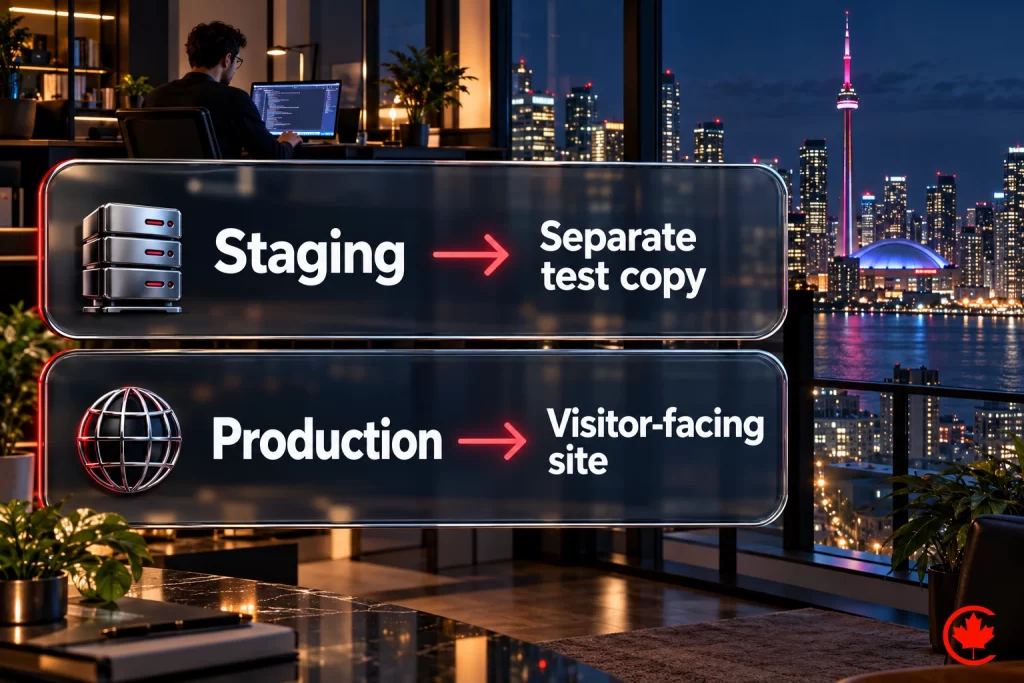
Canada Create can scope a migration alongside managed hosting. Agree which site, email and DNS steps are included, who approves the cutover and how to roll back if testing fails.
Frequently asked questions
How should a Canadian business choose a WordPress host?
Judge each host on what happens on a bad day, since free SSL, one-click installs and caching are now standard almost everywhere. Ask whether the site can be served from a Canadian or nearby data centre with a CDN, how often backups run and who performs the restore, and whether malware cleanup is included. Then check whether a person can be reached by phone, what the plan costs after the promotional term, and whether the provider can support your PIPEDA obligations.
What is managed WordPress hosting, in plain terms?
Managed WordPress hosting is a plan where the provider configures the server for WordPress and takes on some of the upkeep, such as core updates, backups and security. Server settings, the PHP version and caching are tuned for WordPress rather than left generic. How far the management goes varies by host, so check whether plugin and theme updates, conflict fixes and restores are part of the plan or extra.
Is managed WordPress hosting worth paying for?
It tends to pay off when your site earns enquiries or orders and nobody on staff wants to maintain WordPress. A plugin update that breaks checkout, a hacked admin account or a form that stops sending mail costs more than the difference between plans. If you have an in-house developer who handles updates and repairs, a cheaper or more technical plan may be enough.
What drives the cost of WordPress hosting in Canada?
The renewal rate matters more than the introductory price, since some hosts charge much more once the promotional term ends. Visit-based and bandwidth-based plans also have usage limits, so compare traffic, storage, overages and upgrade costs. Extras such as email hosting, premium security add-ons and maintenance of plugins and themes can be priced separately. Confirm current prices on each provider's website before you sign, because they change often.
Does a WordPress site need Canadian hosting?
Not always, though location affects how fast pages reach Canadian visitors, and a CDN can serve copies from nearby. Some providers list Toronto or Montreal regions, and others run cloud servers in Toronto. Data residency is the stronger reason: organizations that must keep data in the country should confirm where the site and its backups are actually stored, since a CDN edge location does not tell you that.
What is the difference between managed and unmanaged WordPress hosting?
With unmanaged hosting you get server space and the rest is yours: WordPress updates, plugin conflicts, security and repairs. Managed hosting hands part of that list to the provider. Unmanaged plans can make sense for developers who want root access and full control, while owners without technical help usually need someone else to own the maintenance.
When does a VPS make more sense than managed WordPress hosting?
A VPS suits developers or technical owners who want control of server resources and are comfortable handling WordPress maintenance themselves. Cloud platforms such as Cloudways sit in between, letting you launch servers in regions like Toronto without managing the operating system. Without the right add-ons or support scope, though, your own team still owns updates, conflicts and repairs.
Which managed WordPress hosts suit a business with its own developer?
Hosts built for technical teams make the most sense here. Kinsta offers isolated containers, staging, backups and a CDN, with support that starts in chat. WP Engine gives separate development, staging and production environments and is popular with agencies, though some plugins are restricted. Both work well when an in-house developer or agency partner will manage the WordPress application itself.
Can Canada Create move an existing WordPress site onto its managed hosting?
Yes. A hosting review comes first, covering your current host, site size, software and email, followed by a written recommendation. Site, database and email transfers are planned and tested before the switch, and migration work is scoped and priced in the written proposal. The hosting itself includes SSL, malware cleanup, off-site backups and core software updates, billed annually plus applicable tax.