
Enterprise WordPress: A Governance and Architecture Decision Guide
Enterprise WordPress is not a separate edition of WordPress and it is not a promise of a specific scale, security, search-visibility, availability, or business outcome. It is a way of applying WordPress to a complex operating environment where content ownership, access control, integrations, architecture, performance expectations, risk, recovery, and change approval need clear governance. The appropriate solution depends on the organization’s requirements, existing systems, accountability, resources, and ability to operate what it builds.
TL;DR: When WordPress becomes an enterprise decision
WordPress becomes an enterprise decision when a business needs more than a publishing interface. It needs documented owners for content and technical changes, a review of roles and capabilities, a clear content model, decisions about single-site versus network architecture, controls around integrations and data access, risk-aware security and recovery processes, and a practical way to test and reverse approved changes. WordPress’s official documentation supports these planning principles: roles define what users can do; Multisite adds operational considerations; the REST API supports the block editor and integrations with authentication restrictions; and security is risk reduction rather than risk elimination.
This guide provides decision-support information only. It does not create or alter WordPress users, roles, capabilities, sites, networks, plugins, themes, hosting, databases, APIs, integrations, analytics, SEO settings, cache settings, DNS, files, server configuration, permissions, backups, recovery settings, or production content. Any implementation requires an authorized owner, a defined scope, a tested rollback path, and a separate controlled engagement.
What “enterprise WordPress” means in practice
The phrase is useful when it describes an operating model rather than a feature list. One organization may require extensive editorial approvals and multilingual content governance. Another may need a stable way to connect a website to established systems. A third may be assessing whether several managed properties should remain separate or share an operating model. These are not solved by installing a predetermined set of tools. They require a documented assessment of the problem, responsibility boundaries, system constraints, and long-term maintenance capacity.
WordPress can be part of an enterprise environment because it supports structured content management, roles and capabilities, extensibility, and developer interfaces. Those capabilities do not remove design, operational, security, accessibility, integration, or governance responsibilities. A sound decision starts with the business and technical context, then evaluates which architecture and controls are appropriate.
A practical enterprise WordPress assessment
| Decision area | Question to document | Evidence or control |
|---|---|---|
| Business purpose | What customer, content, operational, or compliance need should the website support? | Use a written scope, named owner, and review point. |
| Content governance | Who creates, reviews, approves, publishes, and maintains each content type? | Document responsibilities, editorial standards, accessibility, and escalation paths. |
| Access model | Which responsibilities require which capabilities, and who reviews privileged access? | Map roles to business responsibilities; avoid treating all users as administrators. |
| Architecture | Does one site, separate installations, a network, or a decoupled approach fit the proven need? | Compare data, URL, hosting, operations, recovery, and ownership implications. |
| Integrations | Which systems need information exchange, for what purpose, and under whose authority? | Document data types, authentication, retention, permissions, errors, and fallback behaviour. |
| Quality and resilience | What performance, accessibility, security, backup, and recovery expectations are realistic? | Use measurable requirements, controlled releases, monitoring, and tested recovery plans. |
| Change management | How will a planned modification be reviewed, validated, recorded, and reversed? | Define scope, owner, approval, deployment method, validation, and rollback before work begins. |
Our developers build, repair and maintain WordPress sites for Canadian businesses, built to grow with you.
Start with governance and content ownership
Enterprise delivery often fails when the organization cannot identify who owns a content type, integration, customer response, legal review, or technical approval. Before choosing a platform pattern, document the content domains that matter, their source of truth, the responsible owner, revision process, retention needs, and customer-support handoff. A website can be technically functional while still creating risk if its content, claims, or access are unmanaged.
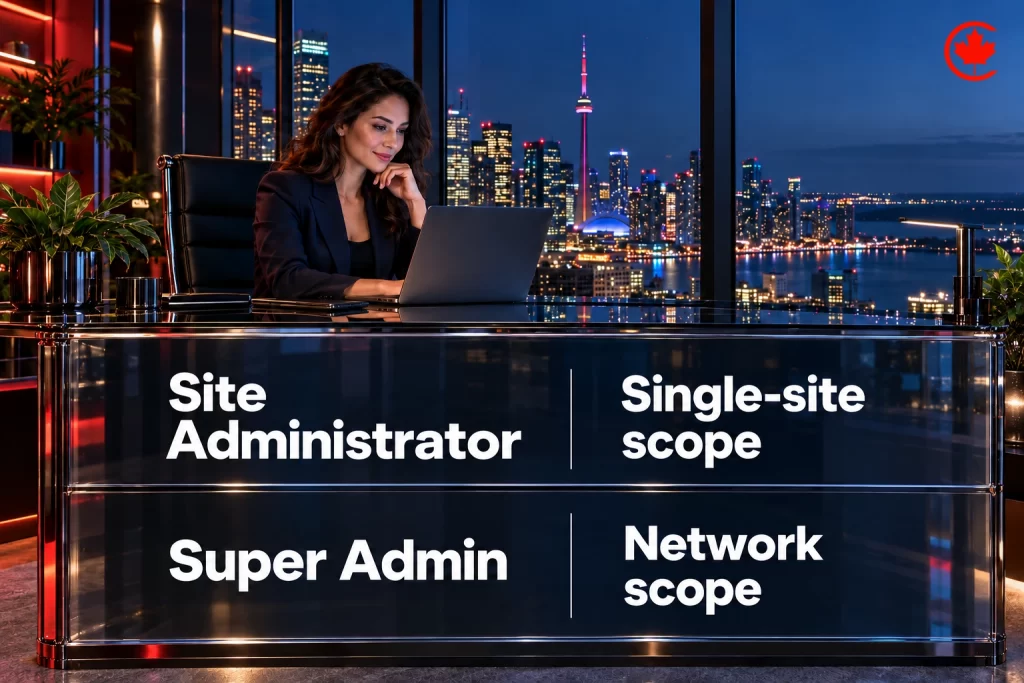
WordPress’s roles-and-capabilities model is relevant here because it separates responsibilities. The official documentation describes predefined roles and individual capabilities that govern tasks across a site. In a network, Super Admin responsibilities are distinct from single-site administration. The appropriate assignment is organization-specific; the useful principle is to avoid granting broad access by default and to review privileged responsibilities deliberately.
Multisite is an architecture choice, not a shortcut
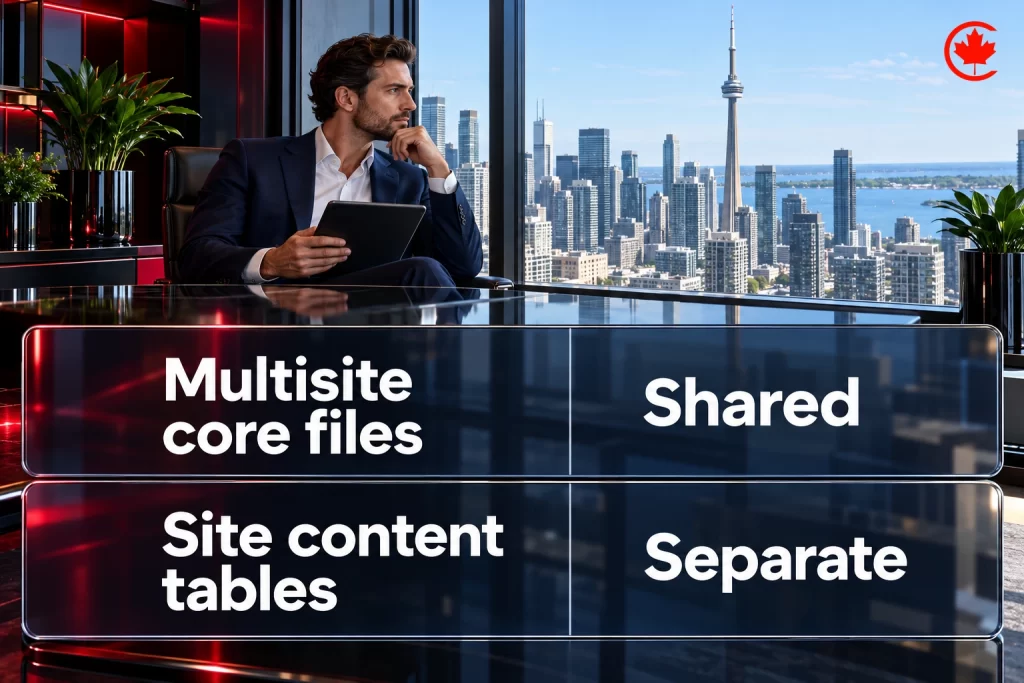
WordPress Multisite is a network of sites that shares WordPress core files and can share themes or plugins while maintaining separate media directories and database tables for sites in the network. That may be relevant when an organization has a genuine need for coordinated properties and the operational model supports it. It is not automatically appropriate because several brands, regions, or teams exist.
WordPress’s current network documentation emphasizes planning before setup, backups, and additional considerations compared with a typical single installation. URL structure, ownership, media management, plugin compatibility, recovery, user governance, and support processes should be assessed before any architectural decision. The article deliberately does not provide setup instructions or recommend a network change.
Evaluate decoupled architecture from a proven use case
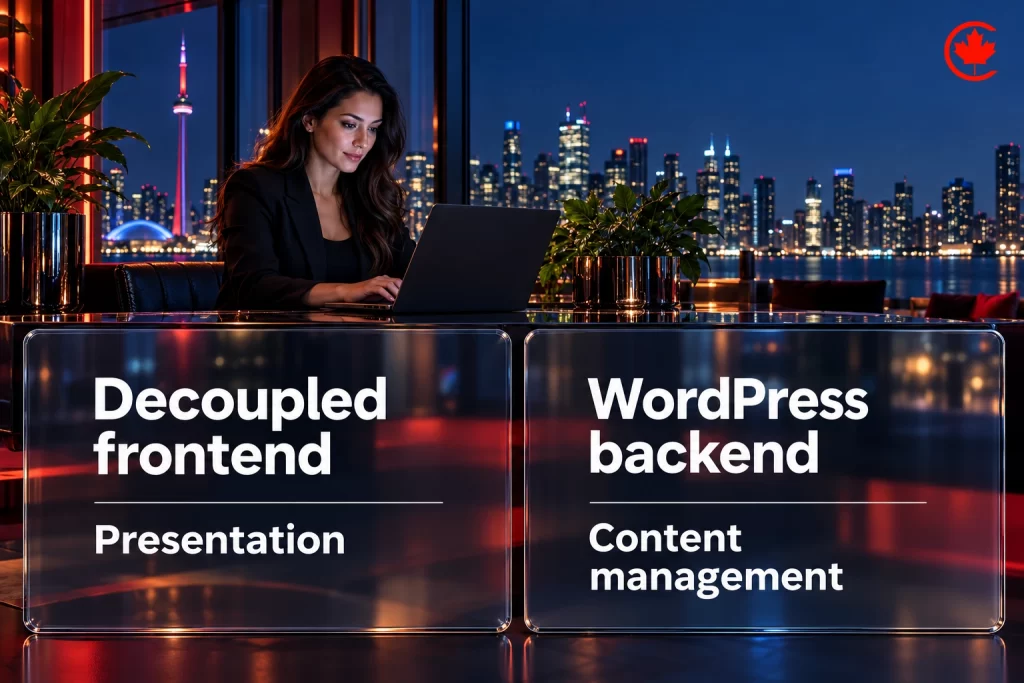
A decoupled or headless approach separates the presentation layer from the content-management back end. It can be useful where an organization has a documented multi-channel content need, established development ownership, data-access controls, and the resources to operate distinct systems. It also introduces integration, testing, security, content-preview, and operational responsibilities that should be understood before a decision is made.
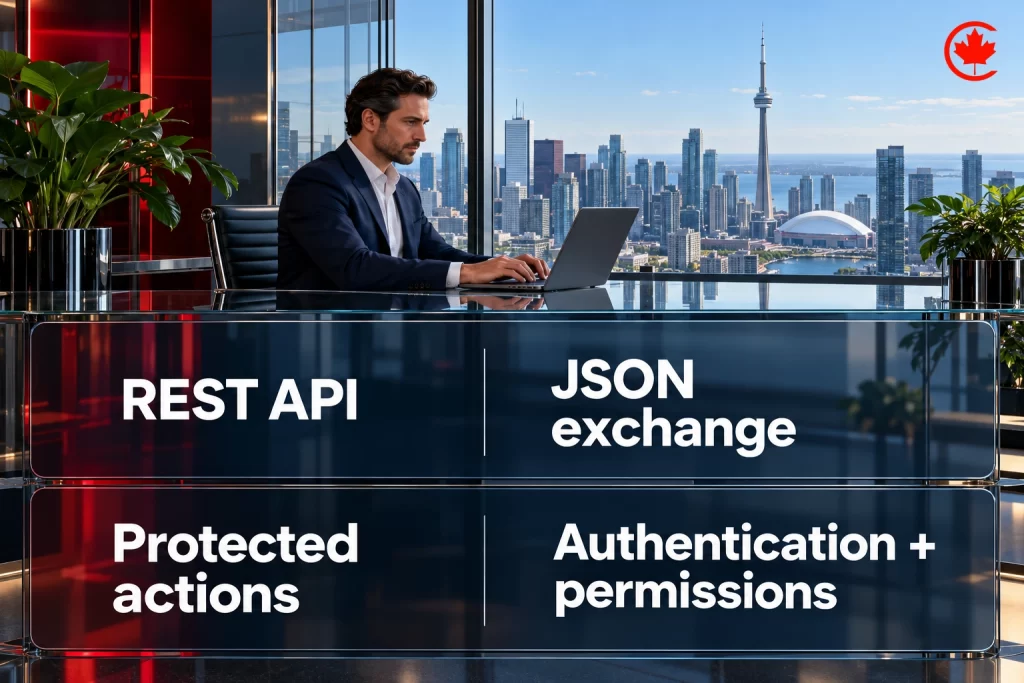
The WordPress REST API provides a structured JSON interface for applications to query or modify WordPress data, subject to its authentication restrictions. Developers do not need to use the REST API to build every theme or plugin, but the block editor and some modern interfaces depend on it. The right question is not whether headless is modern; it is whether a specific use case justifies the additional architecture and lifecycle responsibility.
Design integrations around data and ownership
Enterprise integrations should begin with a data map. Identify the data that is needed, its source of truth, the person or team accountable for it, the permitted purpose, authentication model, retention expectations, error handling, accessibility impact, privacy requirements, and the fallback if a connected system is unavailable. This avoids treating an integration as a simple checkbox or assuming that data can be exposed, synchronized, or changed without a defined owner.
For any proposed interface, clarify whether it should read data, write data, or both; which approvals are required; what event or process initiates it; how errors are surfaced; and how a change would be reversed. Those decisions should be evaluated in a controlled technical scope, not made through an editorial update.
Define quality requirements before implementation
Performance, accessibility, resilience, security, maintainability, and editorial usability are all requirements that can conflict. A decision record should state which customer journeys, devices, content types, integrations, performance observations, and accessibility needs matter. It should also distinguish a target or acceptance criterion from a promise about rankings, loading time, traffic, availability, or conversion.
For organizations considering a website build or redesign, Canada Create’s web design service is a direct route for a scoped conversation. The route does not represent a guarantee about platform selection, security, search ranking, performance, availability, compliance, leads, or revenue.

Use risk reduction and recovery planning
WordPress’s hardening guidance frames security as risk reduction, not risk elimination. That perspective is useful for enterprise planning. A responsible plan identifies the hosting and application responsibility boundary, trusted software sources, update/review process, access ownership, backup and recovery expectations, monitoring, incident escalation, and the evidence needed before a change is released.
A recovery plan is meaningful only when the organization knows who owns it, what it covers, where records are held, what dependencies exist, and how an approved restoration would be validated. This article does not provide server, database, file, firewall, permission, update, plugin, or backup commands. Those are implementation matters that require current environment evidence and a separately approved rollback plan.
Make controlled change a delivery requirement
Complex WordPress sites benefit from a disciplined change record: the business reason, technical scope, owner, approved dependencies, validation method, success criteria, known limitation, rollback method, and post-change review. The record should be proportionate to the risk. A content edit is different from an architecture decision, while a change affecting user access, data, hosting, or integrations needs a stronger boundary.
Controlled delivery does not mean avoiding change. It means making changes observable and reversible. This approach helps an organization assess the impact of an approved modification without confusing an editorial claim or vendor feature with proof of a production outcome. On large WordPress sites, search requirements belong in that controlled delivery too; our enterprise SEO services in Toronto write them as tickets your developers can ship.
Enterprise WordPress should be evaluated as a governance and architecture decision. Define the business purpose, assign ownership, map access responsibilities, compare architecture options, document integration controls, set realistic quality requirements, and establish change/recovery processes before implementation. For a scoped website review, request a proposal.
Frequently asked questions
Is WordPress an enterprise-level CMS?
It can serve in an enterprise environment, but enterprise WordPress is not a separate edition. WordPress offers structured content management, roles and capabilities, extensibility and developer interfaces such as the REST API. What makes a project enterprise-grade is the governance around it: content owners, access control, integrations, recovery and change approval. Those responsibilities stay with the organization.
Is WordPress worth it in 2026 for a large organization?
It depends on your requirements, existing systems, accountability and resources, and on whether your team can operate what gets built. WordPress fits well when the organization can name owners for content and technical changes and keep a tested way to reverse them. Installing a set list of tools does not solve governance problems. Document the business need first, then judge the platform against it.
What should an organization clarify before choosing enterprise WordPress hosting?
Define where the host's responsibility ends and yours begins. Confirm trusted software sources, how updates are reviewed and who owns access. Agree on backup and recovery expectations, monitoring and incident escalation. A recovery plan only works when everyone knows who owns it, what it covers and how a restore would be checked.
How should enterprise WordPress security be approached?
Treat it as reducing risk, which is how WordPress's own hardening guidance frames it. Map user roles to real business responsibilities instead of making everyone an administrator, and review privileged access on purpose. In a network, Super Admin duties are separate from single-site administration. Pair that with trusted software, monitoring and recovery plans that have been tested.
When does WordPress Multisite make sense at enterprise level?
Multisite runs a network of sites on shared core files and can share themes or plugins, while each site keeps its own media and database tables. It suits organizations with a genuine need for coordinated properties and an operating model that supports it. Several brands or regions do not automatically justify it. Assess URLs, ownership, media, plugin compatibility, recovery and user governance first.
Should an enterprise WordPress CMS go headless?
Only when a specific use case justifies it. A headless setup separates the front end from the WordPress back end, which helps when you have a documented multi-channel content need and the developers to run two systems. It adds integration, testing, security and content-preview work. Being modern is not a reason on its own.
How should changes be managed in enterprise WordPress development?
Keep a change record for each release with the business reason, technical scope, owner, dependencies, validation method, success criteria and rollback method. Scale it to the risk: a content edit needs less than a change touching user access, data, hosting or integrations. The aim is to make change visible and reversible. Review the result after release.
What does an enterprise WordPress consulting assessment usually cover?
It documents the business purpose, content governance, access model, architecture, integrations, quality and resilience, and change management. For each area it records a question and the evidence or control that answers it, such as a named owner or a tested recovery plan. Integrations get a data map showing the source of truth, authentication, retention and fallback if a system goes down. The result is a written basis for deciding before anything is built.