
What Should a Construction Company’s Website Actually Do for Lead Generation?

A construction company’s website has a central lead-generation job: turning the right visitors into qualified estimate requests, fast enough that your sales team can follow up while the project is still live in the client’s mind. Here is what actually matters about what that job requires in practice.
Most construction sites we audit were built to look good in a pitch meeting, not to convert a general contractor’s project manager who found you at 9 p.m. on a phone screen. Those are different design problems, and confusing them is a costly mistake a construction business owner can make when they finally decide to fix an outdated site.

Why This Question Comes Up Before a Bigger Decision
If you are reading this, you are probably a step or two away from a full rebuild decision, the kind covered in our construction company web design guide. That is the right instinct, but going straight to “should I hire an agency” before you know what the site needs to do is how businesses end up paying for a beautiful portfolio site that still generates zero calls.
At Canada Create, we ask every construction client the same opening question before we talk budget or platform: what does a qualified lead look like for your business, and where does that lead currently get lost? For most general contractors, framing crews, and specialty trades we work with, the honest answer is that leads are getting lost on mobile, on a contact form with too many fields, or on a site with no proof that the company can handle a project of the size the visitor has in mind. Fixing those three things before touching branding is where the return actually lives.
The Signals That Tell You It Is Time to Act
Use these signals to investigate whether your site is losing qualified enquiries:
- Your Google Business Profile gets more calls than your website. Compare calls with channel traffic, qualified-lead rates and booked work. More calls from Maps alone do not show that the website is failing.
- Your bounce rate on mobile is materially higher than desktop. Check your own device and conversion reports, then test the mobile enquiry path. A higher bounce rate is a prompt to investigate the audience and page experience.
- Your average estimate request has vague project details. If the leads coming through your form are unqualified or missing scope, budget range, or timeline, your form and your content are not doing enough pre-qualification work.
- You cannot point to a specific page that generated your last five leads. If lead source is a mystery, you are not measuring the site as a business asset at all.
A common version of this: strong Google reviews, decent traffic, and a contact form buried several clicks deep with no project-type filtering. The fix is often not a redesign. It is restructuring the path from homepage to form.
What Most Canadian Businesses Get Wrong Here
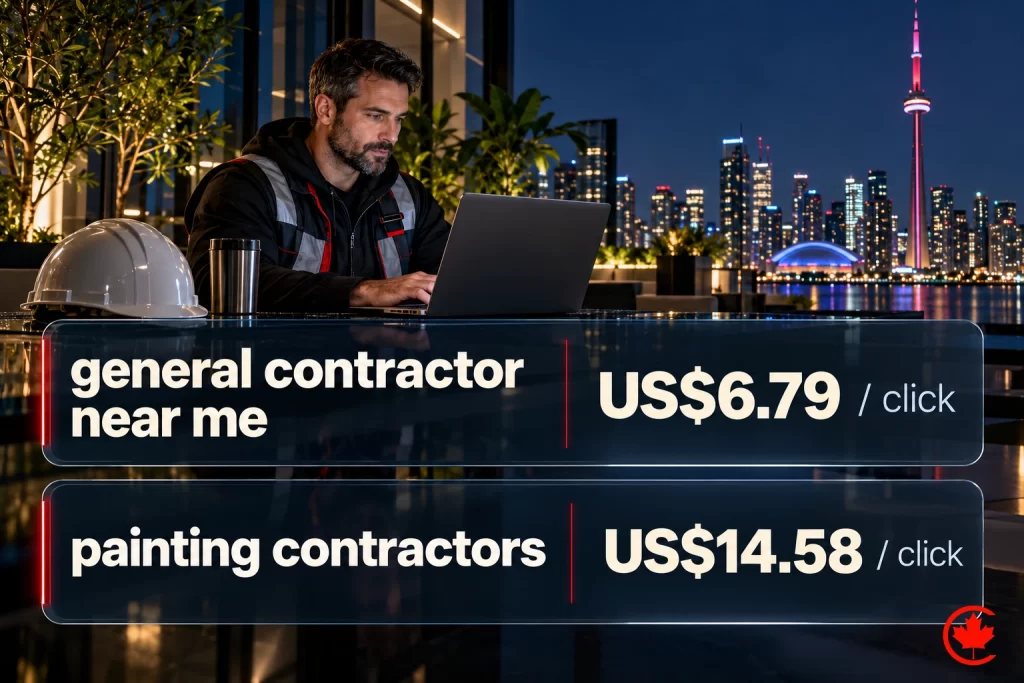
The most common mistake is treating the website like a digital brochure instead of a filtering mechanism. A construction company’s buyer is usually comparing three to five contractors before they commit, and the site’s job is to get you shortlisted, not to say everything about the company at once.
The second mistake is copying a template built for a completely different trade. A kitchen renovation site and a commercial general contractor site should not share the same layout logic, because the buyer’s decision process is different. Pages that genuinely serve a specific visitor’s intent outperform generic templates stretched across unrelated audiences, especially in construction and trades.
A Practical Framework or Checklist
Here is the framework we walk every construction client through before we talk about a rebuild:
| Step | What to check | Why it matters |
|---|---|---|
| 1. Map the buyer path | List every click from homepage to a submitted estimate request | Most drop-off happens in steps you have never counted |
| 2. Keep the first form focused | Start with name, preferred contact, project type and city or postal code; add scope or timing only when needed | Test completed requests and lead quality together; remove fields that do not help the next step |
| 3. Add proof near the ask | Photos of completed projects sized to the project type being requested | Buyers decide credibility before they decide price |
| 4. Test on a real phone, outdoors | Not a simulator, an actual phone in daylight on a job site | Construction buyers are frequently on-site when they search |
| 5. Track lead source by page | Tag your CRM or forms so you know which page produced each lead | You cannot fix what you cannot see |
We plan and run construction website design for builders, contractors and designers in Toronto and across Canada, scoped in writing after a free review.
Run through those five steps honestly and you will usually find at least one clear leak before you ever hire anyone.
When You Are Ready for the Full Decision
Once you have run this framework and you still believe the site itself, not just the funnel, needs to be rebuilt, that is the point where the bigger decision becomes worth making. Our full construction company web design guide walks through the platform, budget, and scope questions in detail, including when a custom build is worth the extra cost. That is the same discipline our web design team applies to every trades and construction build we take on. If you have already compared a low-cost template to a fully custom build, our companion post on template versus custom builds for contractors breaks down which option actually wins more bids.
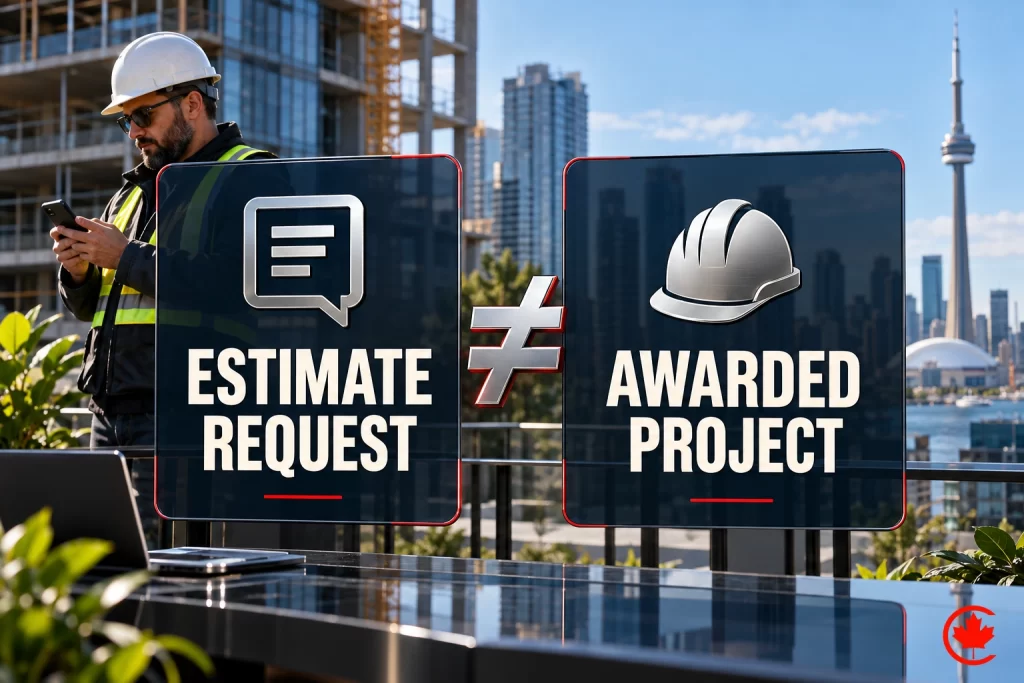
Once the site itself is solid, the next lever is almost always organic visibility. Our SEO team typically layers in local landing pages and Google Business Profile optimization once the lead funnel on the main site is fixed, because sending more traffic into a broken funnel just wastes ad and SEO spend faster.
In the eighteen years Canada Create has been building and auditing B2B and trades websites in Canada, the pattern holds steady: fixing the funnel first, then the design, produces faster and cheaper wins than a redesign chasing a problem no one has actually diagnosed.
This approach works in most cases, but not universally. If your current site is on outdated, unsupported software with real security exposure, or if your brand no longer matches your actual service offering, the funnel fix will not be enough and a rebuild genuinely is the right first move. Know which situation you are in before you spend the budget.
For the full marketing system around your website, from the map pack to Local Services Ads, read our home services marketing guide.
Frequently asked questions
How should a construction company's website be set up to generate leads?
Its main job is turning the right visitors into qualified estimate requests quickly enough for your team to follow up while the project is still fresh. That means a mobile path that works, a short first form and photos of completed projects close to the request button. Tag forms or your CRM so you know which page produced each lead.
What is the biggest lead generation mistake on construction websites?
Treating the site as a digital brochure instead of a filter that gets you onto a buyer's shortlist. Buyers usually compare several contractors, so the site does not need to say everything about the company at once. Copying a template built for a different trade is the next most common error, since a kitchen renovator and a commercial general contractor serve buyers who decide differently.
What drives the cost of building a construction company website?
The platform, the scope and whether a custom build is needed instead of fixing the existing enquiry path. Many sites lose leads through a buried or overlong form, a weak mobile experience or missing project proof, and fixing those can come before any redesign. A full rebuild makes sense when the site runs on outdated, unsupported software or the brand no longer matches the services offered.
Is a website template good enough for a construction company?
A template can work if it fits your trade and your buyer's decision process. Problems start when a layout built for one kind of work is stretched over another, such as residential renovation and commercial contracting. Pages written for a specific visitor's intent tend to serve construction buyers better than generic layouts.
What do strong construction company website examples have in common?
They make the route from homepage to estimate request short and easy to count. They place photos of finished projects next to the request, matched to the type and size of job the visitor has in mind. They also work well on a real phone in daylight, since many construction buyers search from a job site.
How many leads should a construction website generate per month?
No standard number applies, because trade, service area and project size all change what a healthy month looks like. A better test is whether you can point to the specific pages that produced your last five leads. If lead sources are a mystery, set up tracking by page first, then judge both the number and the quality of requests.
What should the estimate request form on a construction website ask?
Start with name, preferred contact method, project type and city or postal code. Add scope or timing questions only when they help the next step. Measure completed requests and lead quality together, and drop any field that does not earn its place.
How can you tell a construction website is losing leads?
Warning signs include a mobile bounce rate well above desktop, estimate requests with vague project details and no idea which pages produce enquiries. A Google Business Profile that brings more calls than the website is worth a closer look, though on its own it does not prove the site is failing. Test the mobile enquiry path yourself before deciding what to fix.
Should a construction company rebuild its website or fix the enquiry path first?
Fix the path first in most cases: map every click to the form, shorten the form, add proof near the request, test on a real phone and track lead source by page. That review often exposes at least one clear leak. Canada Create has built and audited trades websites in Canada for 18 years, and a rebuild comes first only when the software is outdated and unsupported or the brand no longer fits the work.