
How Much Should a Small Business Actually Budget for WordPress Hosting?
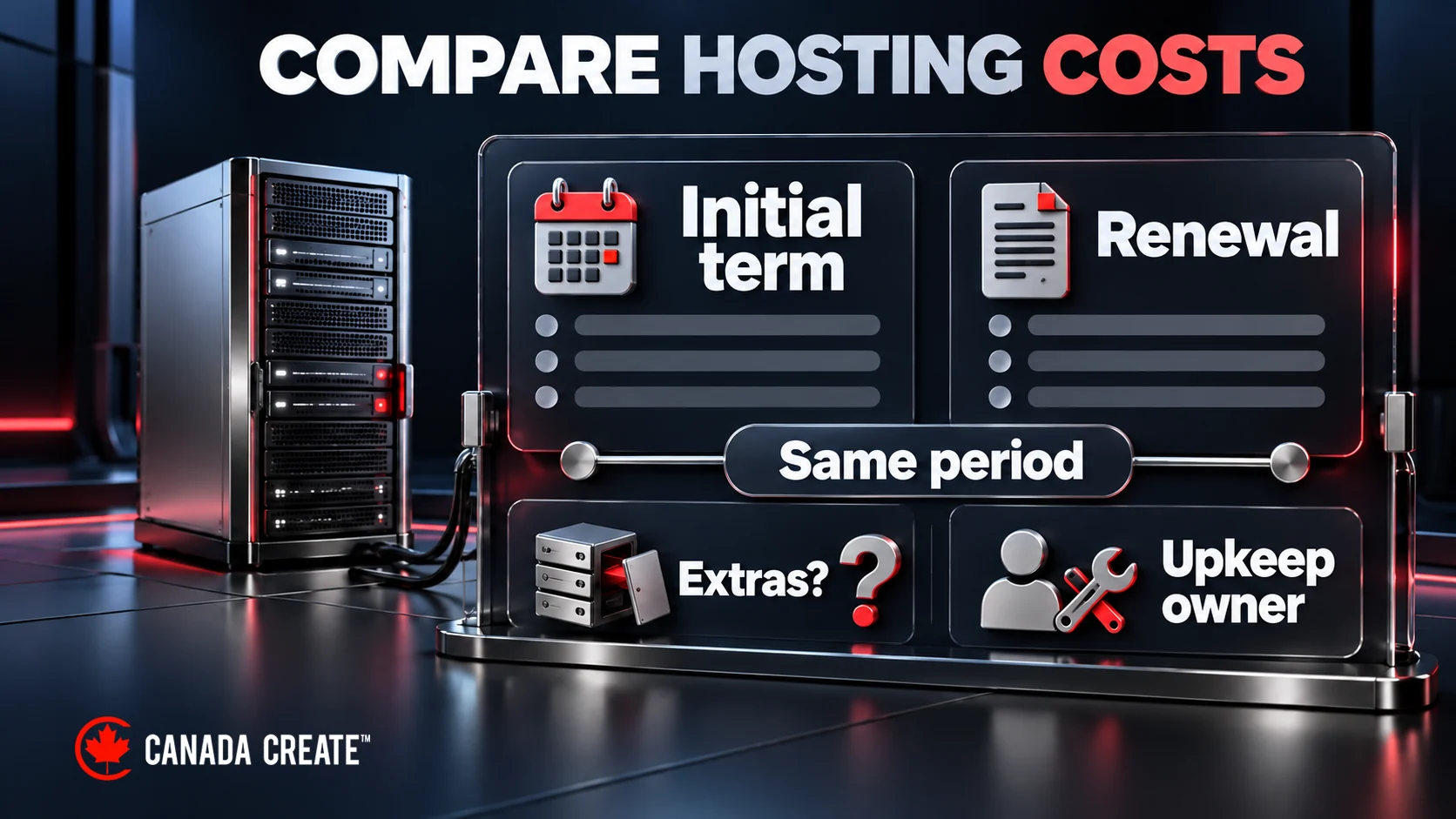
Executive summary. A small business should budget for the hosting it actually needs, not the cheapest line on a comparison page. Compare resource limits, backups, SSL, update responsibilities and support arrangements against the needs of your site. The written proposal reflects the needs of the site, including busy online stores or multiple websites. The budget figures below are illustrative planning examples. Start with a sample shared-plan cost of CAD $3 to $8 a month, then compare renewal rates, included services and resource limits with current provider quotes. Canada Create hosts business and WordPress websites in a dedicated environment, with SSL, malware cleanup, off-site backups and core updates included. Engagements are custom-scoped, with a proposal after discovery. Hosting is paid annually, plus applicable tax.
Why the advertised price is the wrong starting point
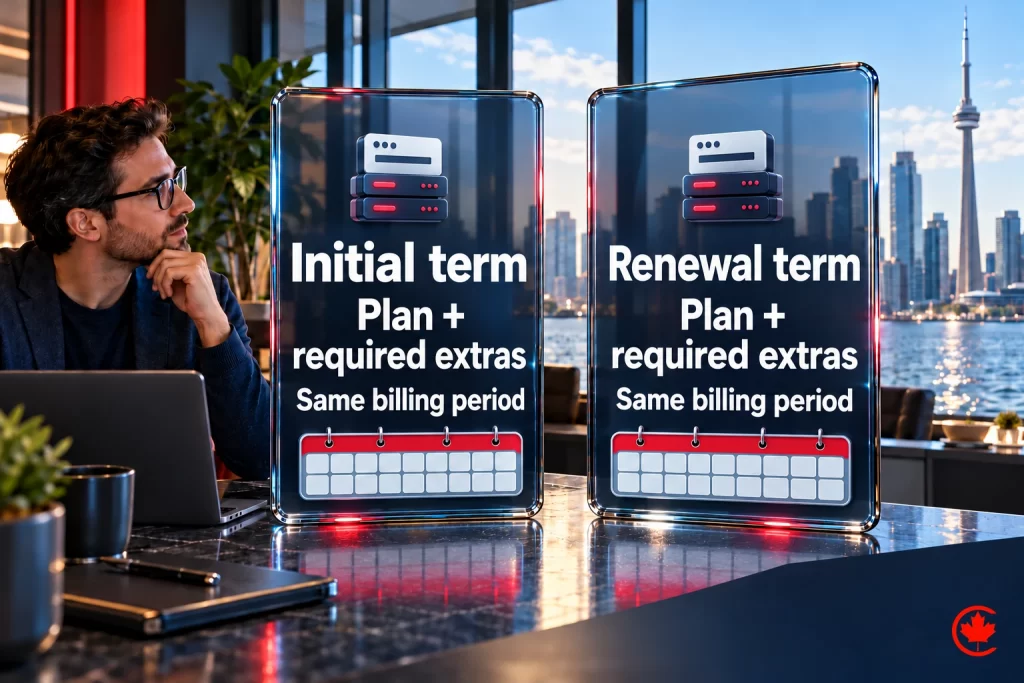
Hosting is sold on a headline number and delivered on a renewal invoice. Some providers discount an initial prepaid term and renew at a higher regular rate. Compare the initial and renewal totals for the same billing period. The second trap is the extras list. SSL, malware scanning, off-site backups, a staging copy, priority support and email may be included or charged separately. For example, a CAD $5 plan plus CAD $20 in required extras costs CAD $25 a month. Budget for the renewal price with every extra you will actually need, not the promotional price on the banner.
What a business website actually needs from its host
The list is short and it does not change much between a five-page local business site and a lead-generation site running paid campaigns. What changes is how much it hurts when one of these is missing.
- Resources matched to your site. Ask how CPU, memory and storage are allocated and how accounts are isolated. Shared infrastructure can be suitable when limits, protection and performance meet the workload; neighbouring activity does not automatically affect every site.
- Speed tuned for WordPress. Server-level caching, current PHP and a database that is not fighting other sites. Hosting, page code and content can all influence Core Web Vitals measurements. Google’s ranking systems use Core Web Vitals alongside other signals.
- SSL on every domain, with certificate renewal and expiry monitoring responsibilities clearly assigned.
- Malware scanning and cleanup that someone acts on, not a dashboard warning you find a month later.
- Off-site backups with a documented restore process. A copy on the same server can be lost in the same incident, so keep an independent recovery copy.
- Checked WordPress updates. Confirm whether core, theme and plugin updates are included, how they are tested, and who handles recovery. Canada Create hosting includes core updates; other maintenance should be specified in the agreement.
- DNS and email authentication (SPF, DKIM, DMARC) configured for the sending service, with delivery testing. Authentication helps receiving services verify sender identity; delivery tests show whether forms and invoices reach their intended inboxes.
- Uptime monitoring and a clear support route. Check how requests are logged, response targets and what urgent help includes. Call (416) 273-9030, Monday to Friday, 9 am to 6 pm, and Saturday, 10 am to 2 pm. After hours, our 24/7 AI agent answers the toll-free line, +1 (800) 808-9235, and we’ll follow up the next business morning. Standard team support targets a response within 24 to 48 hours on business days.

The budget, by type of site
| Site type | How to set the budget | What to confirm for this site |
|---|---|---|
| Brochure or local business site | Compare the annual plan total, renewal price and required extras. | SSL, backups, resource limits, update responsibilities and support targets |
| Lead-generation or content site with campaigns | Allow for campaign peaks, monitoring and reliable form delivery. | Capacity, uptime monitoring, email authentication and delivery tests |
| Busy online store or membership site | Quoted in writing | Resource needs, staging, recovery targets and any priority-support terms |
| Owner of several websites | Quoted in writing | Per-site resource allocation, backups, support contacts and billing |
We host, monitor and back up business websites, with a sales and support line open Monday to Saturday.
Site type alone does not determine the bill. Traffic, dynamic features, recovery needs and the services included matter more than the number of pages. Migration from your current host is quoted separately as a one-time setup. Domain registrations, premium plugin licences and third-party email are billed at cost or paid directly by you, so they never hide inside the hosting fee.
The hidden costs of cheap shared hosting
When a business tells us its hosting costs $6 a month, we ask five questions. Who restores the backup, and how fast? Who cleans the site after malware, and what does that cost per incident? How does slow performance affect visitors, and what measurements show the cause? How many hours did your team spend on updates and support tickets last year? And what did you lose in enquiries during the last outage you never heard about because nobody was monitoring? Those answers are the real hosting bill. For a business that relies on enquiries or orders, compare the possible cost of disruption on shared hosting with the additional cost of an alternative hosting plan; the trade-off depends on revenue, downtime and recovery needs.
Signals that your current hosting is under-budgeted
- Your site slowed down or went offline during a campaign, a press mention or a seasonal peak.
- Your host does not include off-site backups, or you have never tested a restore.
- Support replies take days, or you are the one applying plugin updates and hoping.
- Pages take longer than three seconds to load on a phone.
- Your contact form emails land in spam, or stopped arriving and nobody noticed.
- Your renewal invoice was a surprise.
These are reasons to investigate. Confirm whether the issue lies with hosting, site code, email configuration or the support arrangement before moving.
What about premium managed hosts?
Compare what a managed plan at US$30, US$60 or US$100 a month would include. Look at resource allocation, backups, staging, support channels and billing terms together. They are a reasonable fit for a business with in-house technical staff who want self-serve tooling. For most Canadian small businesses the better question is who picks up the phone when the site is down at 7 p.m. before a trade show. A managed environment run by the team that also builds and optimizes your site, billed in Canadian dollars with tax shown up front, can simplify coordination, provided responsibilities and support arrangements are clear.
How to reduce migration downtime
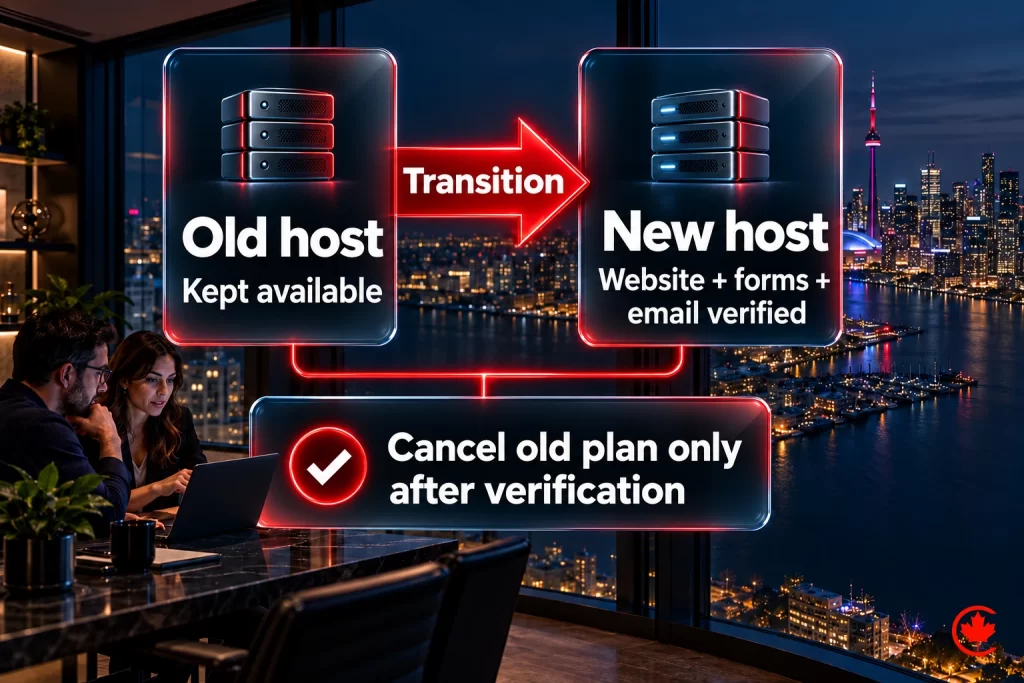
A proper migration copies the site into the new environment, tests it on a temporary address, checks forms, redirects and tracking, then plans the DNS change, including lowering the time-to-live in advance where appropriate. Resolver caching means the transition is not instantaneous. Plan email routing and authentication separately and test delivery before and after the switch. The old plan stays live until the new one is verified, and only then is it cancelled. Keep a rollback path and monitor availability, forms and crawl access during the transition. Our website hosting page lists what is included and what the review covers; the maintenance and security service is the same team for sites that stay on another host. Hosting decisions are part of every project on our WordPress development in Toronto page.
Current plans and inclusions are on the website hosting page.
Frequently asked questions
What should a small company set aside for WordPress hosting?
Budget for the renewal price plus every extra you will actually need, rather than the promotional number on the banner. Some hosts discount a first prepaid term and renew at a higher regular rate, so compare initial and renewal totals for the same billing period. Then check whether SSL, malware scanning, off-site backups, a staging copy, priority support and email are included or charged as extras.
Is the cheapest WordPress hosting a false economy for a business site?
It can be, once you count what the low price leaves out. Ask who restores a backup and how fast, who cleans the site after malware and at what cost per incident, and how many staff hours went into updates and support tickets last year. For a business that relies on enquiries or orders, weigh the possible cost of an unnoticed outage against the price of a better plan.
How do you pick a WordPress host for a small business in Canada?
Compare hosts on what a business site needs: resources matched to the site, server-level caching and current PHP, SSL on every domain, malware cleanup that someone acts on, and off-site backups with a tested restore process. Confirm who applies WordPress updates, who sets up SPF, DKIM and DMARC for email, and whether uptime is monitored. Billing in Canadian dollars with tax shown up front makes comparisons easier.
Is a premium managed WordPress host worth the extra cost for a small firm?
Premium managed plans can suit a business with in-house technical staff who want self-serve tooling. Compare resource allocation, backups, staging, support channels and billing terms together before deciding. For most small businesses the more useful question is who will answer the phone when the site goes down the evening before a trade show.
Can low-cost shared hosting work for a small WordPress site?
Yes, shared infrastructure can be suitable when its limits, protection and performance meet the site's workload. Ask how CPU, memory and storage are allocated and how accounts are isolated from one another, since a busy neighbour does not automatically slow every site. Hosting, page code and content all influence Core Web Vitals, so test speed before blaming the host.
What makes one website's monthly hosting bill higher than another's?
Traffic, dynamic features, recovery needs and the services included matter far more than the number of pages. A busy online store or membership site needs more resources, staging and faster recovery than a brochure site. Domain registrations, paid plugins and outside email services are often billed on their own, so ask where each one sits.
What are the signs a business has outgrown its WordPress hosting?
Warning signs include a site that slowed or went offline during a campaign or seasonal peak, backups you have never test-restored, support replies that take days, and pages that take longer than three seconds to load on a phone. Contact form emails landing in spam and a surprise renewal invoice belong on the list too. Confirm whether the cause is hosting, site code, email setup or support before you move.
How do you move a WordPress site to a new host with little downtime?
Copy the site into the new environment and test it on a temporary address, checking forms, redirects and tracking. Plan the DNS change ahead, lowering the time-to-live in advance where appropriate, and remember resolver caching means the switch is not instant. Keep the old plan live until the new one is verified, and test email delivery before and after.