
How to Optimize Your PPC Ads for Voice Search?
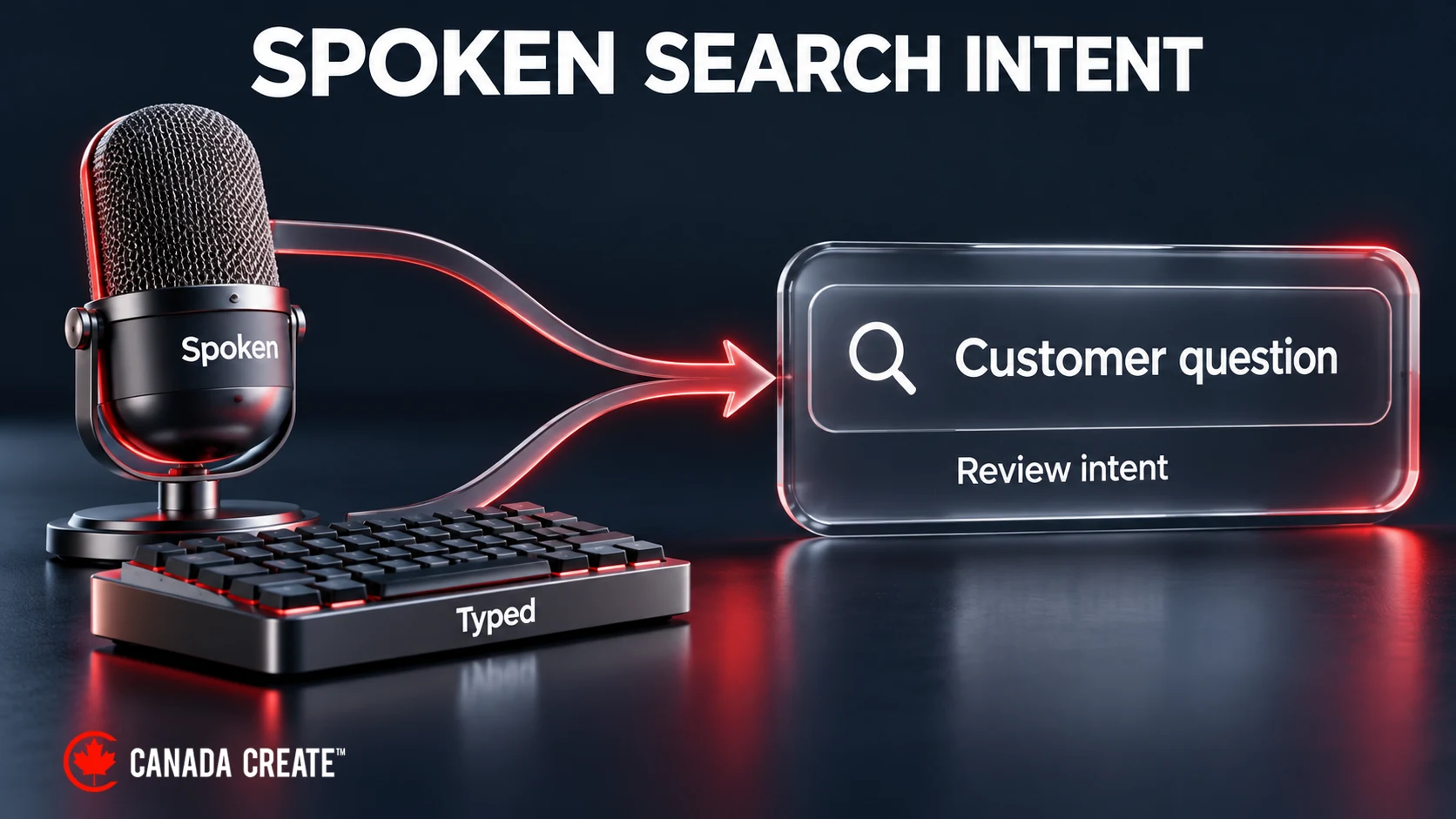
People can speak a search instead of typing it, and a spoken question may be longer or more conversational. For a PPC campaign, the useful task is still to match a relevant search with the right offer and landing page. Voice assistants and search products differ: a spoken request does not necessarily produce a Google search ad.
If you run Pay-Per-Click (PPC) campaigns, use customer questions to improve keyword coverage, ad wording and landing pages. The steps below explain where conversational search can inform that work, and where voice-specific assumptions can lead you astray.
Why is Voice Search Important for PPC?
Google’s retrospective on digital marketing cites a GlobalWebIndex study from 2018 in which 27% of the global online population used mobile voice search. That is useful historical context, not a current Canadian adoption rate or a forecast for your campaign. Start with your customers’ questions and the relevant searches your campaigns actually receive.
Voice search queries tend to be different from traditional text-based searches in several key ways:
- Natural Language: Voice searches tend to be more conversational and longer. For example, a user may say, “Hey Google, where can I find the best pizza in town?” instead of typing “best pizza near me.”
- Question-Based Queries: Voice searches often revolve around questions like “What,” “How,” and “Where.”
- Local Intent: A spoken question may ask for a nearby service, opening hours or directions. Match the response and next step to that specific need.
For PPC campaigns, use conversational language when it matches the customer’s task. Do not create a separate strategy merely because a query looks spoken: typed searches can use the same wording.
Focus on Long-Tail Keywords
One of the most significant differences between voice and text search is the length and structure of queries. Voice search queries are typically longer and more conversational than their typed counterparts. For instance, while someone may type “best pizza,” a voice search might be more specific like, “Where can I get the best pizza in downtown Toronto?”
Actionable Tip:
- Target long-tail keywords: Research longer phrases that describe a relevant customer need. A query such as “how to fix a leaking faucet” may seek a DIY answer rather than a plumber, so check commercial intent before bidding.
- Use question-based keywords: Use relevant customer questions to inform keywords and ad wording. Match types can cover related wording, so you do not need a separate keyword for every possible spoken sentence.
SEO Tip:
Use Google’s Keyword Planner or Answer The Public to research customer questions. These suggestions do not identify whether someone spoke or typed a search.
2. Optimize for Local Search
Spoken questions can involve local information. Users often ask voice assistants for information about local businesses, such as store hours, directions, or availability. This is especially true for mobile voice searches, where people use their phones to find things on the go.
Actionable Tip:
- Focus on location-based keywords: If you’re running a local business, use PPC campaigns that target location-specific keywords like “restaurants in [city name]” or “plumbers near [location].”
- Keep your Google Business Profile accurate: For an eligible business, review contact details, hours and location. Google Ads location assets can use a connected Business Profile to show business information.
SEO Tip:
Use location targeting and review where enquiries come from. This controls geographic reach; it is not a voice-search placement setting.
3. Make Your Content Conversational
Write clear ad copy that answers the customer’s question and fits the brand. Conversational wording can make an offer easier to understand, whether the search was spoken or typed; a casual tone is useful only when it suits the audience.
Actionable Tip:
- Write natural-sounding ad copy: Use language that mimics how people speak. Instead of using stiff, corporate phrasing, try something like, “Need a quick pizza delivery in Toronto? Order now from Joe’s Pizza!”
- Use more engaging calls-to-action (CTAs): Match the CTA to the task: some questions are informational, while others show buying intent. Consider adding CTAs such as “Call now,” “Find the nearest store,” or “Order today” to make your ads more actionable.
SEO Tip:
Use Google Ads assets to include more specific information in your PPC ads, like location, phone numbers, and promotions, when that information helps the customer act.
4. Understand Search Intent and Context
The meaning of a query depends on the customer’s task and context. A question about opening hours needs a different response from a request to book a service. Use the wording, landing page and available campaign data to decide whether the query fits the offer.
We build and run Google Ads campaigns measured on calls, forms and booked jobs, not clicks.
Actionable Tip:
- Align with search intent: Consider the user’s intent when they make a voice query. Are they looking for information (informational intent), making a purchase (transactional intent), or seeking a local service (local commercial intent)? Tailor your PPC ads accordingly.
- Use Dynamic Search Ads (DSA): DSAs use website content to match relevant searches and generate headlines and landing-page selections. They do not target a separate voice audience. Google has scheduled the DSA transition to AI Max to begin in February 2027, so check the current account notice before choosing this setup.
SEO Tip: Conduct regular keyword research to understand customer questions. Tools like SEMrush or Moz can suggest query themes; compare them with your own search terms and qualified enquiries before changing bids or copy.
5. Improve Your Website’s Mobile Optimization
Make the landing page work well on mobile as well as desktop. Google’s mobile-first indexing concerns organic Search; for PPC, test whether the landing page is clear and usable on the device receiving the ad click.
Actionable Tip:
- Optimize your website for mobile: Ensure that your website loads quickly, is easy to navigate, and has a responsive design that adapts to different screen sizes. A mobile-optimized site will improve your ad’s performance and user experience.
- Speed is key: Voice search users expect fast answers. A slow-loading website can result in higher bounce rates, reducing the effectiveness of your PPC campaigns.
SEO Tip:
Use Google PageSpeed Insights to find performance issues. A fast, usable landing page supports visitors after an ad click. Google Ads also evaluates landing-page experience; do not treat one speed score as a direct measure of ad rank.
6. Leverage Structured Data and Rich Snippets
Structured data can describe visible page content and may support eligible Google rich-result features. It does not let a publisher mark a page as a featured snippet, and adding markup does not guarantee that a voice assistant will select or read the page.
Actionable Tip:
- Use schema markup for FAQs: Answer genuine customer questions visibly. Matching FAQPage markup remains valid descriptive vocabulary, but Google retired FAQ rich results on May 7, 2026. Do not assume this markup increases selection by a voice assistant.
- Implement local business schema: Use accurate LocalBusiness data to describe visible details such as your address, hours and phone number. This does not guarantee that those details will be read in a voice response.
SEO Tip:
Use Google’s Rich Results Test for supported Google features and Schema.org’s Schema Markup Validator for general markup validation. Passing a validator does not establish voice-response eligibility or guarantee selection.
7. Monitor and Optimize Your Campaigns Regularly
Review search terms, qualified enquiries and acquisition costs regularly. Keep useful conversational wording, exclude irrelevant demand and improve landing pages where visitors encounter friction.
Actionable Tip:
- Track relevant queries and conversions: Use Google Analytics and Google Ads to review landing-page behaviour, available search terms and conversions. These reports do not identify every spoken query as a separate voice-search segment. Treat conversational wording as a clue about intent, not proof of how the search was entered.
- A/B test ad copy: Test different variations of ad copy against your campaign’s conversion goals. Try experimenting with conversational language, location-based keywords, and different calls to action.
SEO Tip:
Update keywords, negatives, ad copy and landing pages when customer questions or campaign results show a useful change.
Sum Up
Conversational questions can reveal what customers need to know before they enquire or buy. Use that insight to improve ad relevance, local information and landing pages, then judge the campaign by qualified enquiries and their cost. Structured data describes the page; it is not a voice-ad targeting control.
The key is user intent and context. Test useful changes, review the searches and outcomes you can observe, and avoid labelling a result as voice-driven when the reporting does not establish that.
Frequently asked questions
How do I optimize for voice search?
Answer real customer questions clearly, keep eligible business listings accurate and make pages easy to use on mobile. For paid search, focus on relevant intent and qualified enquiries rather than a presumed voice audience.
Does voice search affect Google Ads?
A spoken query entered into Google Search may match an eligible search campaign. Choose keyword match types and negatives around meaning and performance; longer wording alone does not prove a search was spoken.
Is voice search important for local businesses?
Spoken questions can concern hours, directions or nearby services. Keep those details accurate, but use your own enquiry data rather than assuming a fixed share of local searches is voice-driven.
Who can optimize my ads and site for voice search?
Our Google Ads management and local SEO teams improve query relevance, local information and landing pages.